Previewing Designs in the Builder

Beefree App is now RGE Studio!
The email design suite you already know and love just leveled up. We’re working hard to update our help center, but you still may see some references to the old product name.
This article applies to the Email and Pages builder in all plans.
Overview
Preview Mode in RGE Studio shows how your design will look once published. You can view your design on different screen sizes. Dark Mode Preview shows how your email or page may look in dark mode.
How to Access Preview Mode
- Open your design within the RGE Studio builder.
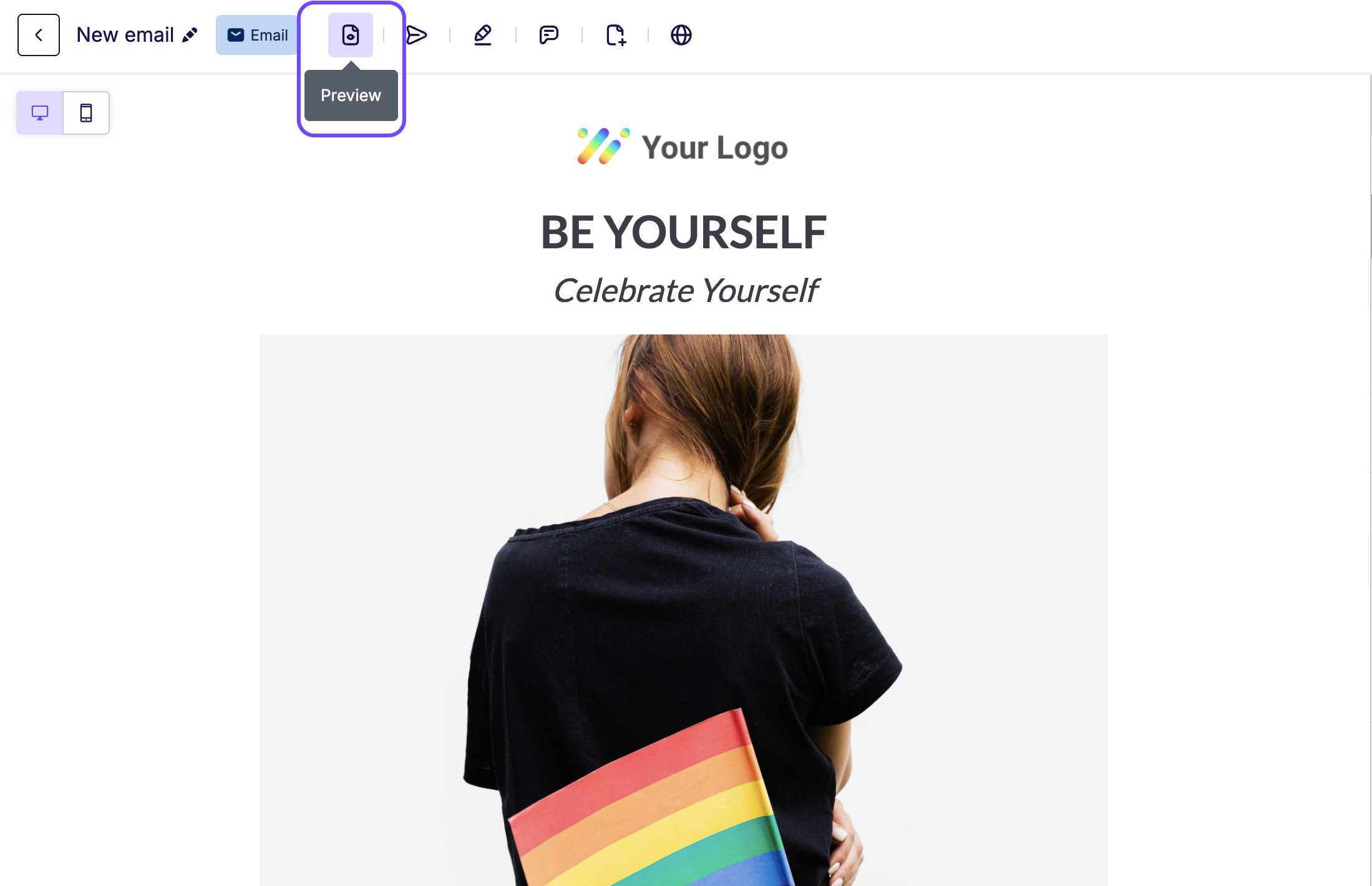
- Click the Preview icon closest to your design title in the top navigation toolbar.
- Preview Mode opens. It shows how your content looks on different devices.
Preview Features
The options in Preview Mode depend on your design type.
Emails

- Toggle Dark Mode Preview: Use Dark Mode Preview to see how your email may look in dark mode.
- Switch between views: You can switch between desktop, tablet, or mobile views. You can also set a custom width and height. When you change one, the other updates to keep the same proportions.
- Preview display conditions: If your email uses display conditions, use the dropdown to view each version.
- Send Test: Send a test email using the button in the top-right corner.
-
Share: Access your design's preview URL. From here, you can:
- Generate a QR code.
- Open the URL in a new tab.
- Copy the URL.
Pages
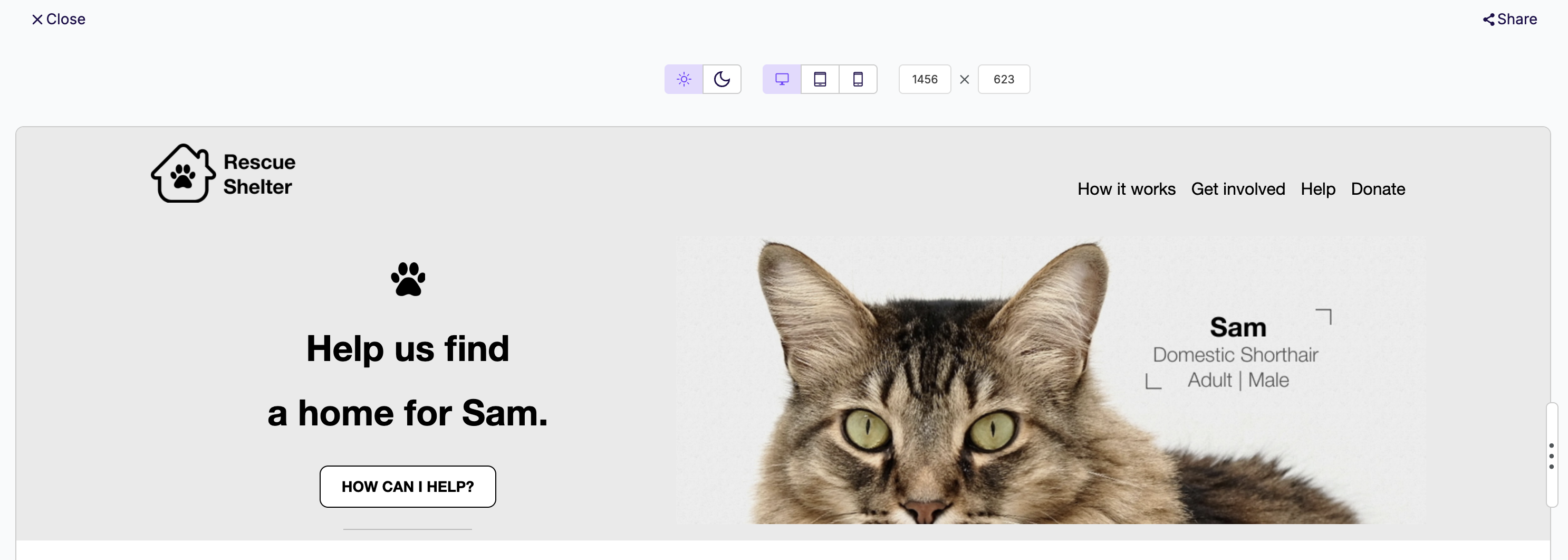
- Toggle Dark Mode Preview: See how your page may look in dark mode. Results may vary across browsers.
- Switch between views: You can switch between desktop, tablet, or mobile views. You can also set a custom width and height. When you change one, the other updates to keep the same proportions.
-
Share: Access your design's preview URL. Share always shows the preview URL, even after you publish your page. From here, you can:
- Generate a QR code.
- Open the URL in a new tab.
- Copy the URL.
Exiting Preview Mode
Click the X icon in the top-right corner of the preview window. This returns you to the builder. You can return to Preview Mode at any time while you work.
If you have any questions, feel free to contact us.
Comments
0 comments
Please sign in to leave a comment.