Preview URLs

Beefree App is now RGE Studio!
The email design suite you already know and love just leveled up. We’re working hard to update our help center, but you still may see some references to the old product name.
This article applies to paid plans.
Overview
When you create an email or page design, a preview URL is automatically generated. This link allows you to share a live preview of your design with others; no account access is required.
Where to find it
There are a couple of different places where you can find the preview URL.
Inside the Builder
While designing a page or email, you can access the preview URL from the in-builder preview. Click the Share option in the upper right-hand corner to quickly copy or open the preview version of your design. This option is available in the Email and Page builder.

After exiting the Builder, you’ll land in the design details section. The preview URL is also available on this page.
On the details page
Above the design preview is the URL that represents the web address of your email. Use the icons on the right to:

- Open it in a new browser tab
- Copy it to your clipboard to paste elsewhere (e.g. via instant message, social network, etc.)
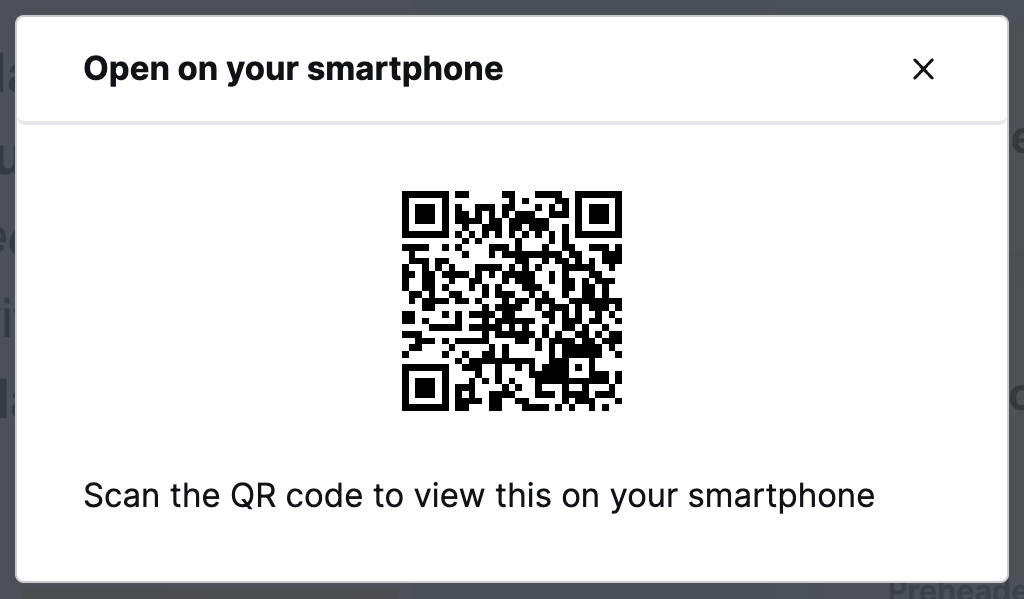
- View a QR code that you can read with your phone or tablet to see how the email renders on a mobile device
You can find more information about detail pages here: Using the Email Details Section and Using the Page Details Section.
There are a few ways you can use the preview URL:
- Approval workflow: Share the preview link with team members to gather feedback without needing them to log in.
- View in browser link: Use the preview URL for your “View in browser” call-to-action in emails. Alternatively, convert your email to a page, publish it, and use the published page link instead.
- Cross-device testing: Open on multiple browsers and devices to check responsiveness.
Customize your preview URL
Customize your preview URL
Customize your subdomain in your workspace settings. Your preview URLs will use the subdomain. See more here: Workspace settings.
Additional Considerations
- This feature is only available for paid users for security purposes. It's not available on free trials unless you already have a paid plan.
- Preview URLs created in Starter plans before April 29th will stop working on May 6th.
- Preview URLs are required to use the Gmail add-on. If you are trialing a plan or under the Starter plan, use the Gmail connector. See the following articles: Exporting to Gmail and Using RGE Studio Templates Add-on for Gmail.
- If you want to use your custom domain rather than your custom subdomain, you need to publish the page. If you’re working with an email, you can create a page version directly from the details page. See more here for generating a page from your email.
If you have any questions, feel free to contact us.
Comments
0 comments
Please sign in to leave a comment.