Adding video to your email

Beefree App is now RGE Studio!
The email design suite you already know and love just leveled up. We’re working hard to update our help center, but you still may see some references to the old product name.
This article applies to the Email builder in all plans.
Overview
The Video content block lets you share video content in your emails. Copy and paste a URL from YouTube or Vimeo. RGE Studio grabs the cover image. It adds a play icon and links to the video.
How It Works
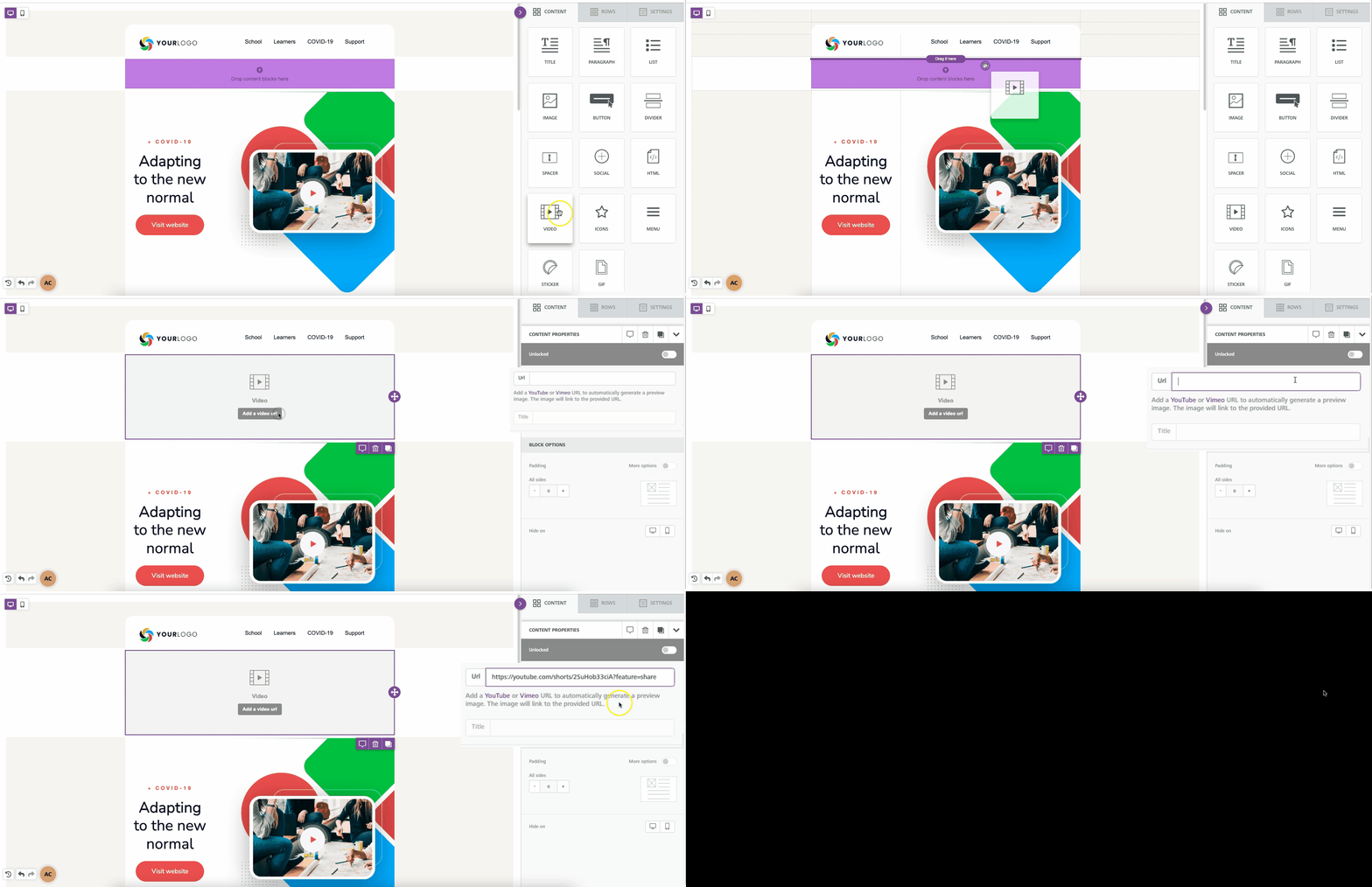
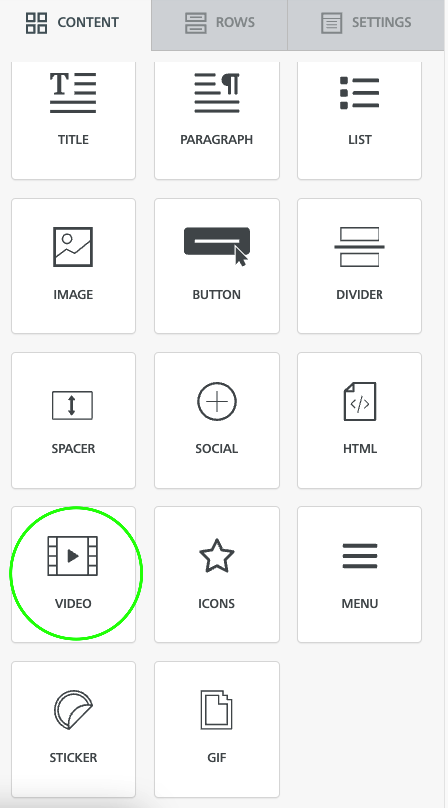
Find the Video tile in the Content panel. Drag it into your design.
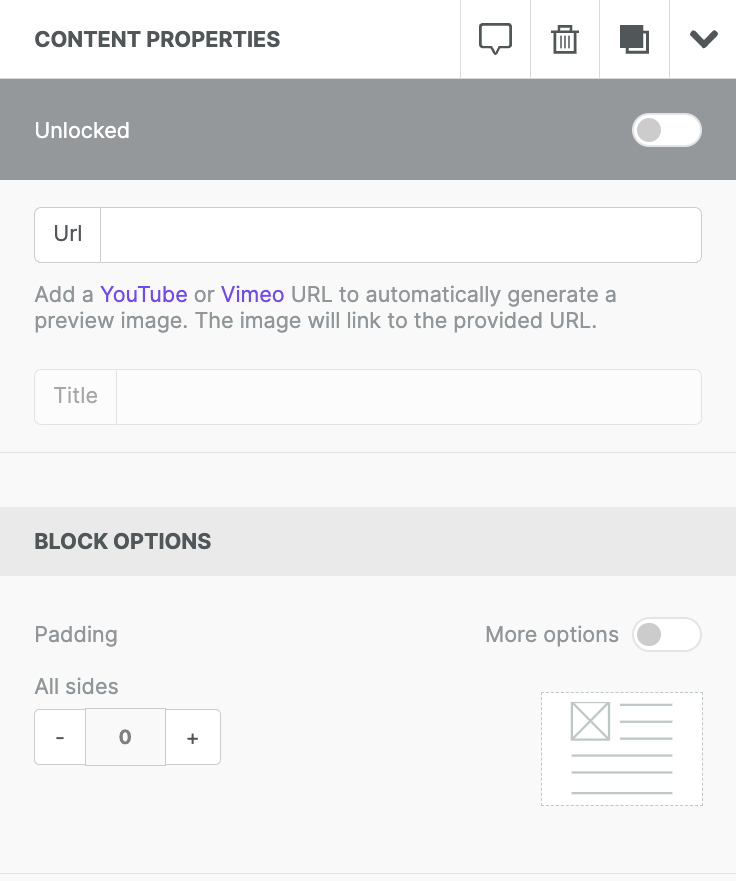
In the Content properties section, enter a video URL from YouTube or Vimeo.
RGE Studio supports these privacy settings:
- YouTube: Public and Unlisted
- Vimeo: Public and Unlisted
The builder supports these aspect ratios:
- 4:3 and 16:9 (standard video formats)
- 9:16 (YouTube Shorts format)
- 21:9 and 9:21 (CinemaScope formats)
For YouTube videos, you can link to a specific timestamp. See this Lifewire article for instructions.
Once you enter a valid URL, the cover image appears. A play icon overlays the image. You can edit the icon type, color, and size.
The builder can't retrieve cover images for password-protected videos.
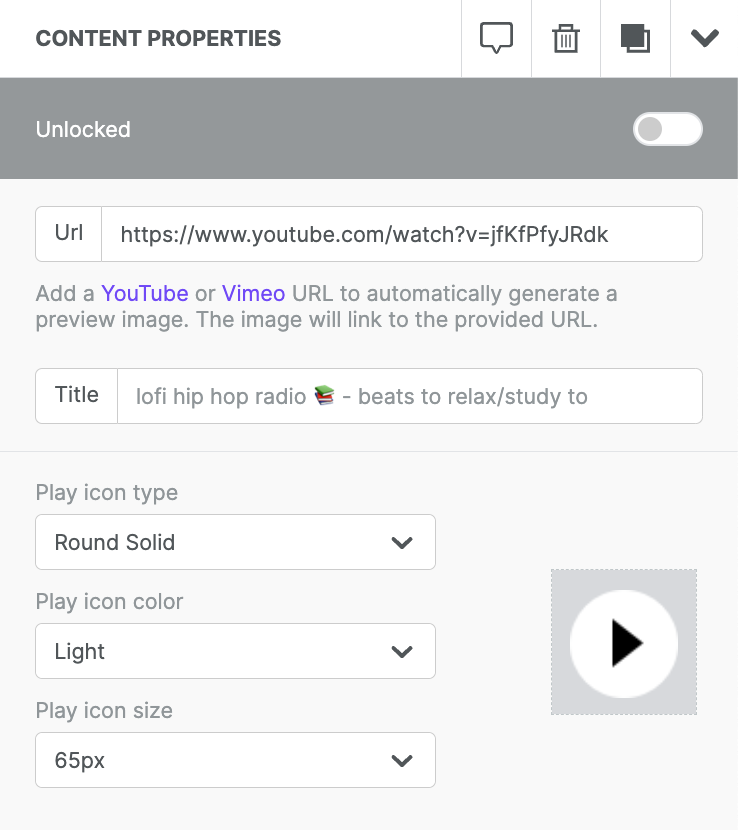
Select the icon type that fits your design:
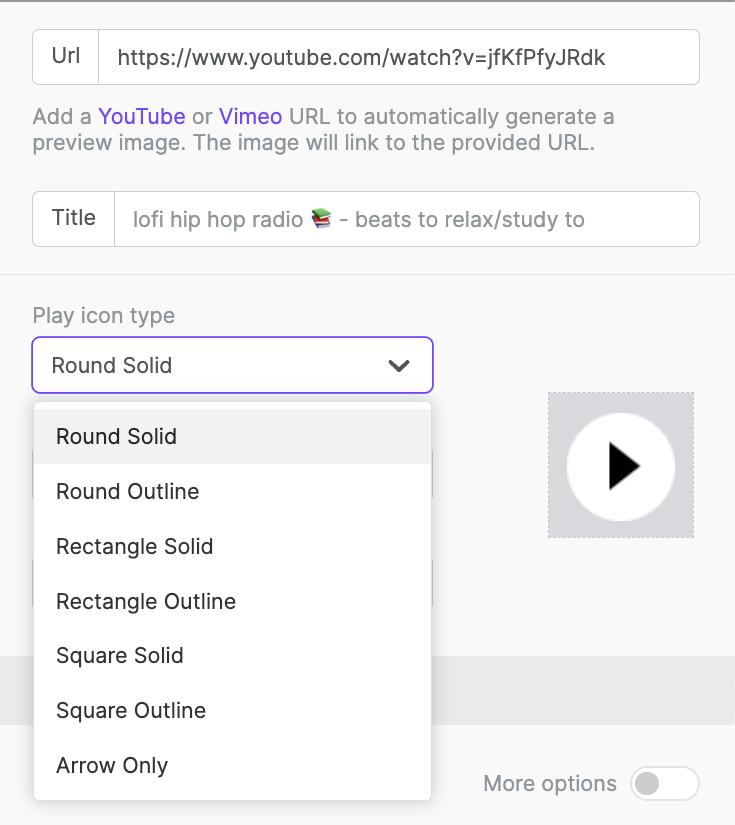
Choose the color that looks best with your cover image:
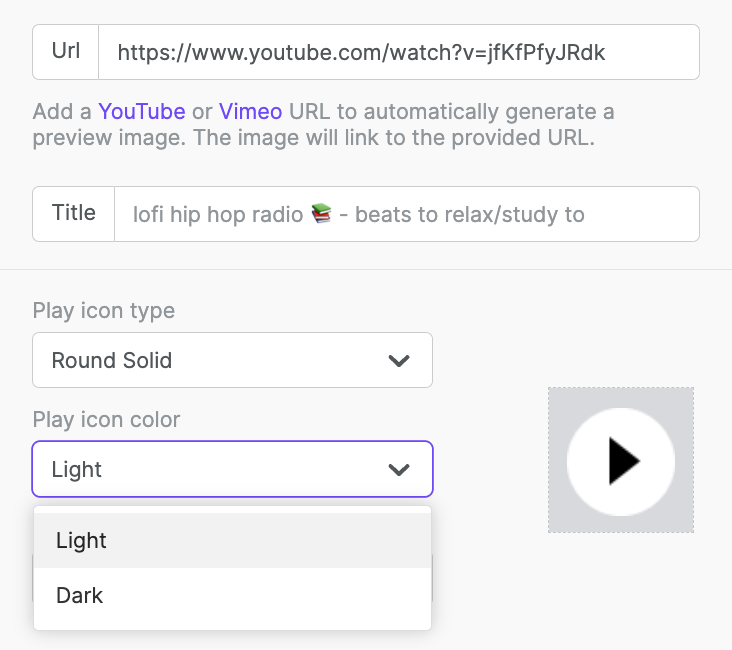
Pick a size.
Due to a YouTube limitation, videos don't play in the design preview. Right-click the video and select Open in a new tab to preview.
Video in Email
The video block links to your video. It doesn't embed video directly in the email.
Most email clients don't support embedded video. For details on client support, see this Litmus article.
Many users open emails on mobile devices. Embedded video can use significant mobile data. Poor connections can also affect playback quality.
If you have any questions, feel free to contact us.
Comments
8 comments
As both Youtube and Vimeo are blocked in China. It's great if Chinese video platform such as QQ and Youku can be added to the support list.
Bee has added horrible black padding top and bottom of my video and I can't figure out how to get rid of it.
Thank you.
Hi R., the black padding is applied by YouTube.
Our video block automatically tries to get the max quality image, which has no black padding. In some cases, it may happen that this format doesn't exist, so our system fallbacks to the standard format, which is safe because it is always provided, but in most cases, the black padding appears in the image.
Thank you Guillermo.
I got round it by using an image instead and linking the YouTube video to the image.
YouTube doesn't add the padding in their web page, it only showed in the email on Bee.
Hi R., thanks for sharing the workaround that you used.
The thumbnails are not generated by us but provided by YouTube.
You can use an online service like https://youthumb.net to check it, we use the MAXRES value if available, if not, we use the STANDARD value.
If your video returns a correct MAXRES value in this service, please, let us know.
Please note that the Youtube image does not show up in Outlook desktop, latest version. It does appear in Gmail.
What is happening with the video preview image, cause it show in low res, before it didn´t happen. I have a design from 1 year ago and the preview is perfect, but in my new design I can´t make it with hight resolution.
Hi Erika, I'm sorry to hear that you're experiencing an issue with your video thumbnail. I'm opening a support ticket on your behalf so we can investigate this further. Please keep an eye out for an email from one of our support specialists!
Please sign in to leave a comment.