Using the File Manager

Beefree App is now RGE Studio!
The email design suite you already know and love just leveled up. We’re working hard to update our help center, but you still may see some references to the old product name.
This article applies to the Email and Pages builder in all plans.
The RGE Studio builder includes a built-in file manager. The file manager is the component that you will use to browse, search, and select the images and documents that you wish to use in your email or page.
With the file manager you can:
- Browse, search, and sort existing files
- Import new files
- Create folders
- Preview and insert images into your design
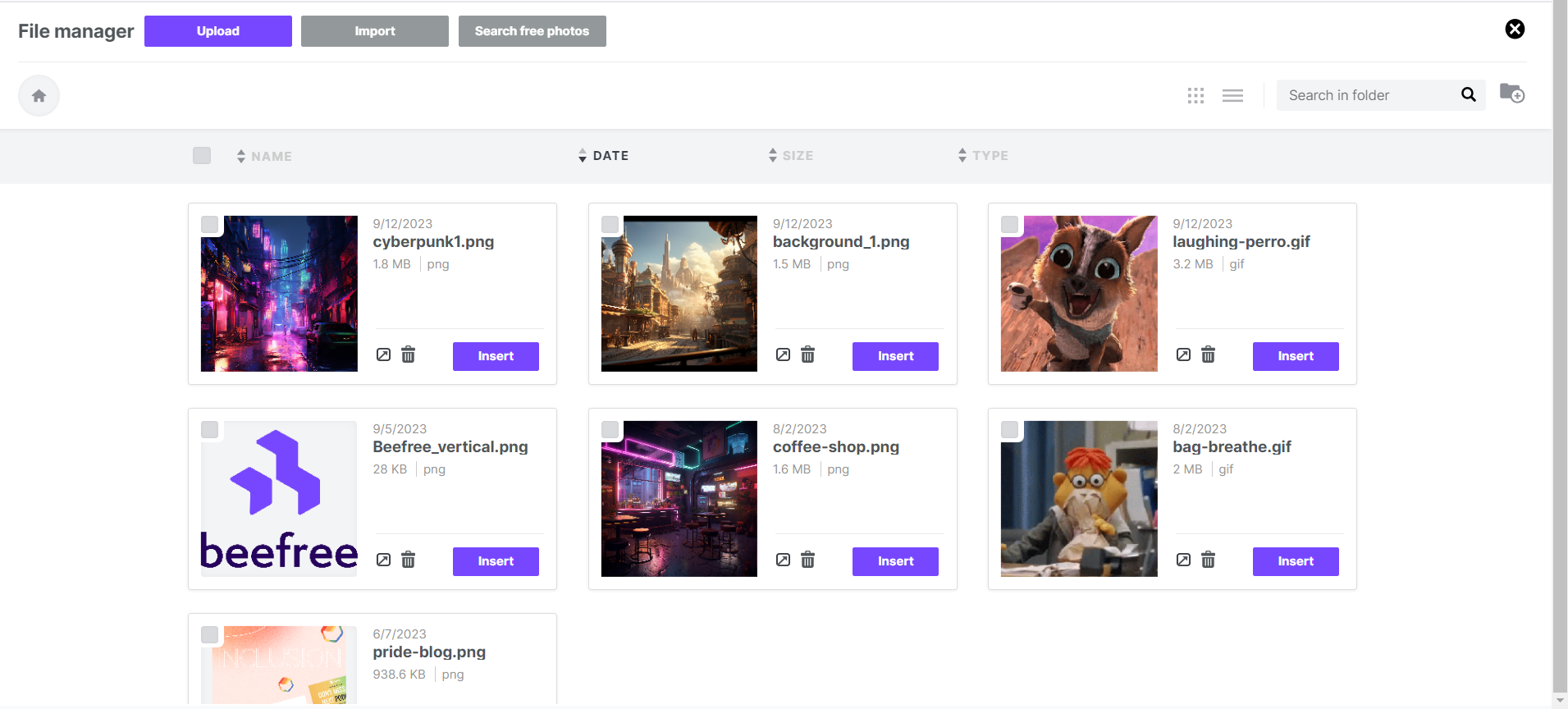
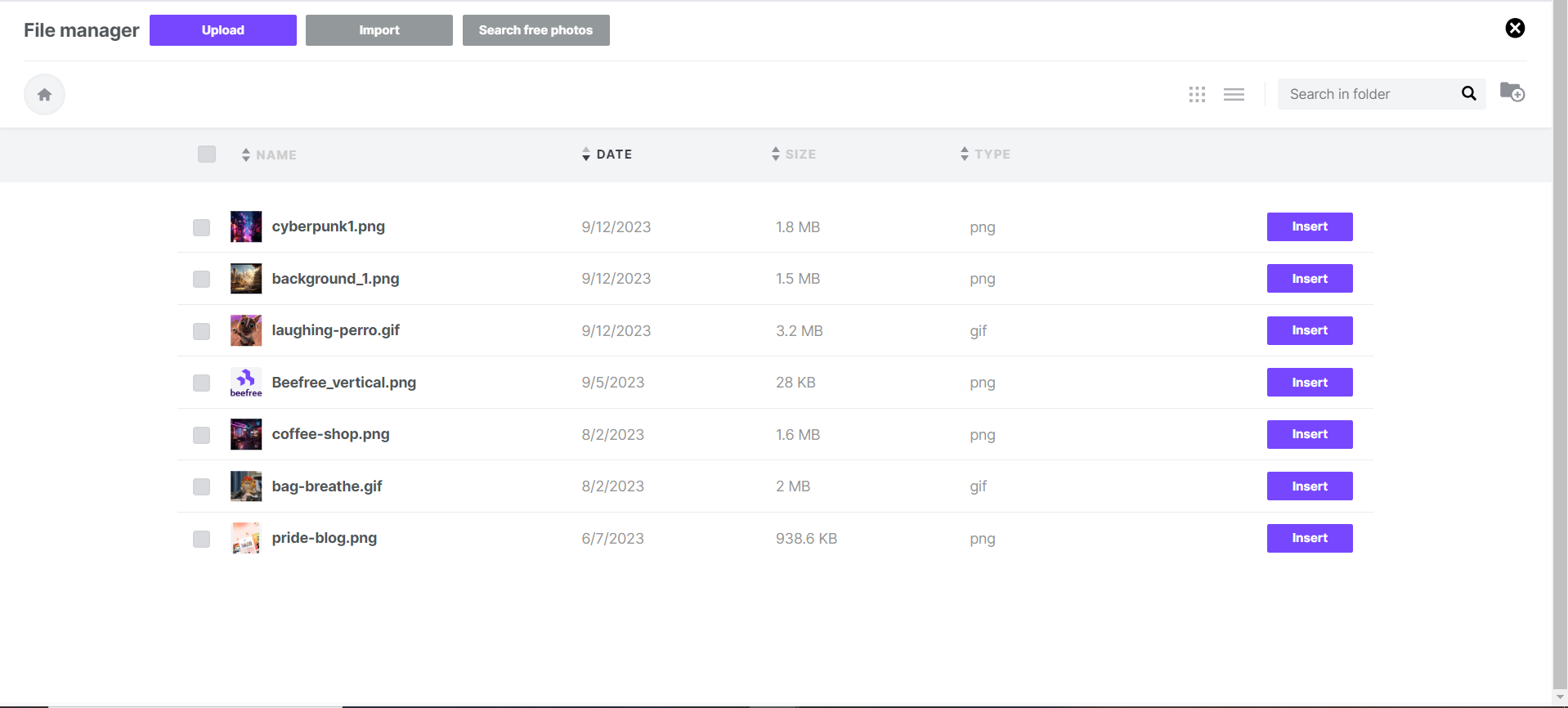
List and Grid View
The file manager will open over the builder, covering the entire working area. This allows you to browse your files without worrying about your screen size or resolution.
You will find a top section with actions and navigation helpers. Most of the space is used to list your files and the information you need to work with them: it's organized into:
Grid view
List view
Accessing the File Manager
There are several options you can select in the RGE Studio builder that cause the file manager to open. If you are inside the RGE Studio platform, but outside of the builder, you can also navigate to the Library tab and select Media. For more information on this option, check out our help center article, Media Library.
If you need to insert something from the file manager into a design created in RGE Studio, then you must access it from inside the builder. There are three ways you can access the file manager inside the builder:
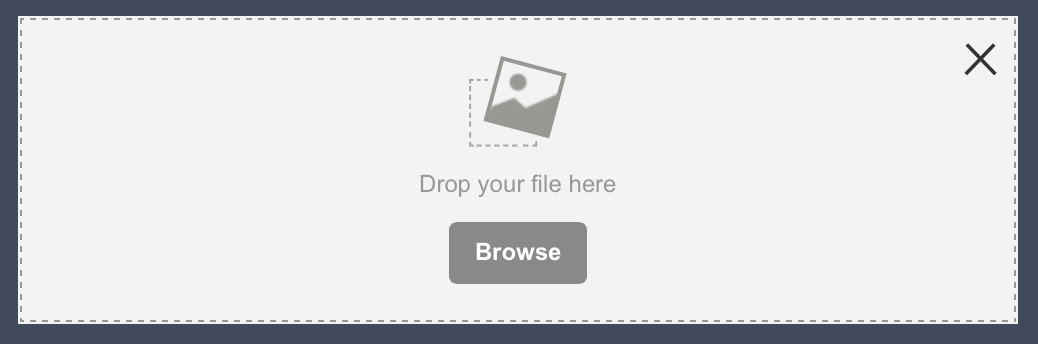
1. When you click on the Browse button on an image placeholder, which is displayed when you drag and drop an image content block into a design.
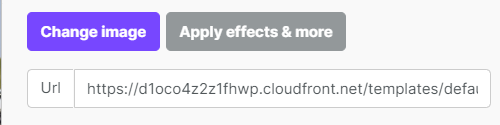
2. When you click the Change image button in the image (or icon) properties panel:
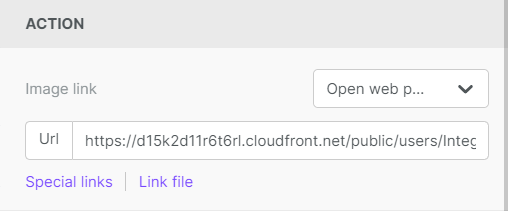
c. When you click on Link file when working with images and buttons:
Uploading Files
The quickest way to upload a file into the file manager is to drag it from your computer to the file manager window, dropping it into the upload area. And it supports multi-file upload too. Cool, huh?
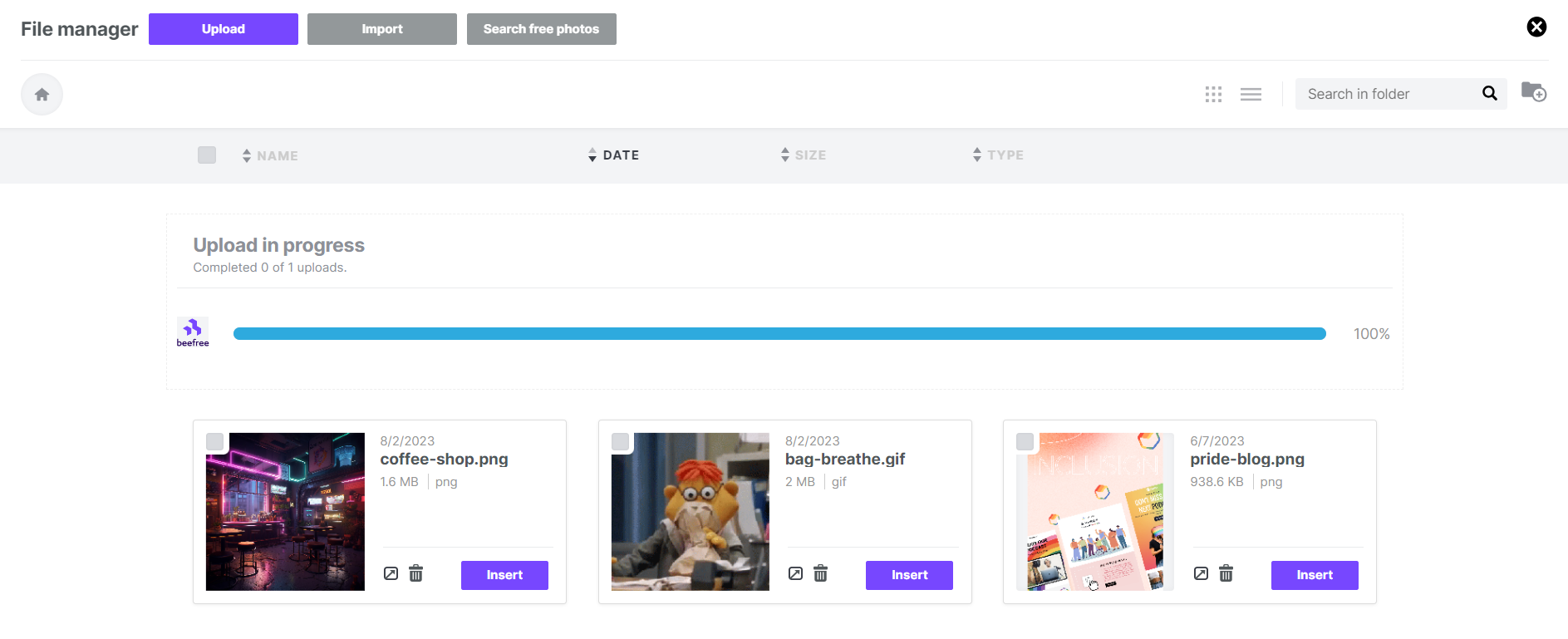
There are other ways to do so. When you use the RGE Studio builder full screen, and can't drag from your desktop, the Upload or Import button will do the trick.
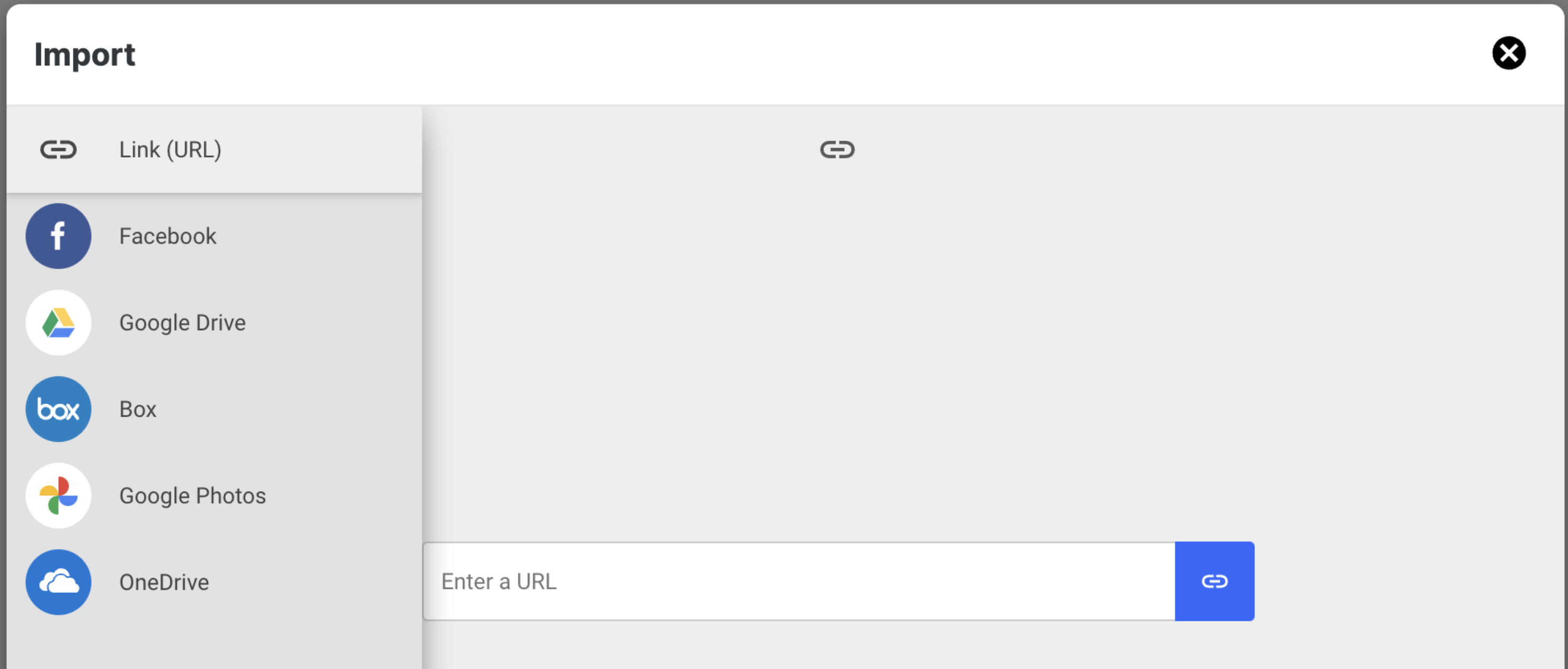
Importing files from other applications
The Import feature allows you to import content via URL or services like Google Drive, OneDrive, and Box. You can also import from Facebook and Google Photos.
Browsing & Searching Files
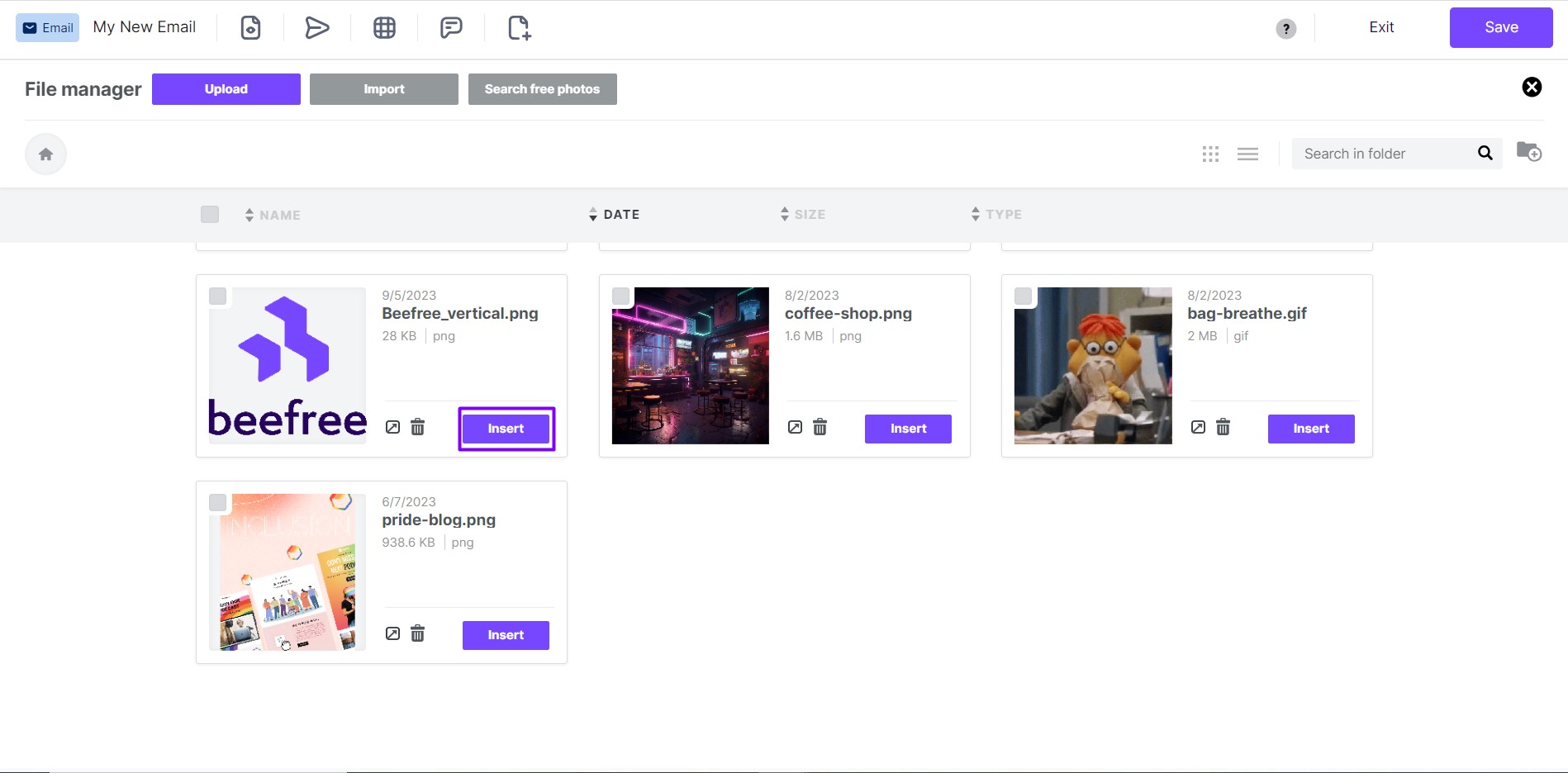
To locate your desired image or document, browse your folders and order their content by name, date, size or type by clicking on the sort labels on top of the list.
An arrow icon next to these labels means that this is the current filter, and its orientation will tell you the order, ascending or descending.
Too many files in the selected folder? Click on the lens icon to run a search. The results will be filtered on the fly. Mind that this search is performed only in the current folder, and not in your entire repository.
Using Files
When you move your cursor over a file or folder, that row will be highlighted and the available action icons will be shown on the right side:
- insert and preview for files
- delete for both files and folders
If an action is momentarily not available, you will be notified by the tooltip text of the icon. For example, when you try to delete a folder that contains files because only empty folders can be deleted.
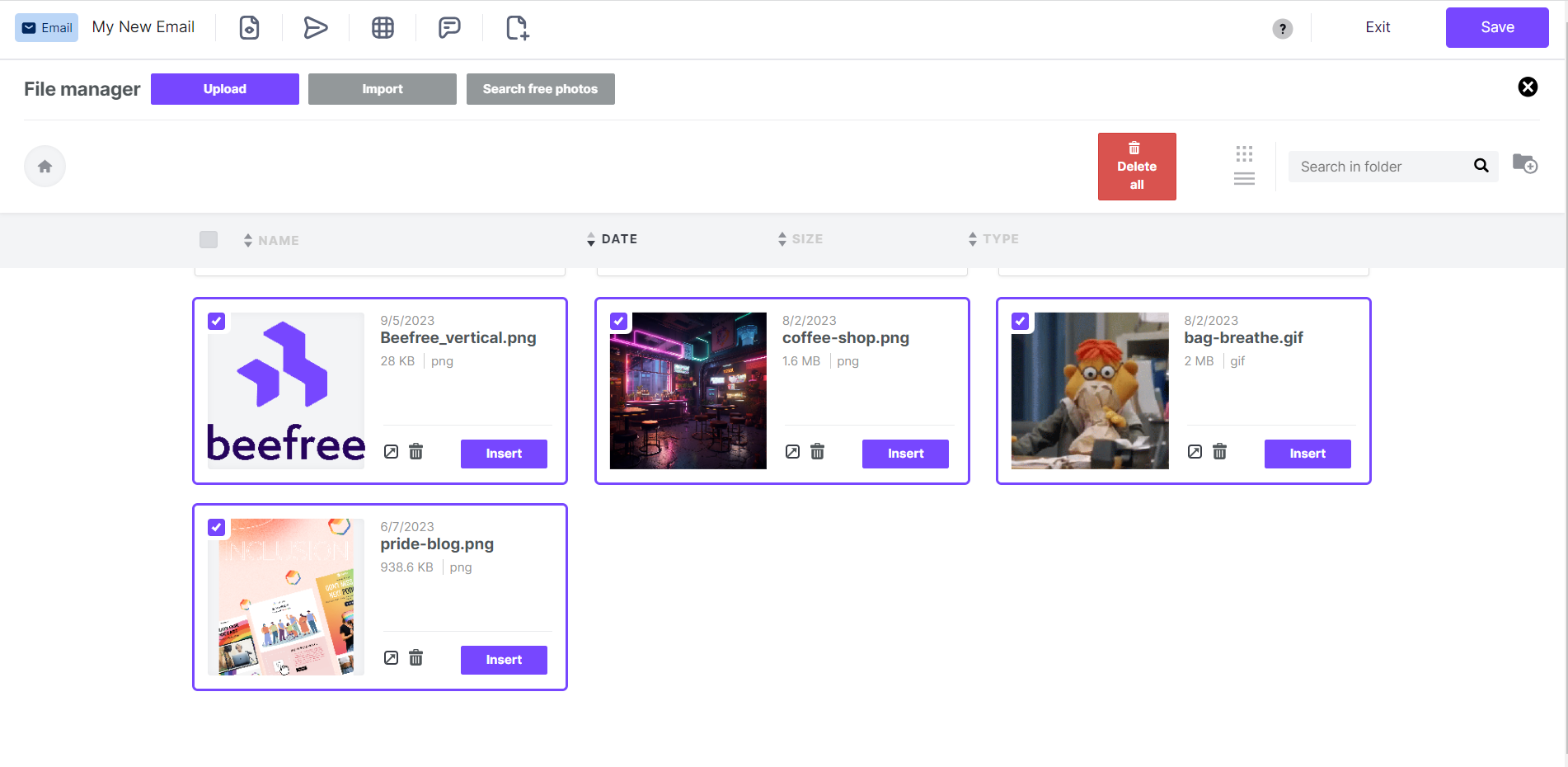
If you want to delete many files or folders, use the checkboxes to select them, the delete button will be shown at the top, on the right side. Only elements that can be deleted will have a selectable check-box.
How to Move Files
You can move files one at a time within the File manager using the move icon. You can access the move icon on the file within the File manager. The move icon is a folder with an arrow pointing right inside it. Use this icon to move files.
To move a file, take the following steps:
- Enter your File manager
- Navigate to the file you would like to move
- Click the move icon
A popup will appear displaying a list of destinations for your file
- Select the file’s new destination from the list
- Click Move to confirm the action
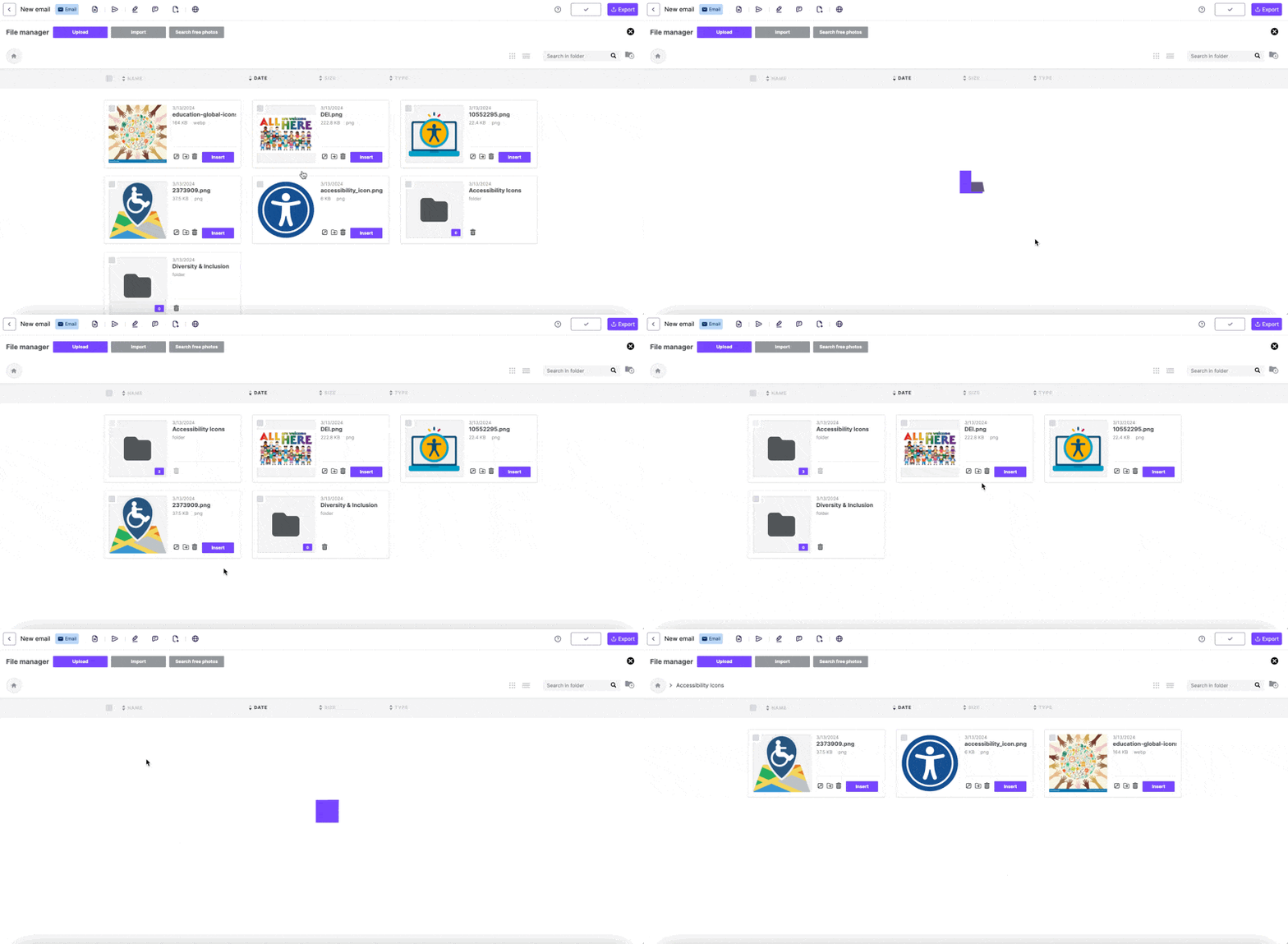
The following GIF shows an example of how to move files to new destinations within the File manager. It also shows an example of how the file URL remains the same as it travels between destinations.
Considerations
Consider the following regarding the new File manager functionality:
- When you upload new files to the File manager, the URL will have a new format compared to previously uploaded files
- Your existing file URLs will remain the same as before
- A single file has a maximum of 50 duplicate uploads
- When you move files within the File manager, the URL does not change
- In the event there is a name conflict, the File manager will add a suffix of _1, _2, _3, etc. to differentiate between the files
How to replace files
Say that you sent a campaign and you want to update an image. You can quickly replace it from your file manager. For this to work, both the original and the replacement files must be:
- Hosted in the file manager
- Hosted in the same RGE Studio Account
The replacement also works with other types of files such as PDFs or videos. To do that, you can follow the steps described below.
- Start from the file manager
- From there, click the upload button
- Choose the file from your computer.
- Then add the new file with the same name (it needs to have the same extension)
- When you choose the file, a modal will appear
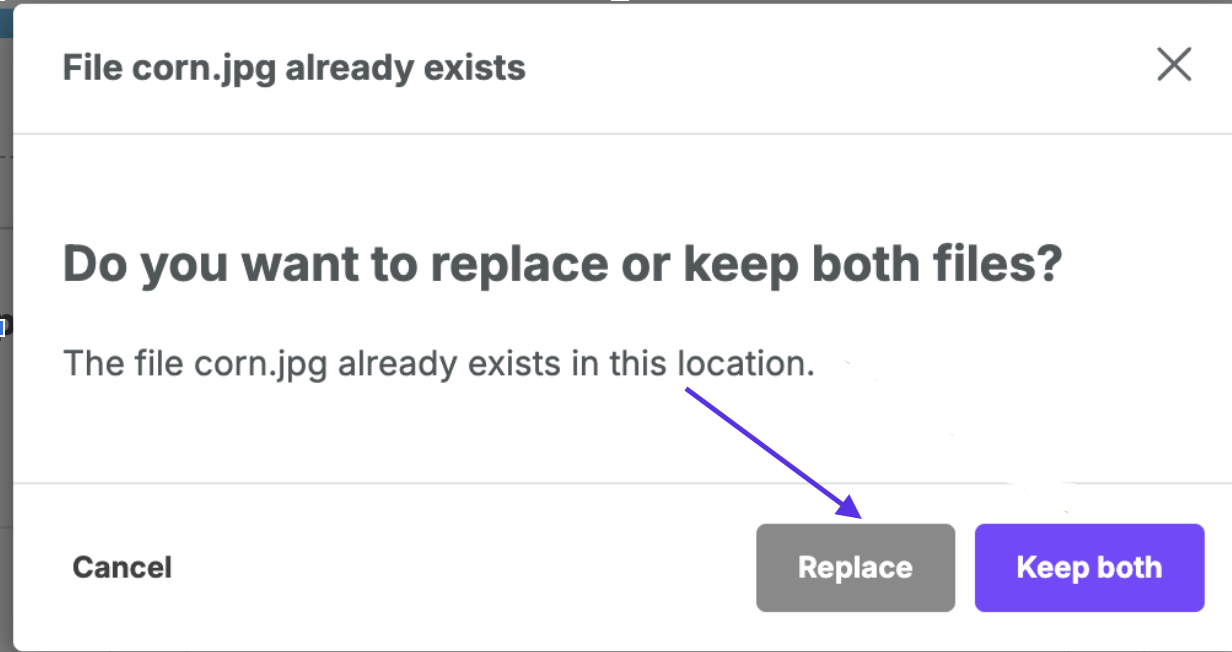
Hit the replace button to have your file replaced. And you’re done!
Note: Due to caching behavior, the new file may take up to 2 hours to replace the original. During the cache period, you will see the original image.
Organizing Folders
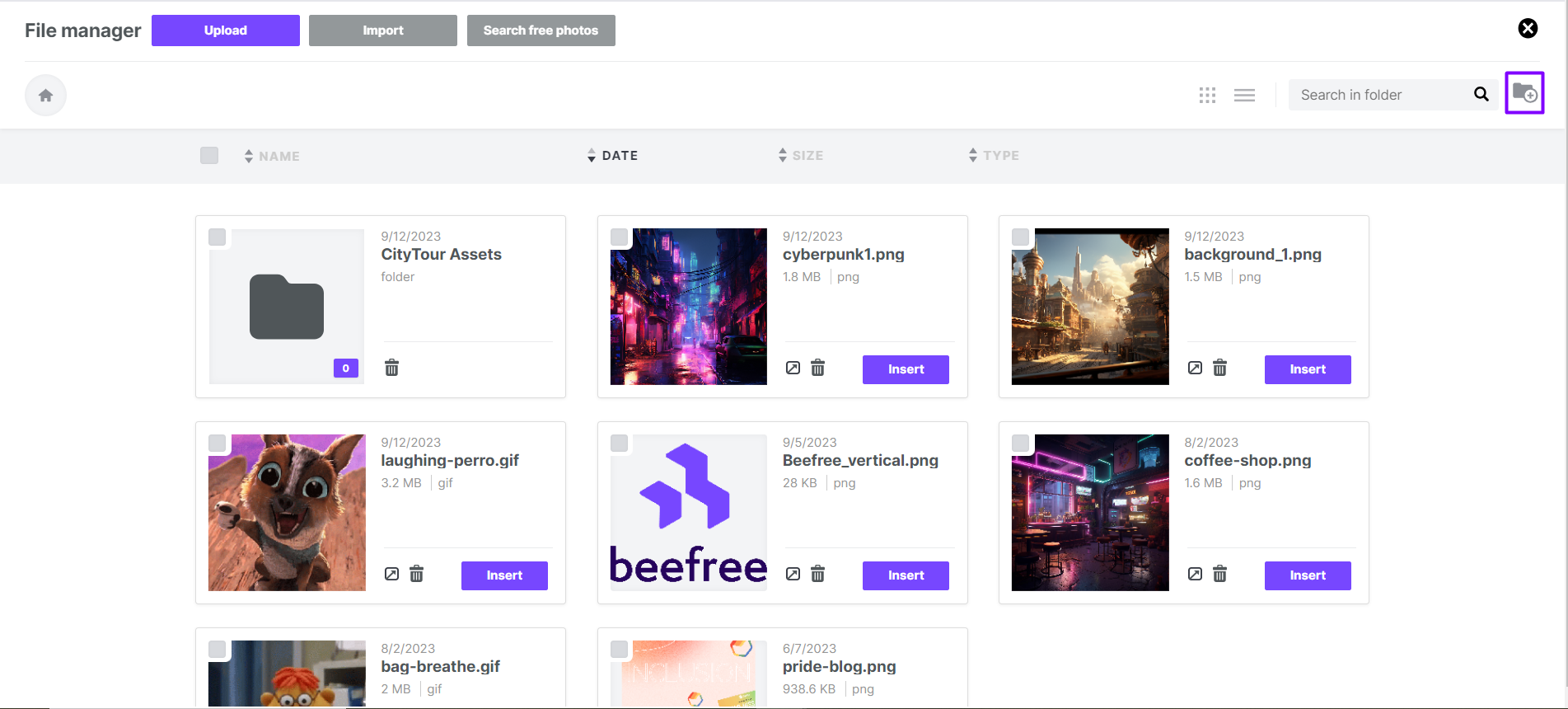
You can create the folder structure you prefer to organize your files. To add new folders, use the Add folder icon.
For your folder names, you can use letters (upper and lower case), numbers, spaces, periods (.), hyphens (-), or underscores (_).
To navigate to the parent folder, use the top breadcrumb. Clicking the home icon will take you to your root folder.
Current limitations
- The following file extensions cannot be uploaded to the file manager: .js, .cjs, .mjs, .php, .phtml, .php3, .php4, .php5, .php7, .phps, .php-s, .pht, .phar, .HTML, .zip, .rar, and archive file formats.
- The maximum allowed file size you can upload is 20MB.
- If you are uploading an image that is wider than 1920 pixels, the integrity of the image may be altered upon upload or import. The image will be resized to be no wider than 1920px. In other cases, the colors may change, and gifs may lose frames. Consider making sure that any images that you upload are no wider than 1920px.
If you have any questions, feel free to contact us.
Comments
41 comments
Hi Haylie, thank you for your comment. Right now it's not possible to move files among folders. We are definitely forwarding your request to our Product Team.
Hi, is it possible to reduce the height of items in list mode? Currently, it takes the same space that in grid view.
I've checked the css and there is a 'min-height: 200px' property on .FileManagerList_listItem, which is applied whatever mode you're in.
This make the list mode pretty less useful as it wastes a lot of space...
Hi Maxime, thank you for your comment. We sent you a ticket to go deeper with your request.
Hi. How can I move a image to a folder?
Thanks
Hi Matthias, at the moment it's not possible to move images from a folder to another. Thanks for your feedback! Best.
Hey, is there an option in the editor to go full screen?
Hi Abhinav, you can collapse the bar on the right if you wish. The editor is already full screen, you can share your feedback by opening a ticket. Cheers.
Hi BeePro team!
I see there's been a lot of requests for this in the past 3 years. Any chance you added the functionality that will allow to move items into the folders within the File Manager?
This minor upgrade would make A LOT of difference. Please advice if there's a way around it..
Thank you.
How is it still not possible to move images into folders after 4 years of requests? As Agnes said above, this would make working in BeePro a lot easier. Not sure why this basic functionality hasn't been updated yet.
When will we have the ability to move images after they've been uploaded to the file manager? This seems like a very basic file management feature.
Hey Venita and Jen! I hear your frustration, it is not possible to move images because the location of upload is what determines the URL path for your hosted image. Moving the image would alter the link and break the image in any designs where it’s already in use, which is why you can’t move things uploaded to the file manager. I am going to pass along your feedback to our Product Team. I hope this helps!
Please sign in to leave a comment.