Creating Your First Design

Beefree App is now RGE Studio!
The email design suite you already know and love just leveled up. We’re working hard to update our help center, but you still may see some references to the old product name.
This article applies to all plans. However, some features may be limited or unavailable on the Starter plan.
This article walks you through creating your first design in RGE Studio. You'll learn how to start a new email or page, find your saved designs, and use folders if you're on a paid plan.
Getting Started
Log in to your new RGE Studio account. You'll see a page like this:
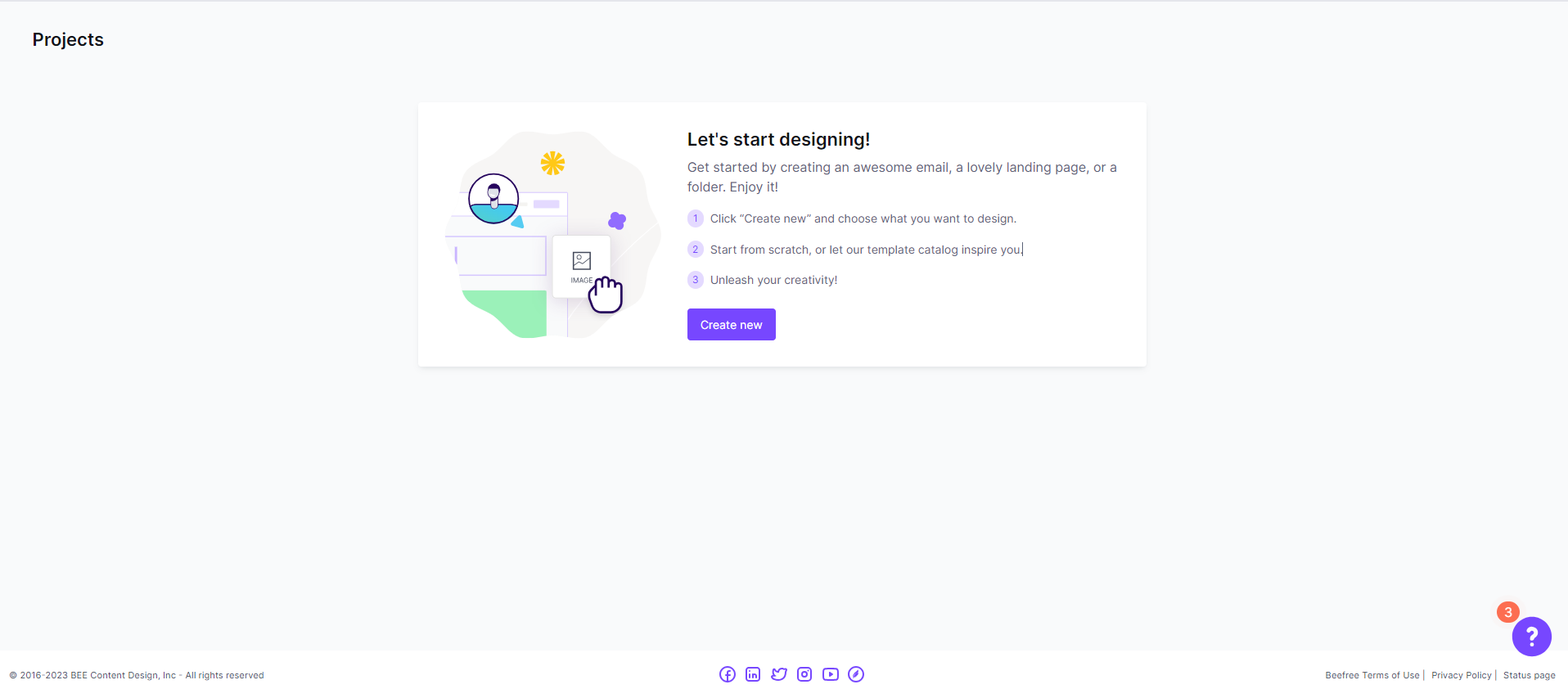
This is your projects page. Store any emails or pages you're designing here. You can also create project folders to better organize your designs.
Once you're ready to get started, click the + Create new button. A modal will open to present some options.
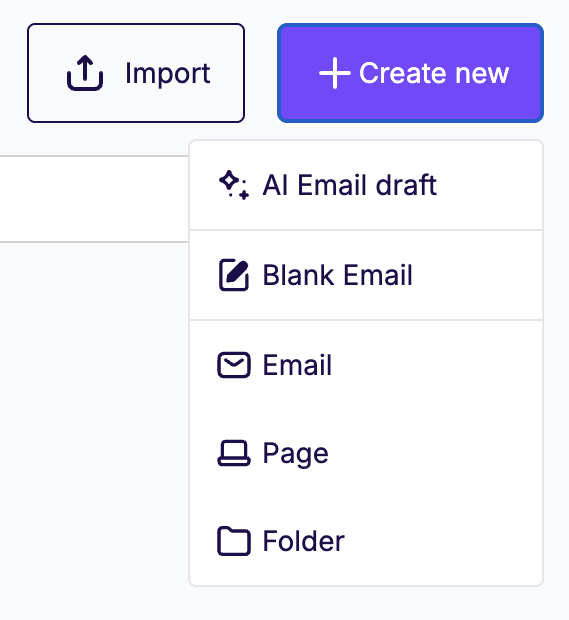
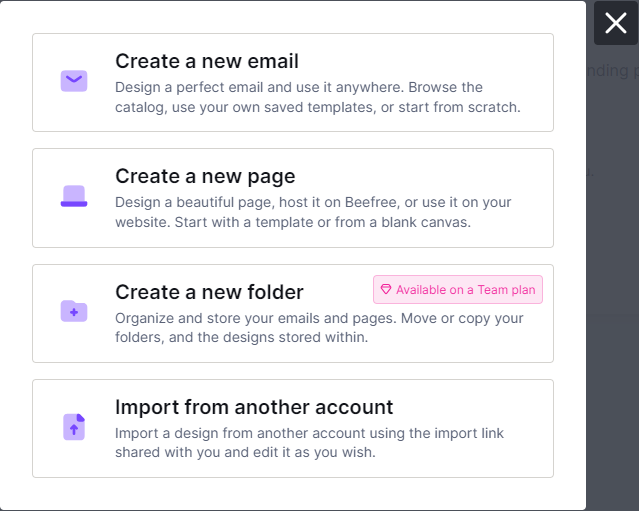
From this dropdown, you can:
- Create a Blank email.
- Create a new Email. This will direct you to the email template catalog.
- Create a new Page. This will direct you to the pages template catalog.
- Create a new Folder. If you have a paid account, you can create a project folder. With a Starter account, this option prompts you to upgrade.
After you create your design, return to the Projects tab to find it.
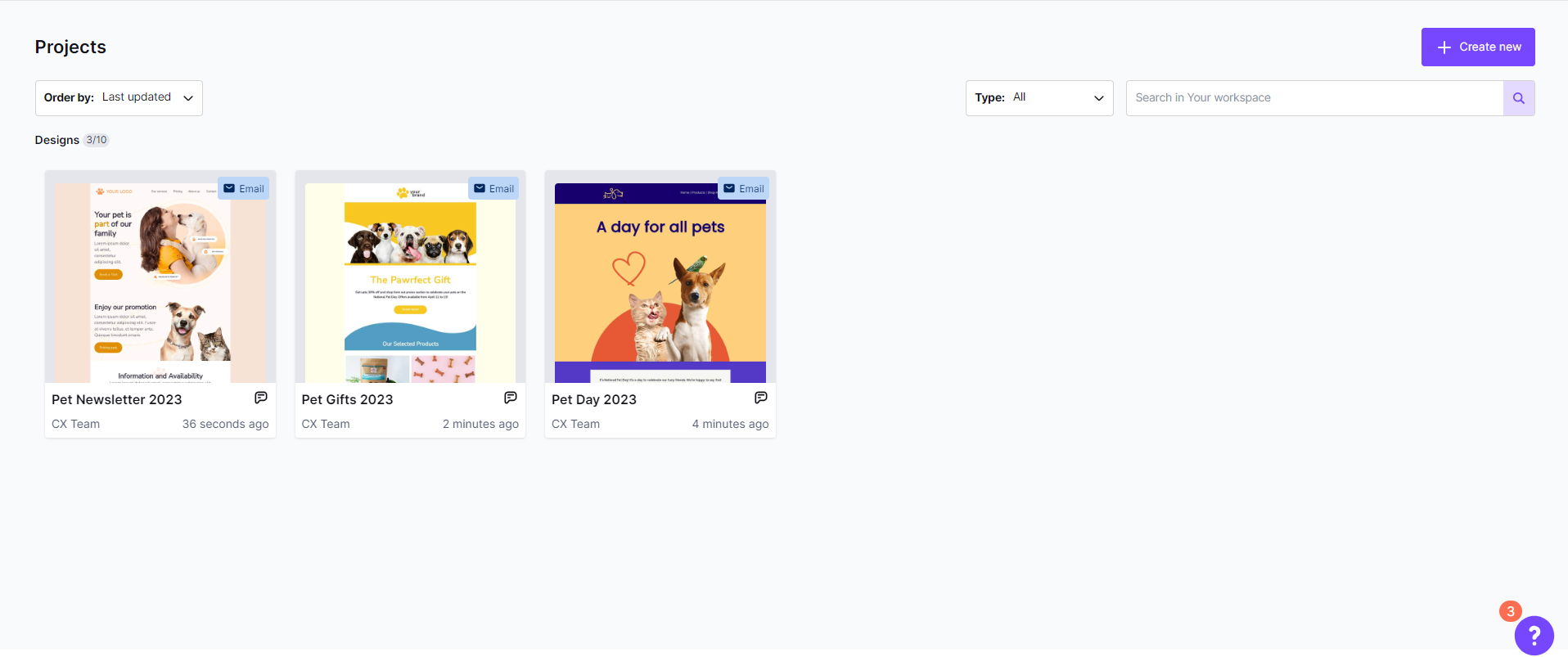
Hover over the preview to see an icon in the upper-right corner. Use this icon to:
- View details
- Send test (email only)
- Copy
- Export
Once you save at least one design, the + Create New button moves. You'll find it in the upper-right corner of the Projects page.
Paid accounts
If you have a paid RGE Studio account or are trialing one, you have access to folders. As a result, you'll also see all your folders listed at the top of the page.
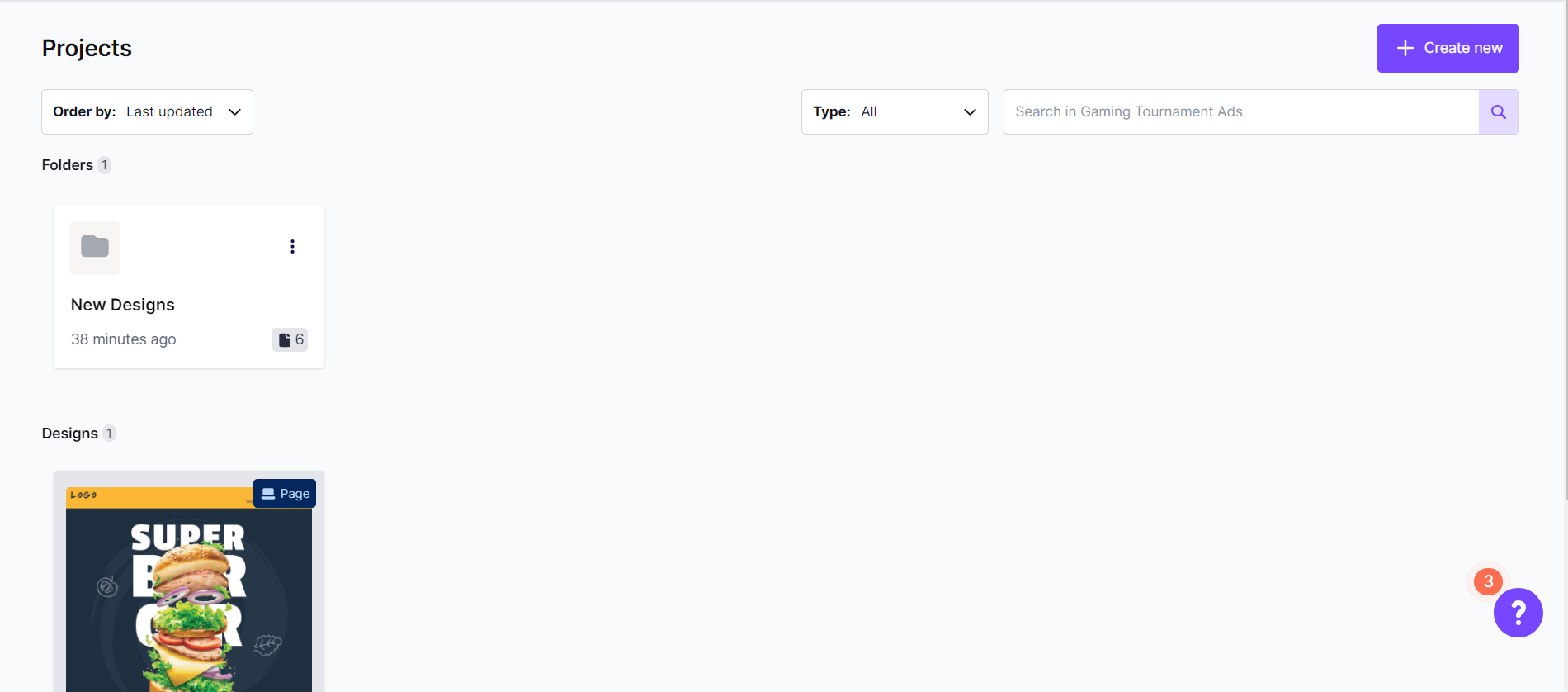
To differentiate folders from designs, look for the folder icon. Click anywhere on the folder preview or details to go to the folder's page.
You can also create emails and pages outside of folders. These will be listed below your folders.
Related Reading
Are you looking for more information on creating and organizing your designs? The following articles might help!
Do you need to design a template instead? Check out Working with templates in RGE Studio.
If you have any questions, feel free to contact us.
Comments
2 comments
where is my html being downloaded to?
Hi Dan! If you select a download option upon export, the file is saved to your downloads folder (or the folder you have configured in your browser settings). Some browsers, such as Safari, may automatically block downloads. We have an article about how to allow Beefree downloads for Safari here: https://support.beefree.io/hc/en-us/articles/15539786458258-ZIP-Exports-in-Safari-Browser.
Please sign in to leave a comment.