Exporting to ZeptoMail

Beefree App is now RGE Studio!
The email design suite you already know and love just leveled up. We’re working hard to update our help center, but you still may see some references to the old product name.
This article applies to the Email builder in all plans.
Overview
You can design your emails in RGE Studio and export them to ZeptoMail for sending. The connector lets you export in one click.
There are two ways to connect your ZeptoMail account in RGE Studio:
- From Workspace Settings: connect before you start designing.
- From the Export options of your email.
Setting up a connector does not sync your designs with external services. If you update a design after exporting it, you must re-export to see the updates.
1. Connect from Workspace Settings
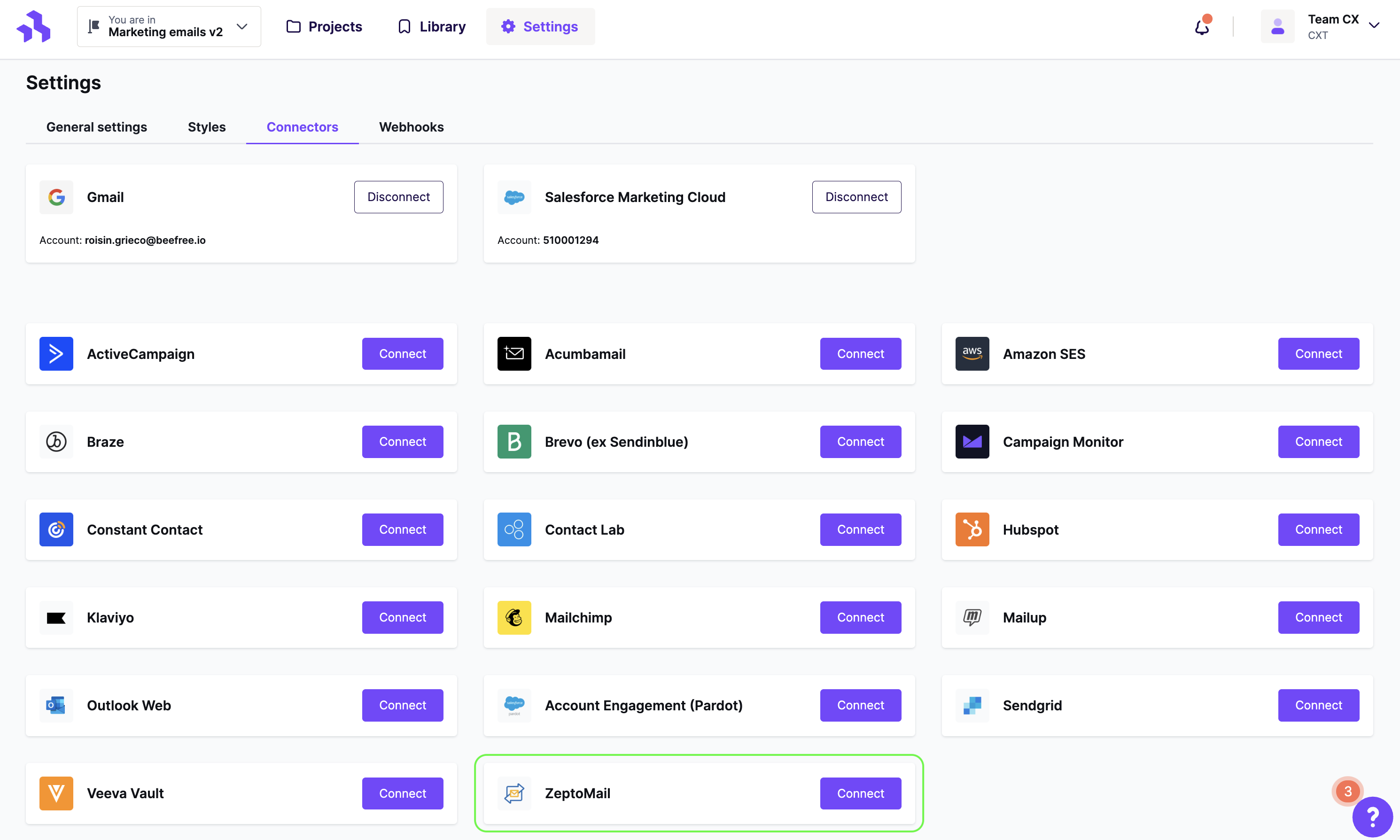
Go to Settings > Connectors.
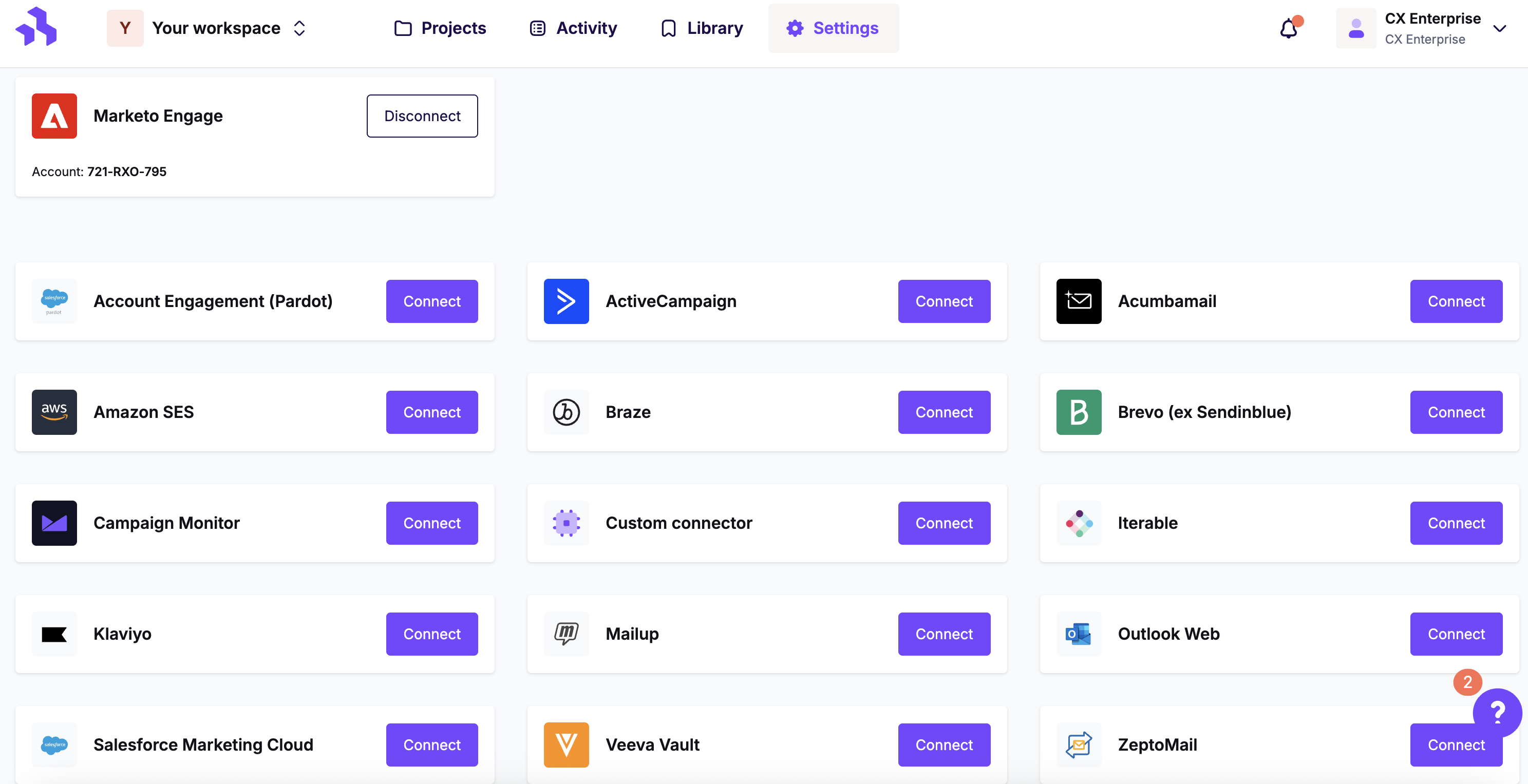
Click Connect for ZeptoMail.
A pop-up will open. Enter your ZeptoMail credentials to set up the connector.
Your ZeptoMail credentials are not stored in RGE Studio. They are only used to connect your accounts.
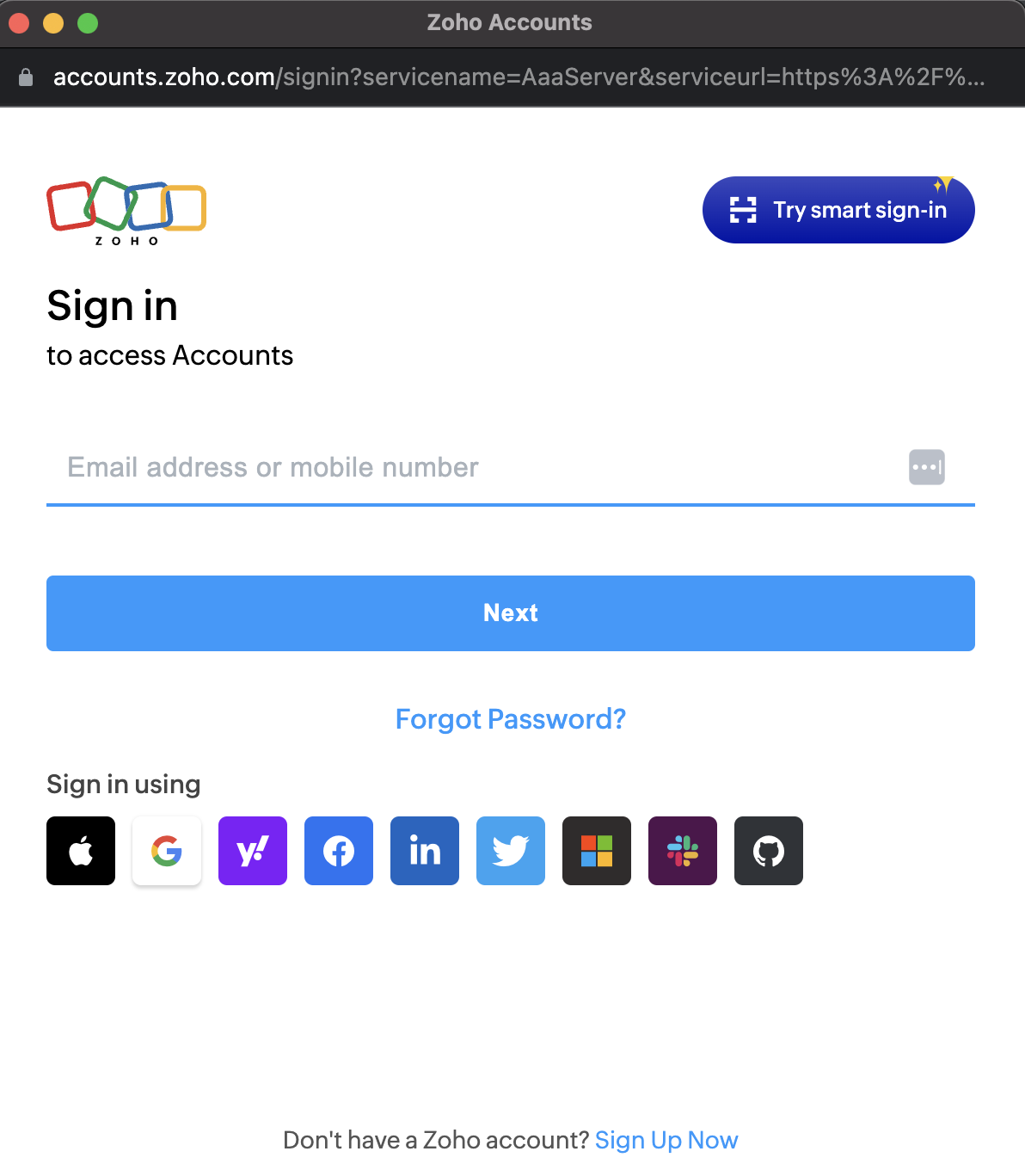
ZeptoMail's pop-up includes a Sign Up Now option. Skip it to continue with the connector setup.
2. Connect from Export
When your email is ready, click Export on the Email Details page. You can also export from the actions menu.
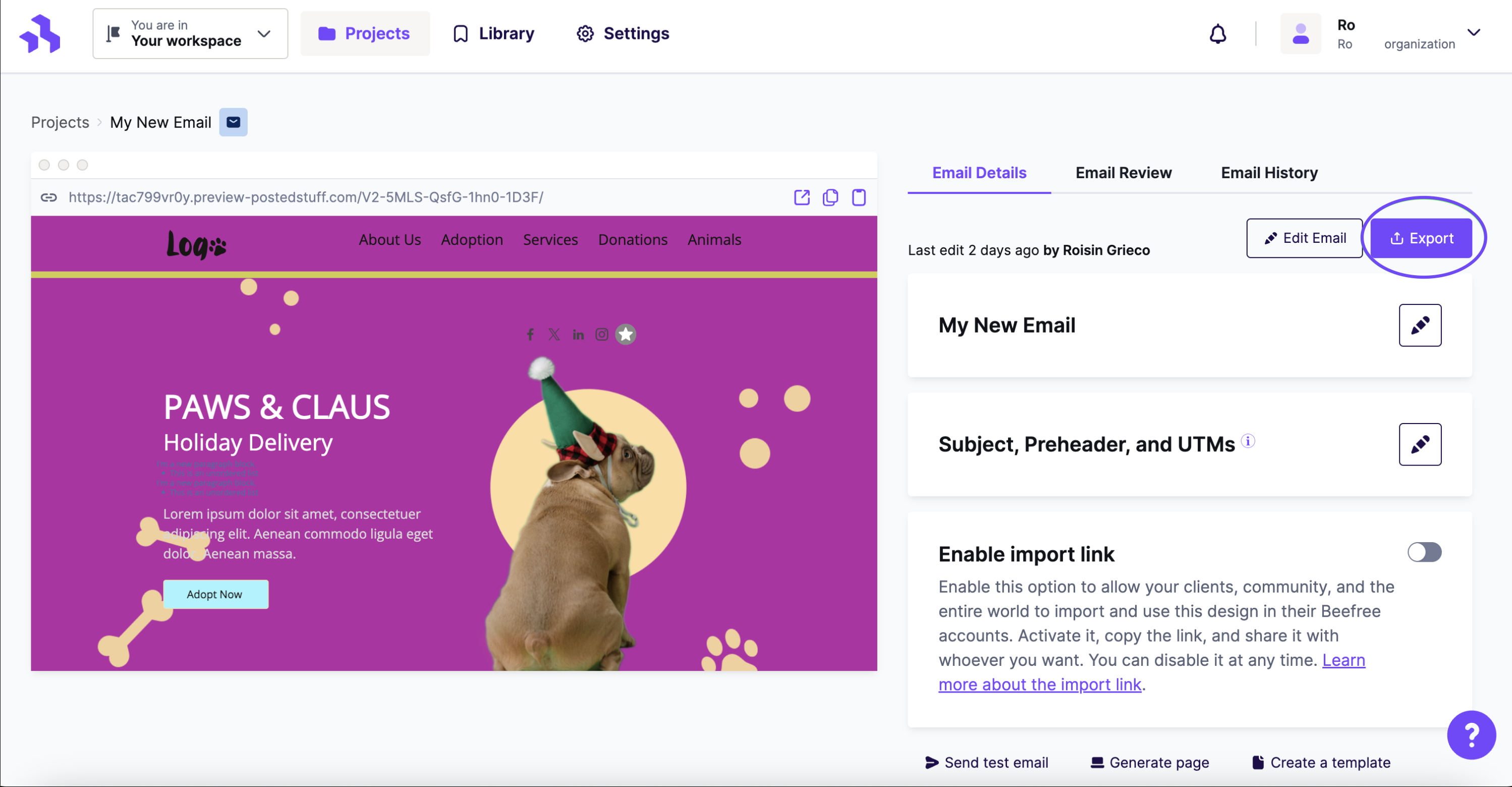
Click the Integrations icon for ZeptoMail. If it isn't visible, click More to see all connectors.
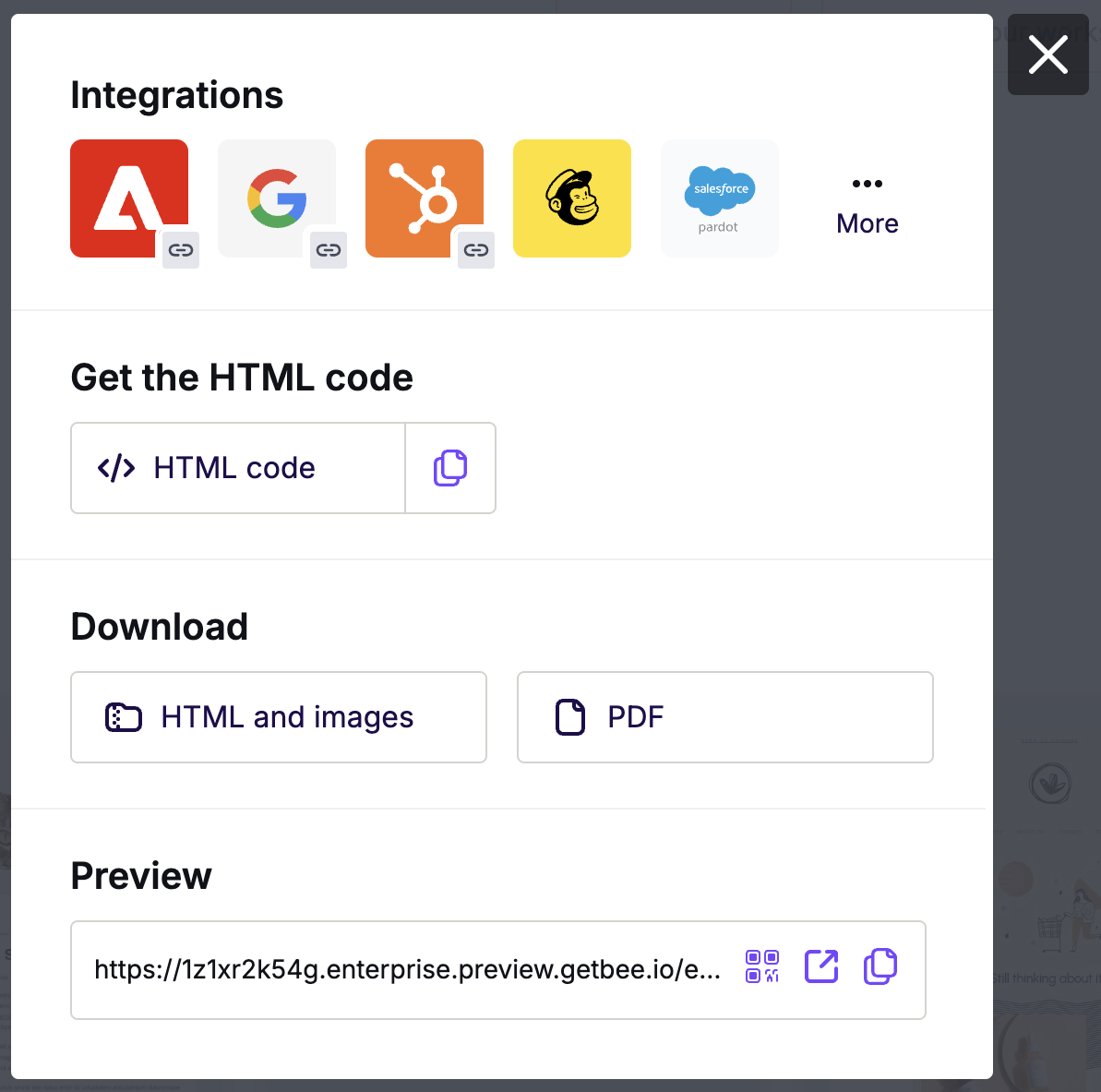
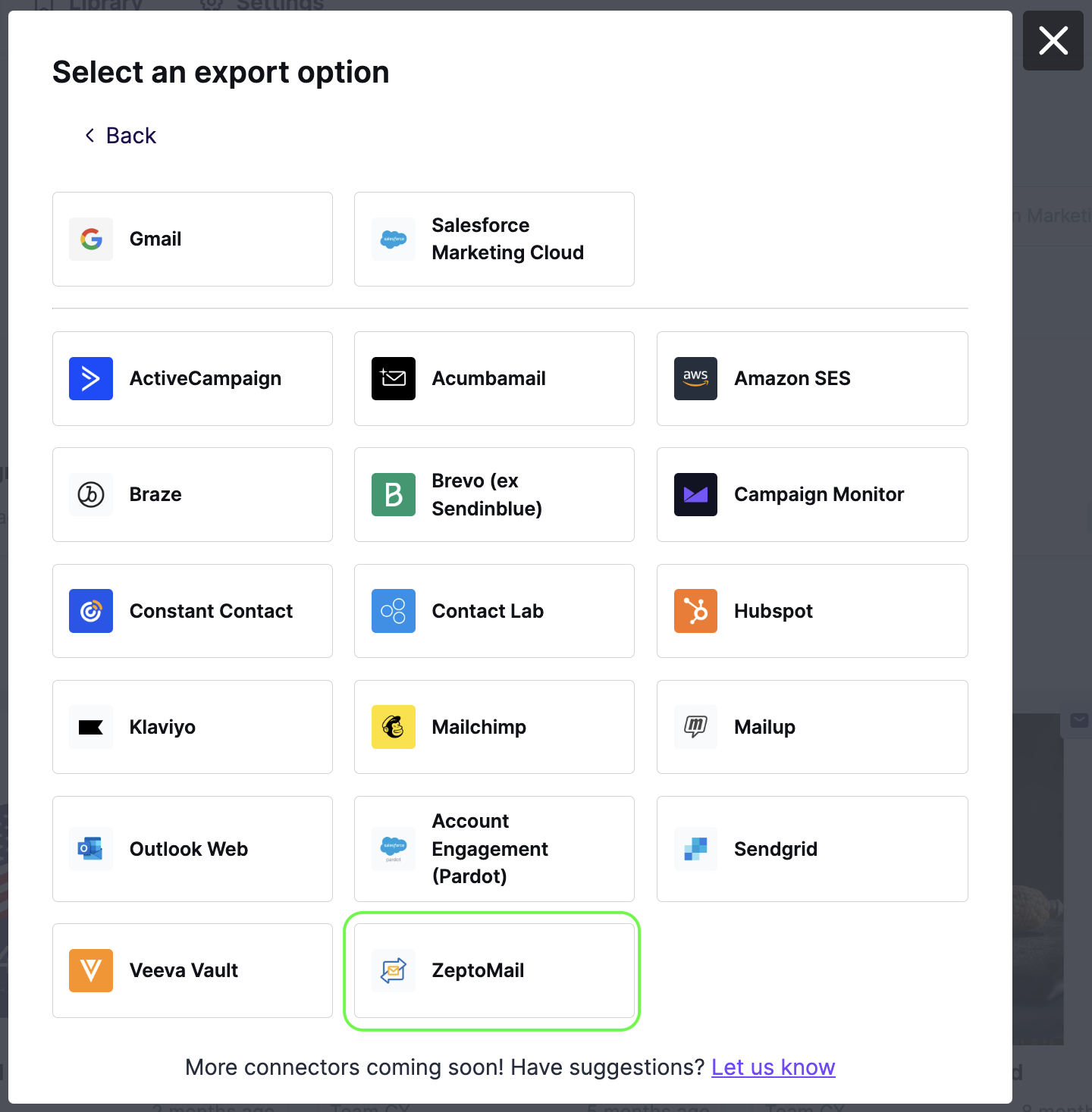
In the Integrations screen, scroll or search for ZeptoMail. Click the icon and follow the steps to connect your accounts. If you connected ZeptoMail before, RGE Studio takes you straight to the export.
If you have multiple Mail Agents, a modal will ask you to select one. If you only have one Mail Agent, export is instant.
RGE Studio confirms the export. The design will appear in your ZeptoMail account.
Exporting Existing Designs
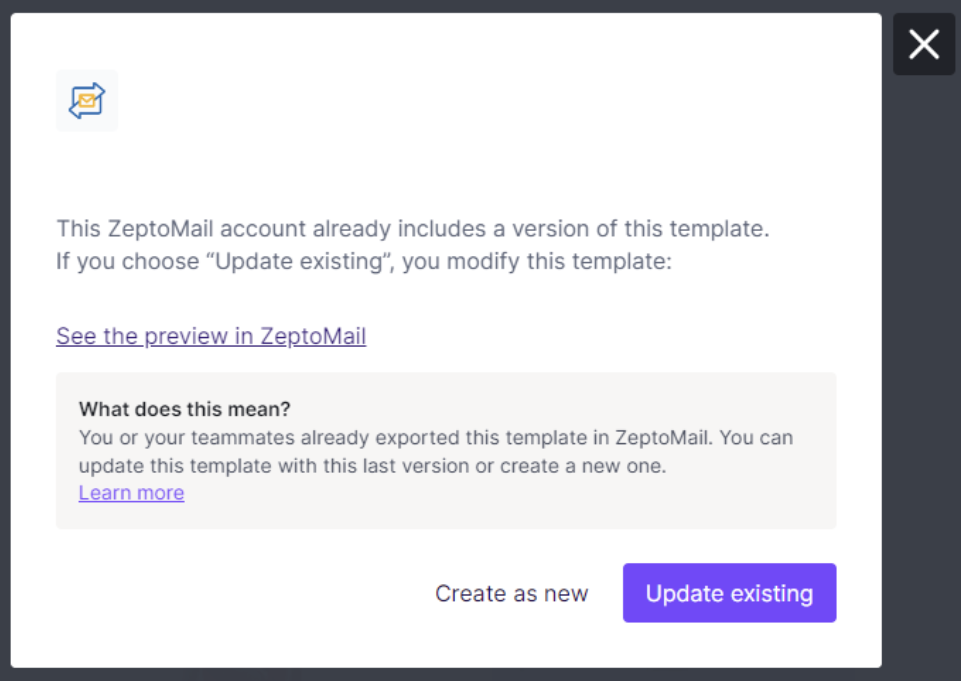
RGE Studio recognizes when you export a design you've already sent to ZeptoMail. Use Update existing to overwrite the version in ZeptoMail. Use Create as new to export a new copy instead.
Multiple Workspaces / Customers
The Enterprise plan supports multiple workspaces. This lets you manage different brands or clients in one account. Each workspace can have its own ZeptoMail connector.
For example, say you have 10 ZeptoMail clients. You can create 10 workspaces in RGE Studio. Connect each workspace to its own ZeptoMail account.
Looking for a different sending platform? You can check our complete list of connectors — or request a new one!
If you have any questions, feel free to contact us.
Comments
0 comments
Please sign in to leave a comment.