Exporting to Acumbamail

Beefree App is now RGE Studio!
The email design suite you already know and love just leveled up. We’re working hard to update our help center, but you still may see some references to the old product name.
This article applies to the Email builder in all plans.
Overview
You can design your emails in RGE Studio and push them to Acumbamail for sending. The connector lets you export an email to Acumbamail in one click.
There are two ways to connect your Acumbamail account in RGE Studio:
- From Workspace Settings: connect your Acumbamail account before you start designing.
- From the Export options of your email.
Setting up a connector does not sync your designs with external services. If you update a design after exporting it, you must re-export to see the updates. The export file will populate as a new design inside your ESP.
Follow the steps below or check our RGE Studio Academy tutorial on how to connect Acumbamail to RGE Studio.
1. Connect from Workspace Settings
Go to Settings > Connectors.
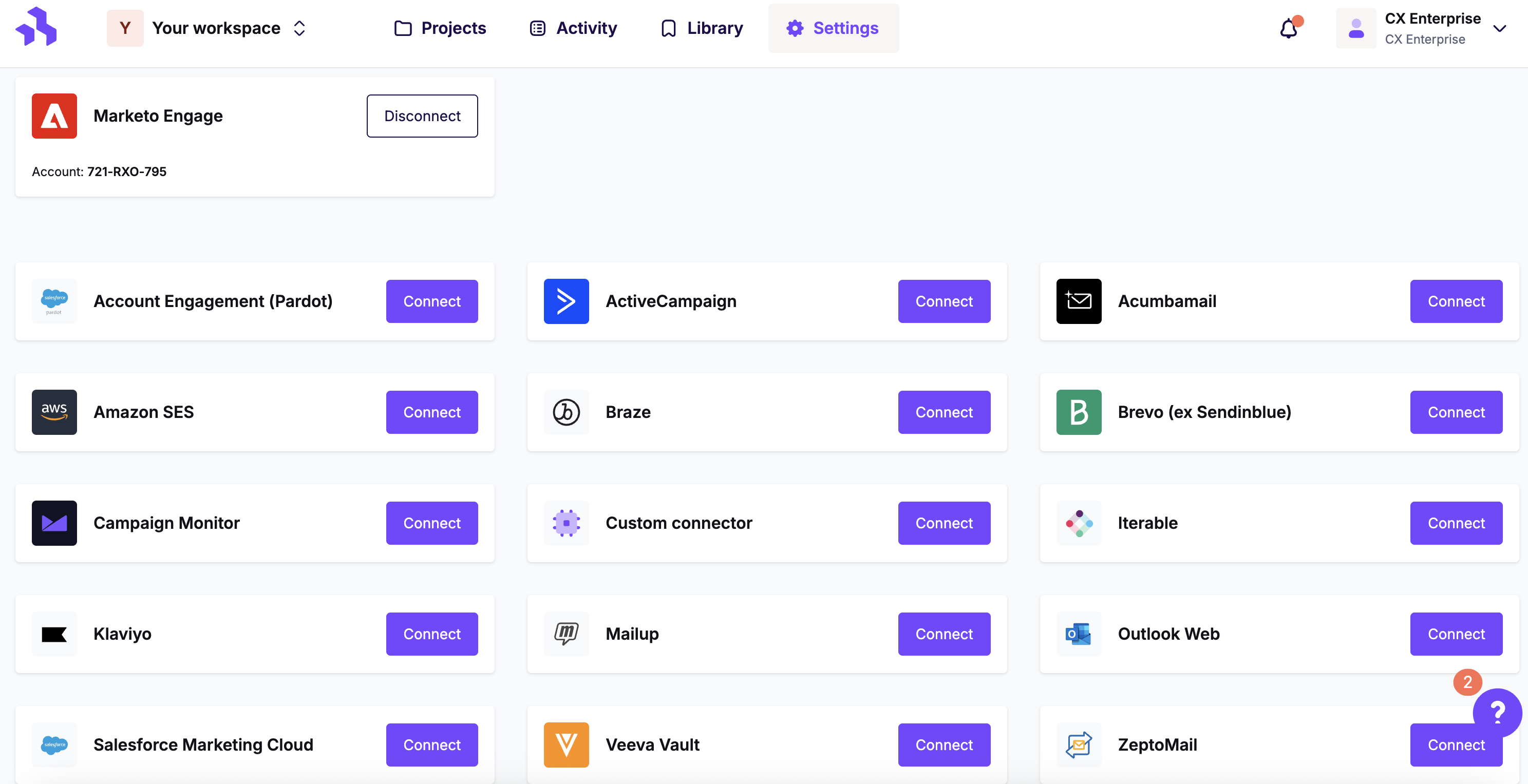
Click the Connect button for Acumbamail.
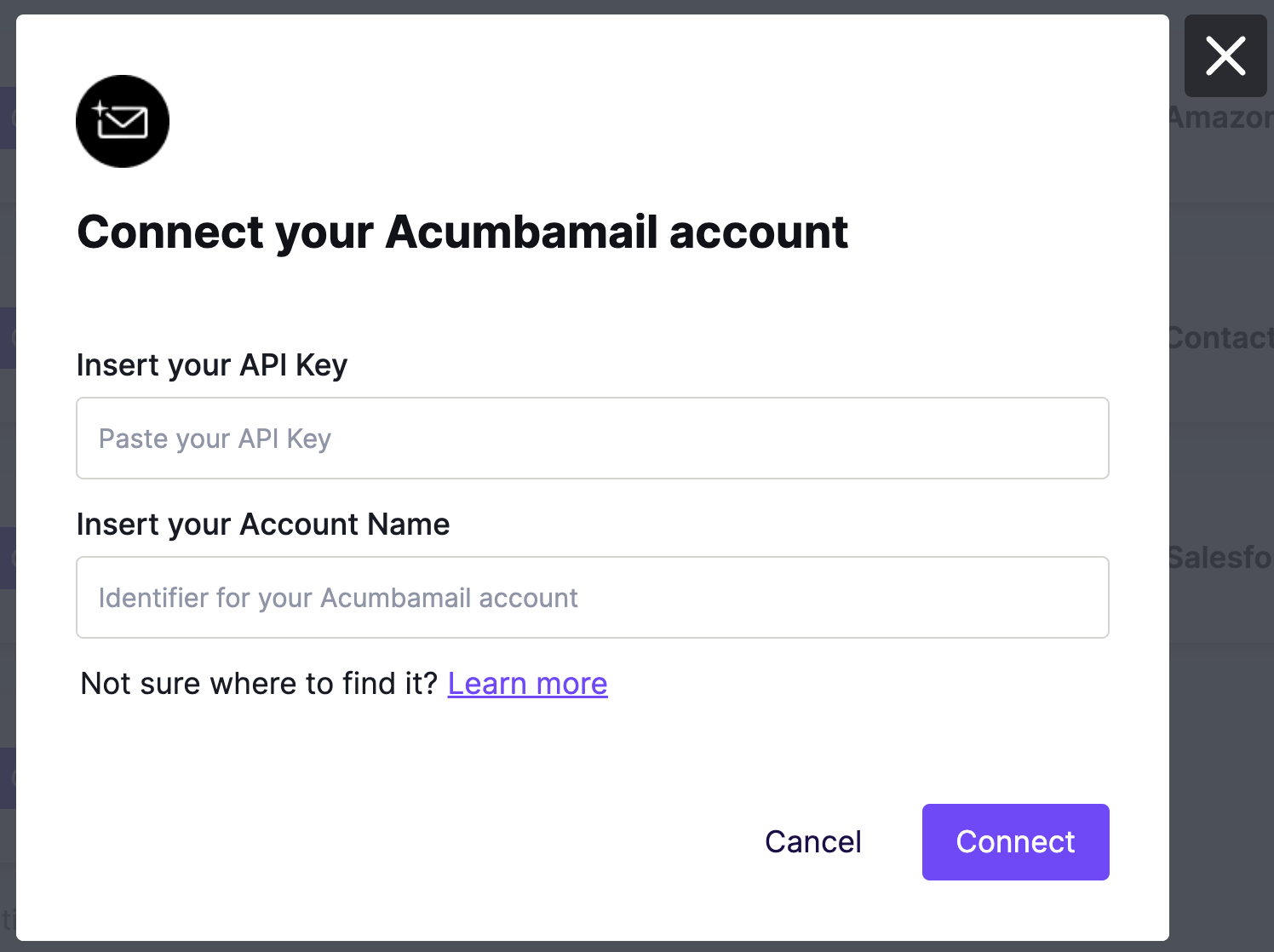
Fill out the required fields in the modal to complete the connection.
To retrieve your API Key, log in to acumbamail.com/apidoc/ and copy it from your personal info.
2. Connect from Export
When your email is ready, click Export on the Email Details page. This option is also available from the actions menu for your email.
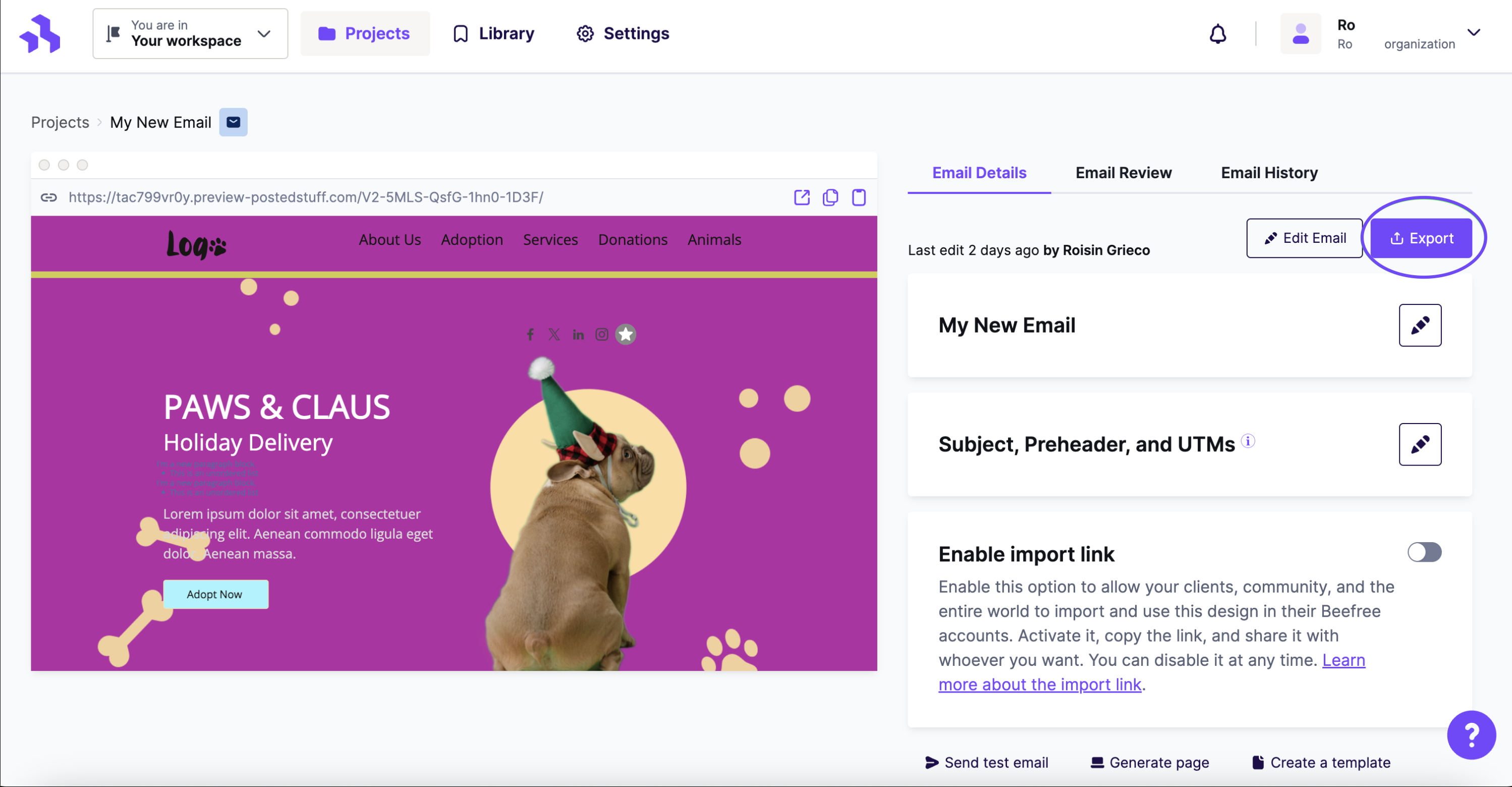
Click the Integrations icon for Acumbamail. If you don't see it, click More to view all connectors.
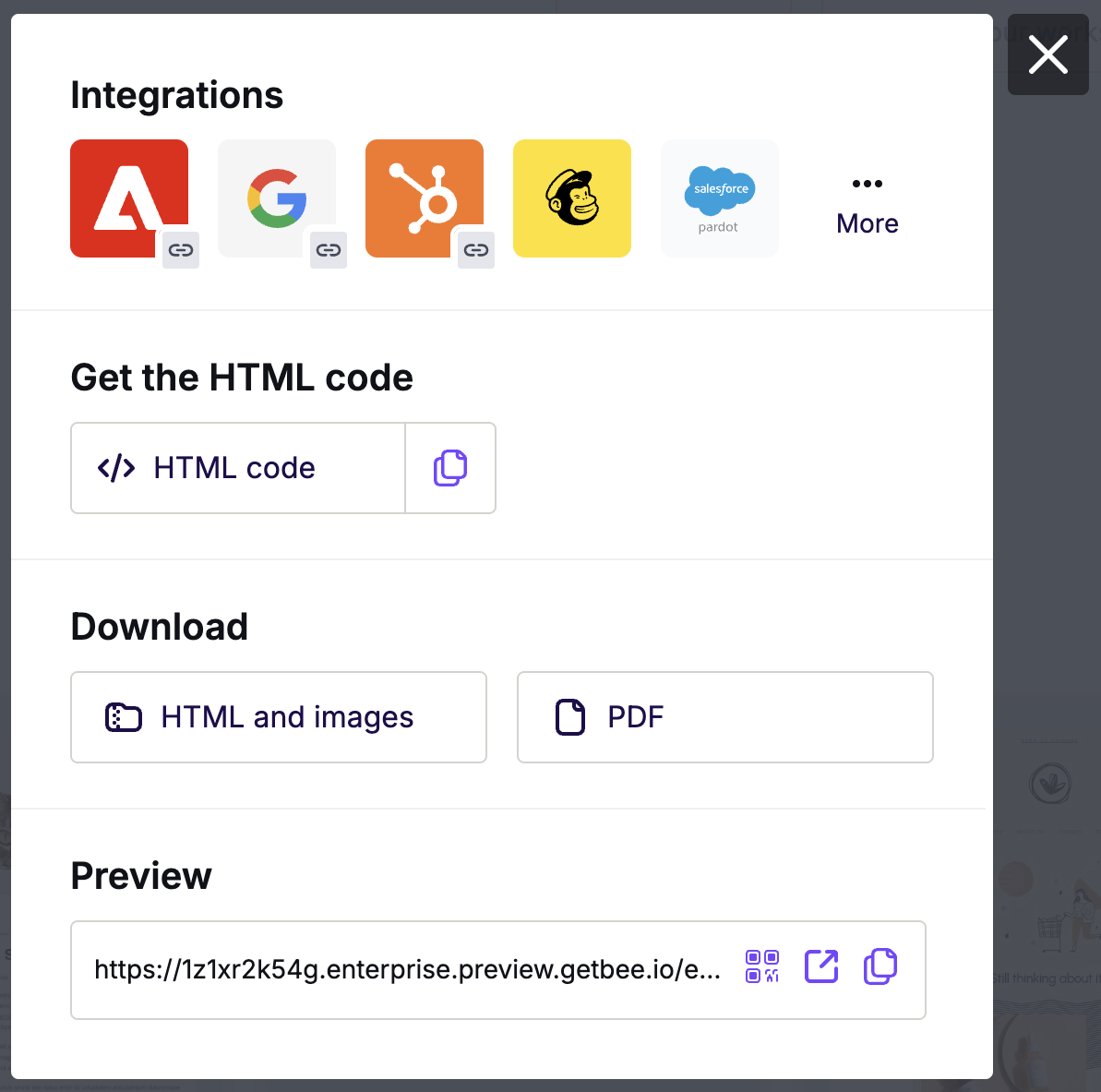
In the Integrations screen, scroll or search for Acumbamail. Click the icon and follow the steps to connect. If you have already connected, you will not be asked to do so again.
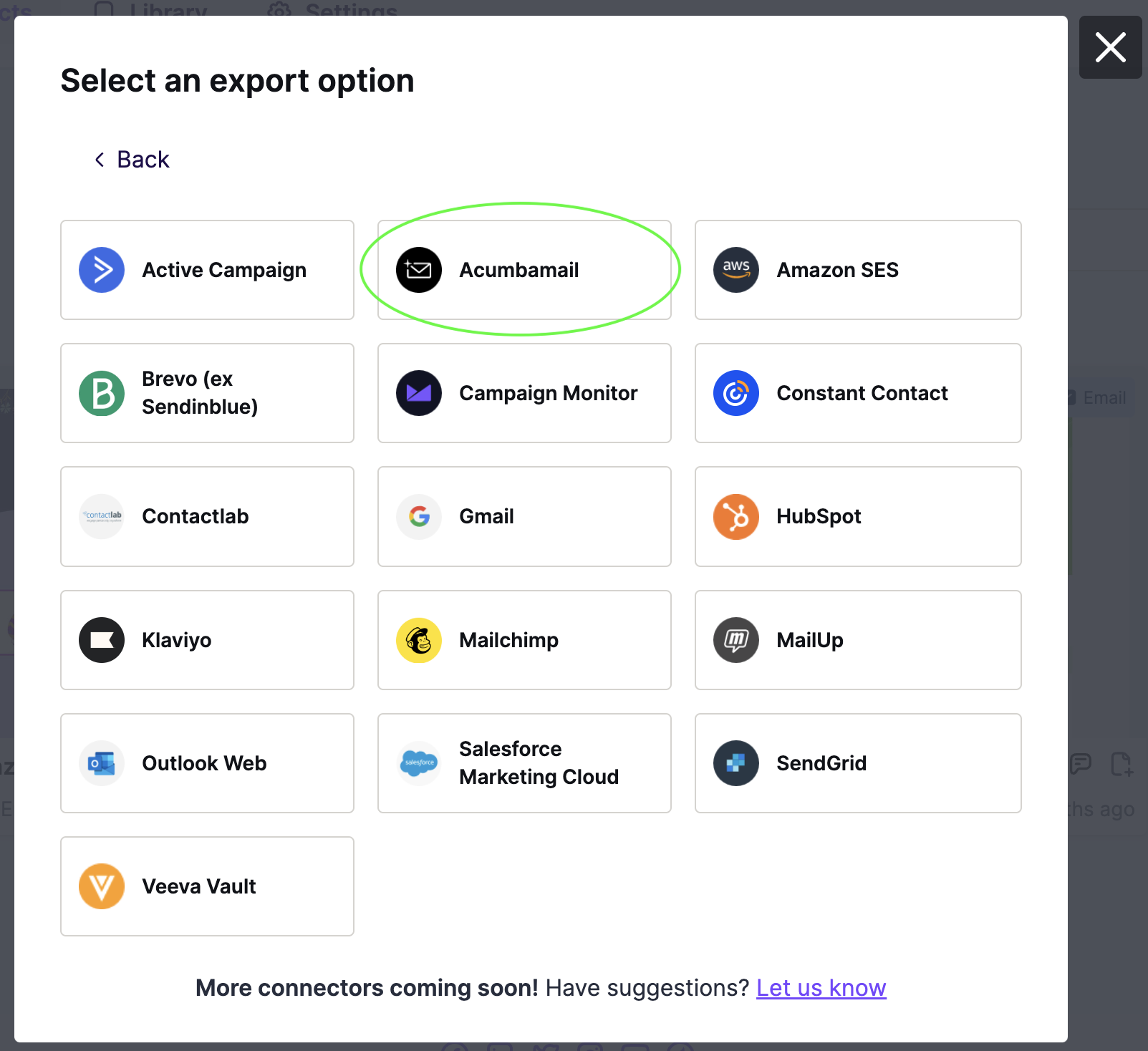
RGE Studio will confirm that the design has been successfully exported. You will see the design appear in your Acumbamail account under Newsletters > Templates.
Multiple Workspaces
If you manage multiple brands or clients, the Enterprise plan lets you set up separate workspaces to organize your email creation workflow. You can connect a different Acumbamail account to each workspace, so you never need to switch accounts.
For example, if you have 10 clients that use Acumbamail, you can create 10 workspaces in RGE Studio and connect each to its client's Acumbamail account.
Looking for a different sending platform? You can check our complete list of connectors — or request a new one!
If you have any questions, feel free to contact us.
Comments
0 comments
Please sign in to leave a comment.