Exporting to Gmail

Beefree App is now RGE Studio!
The email design suite you already know and love just leveled up. We’re working hard to update our help center, but you still may see some references to the old product name.
This article applies to the Email builder in all plans.
Overview
Design your emails in RGE Studio and export them to Gmail. The Gmail connector lets you export with one click.
You can use RGE Studio with Gmail in two ways:
- Gmail connector: export your emails from RGE Studio to Gmail. This article covers this method.
- Gmail add-on: import your RGE Studio emails into Gmail. Use this as an alternative to connecting your accounts directly. This option is available on paid plans. See Using RGE Studio Templates Add-On for Gmail.
Follow the steps below or watch our RGE Studio Academy tutorial.
1. Gmail Connector
There are two ways to connect your Gmail account:
- From Workspace Settings: connect before you start designing.
- From the Export options of your email.
From Workspace Settings
Go to Settings > Connectors.
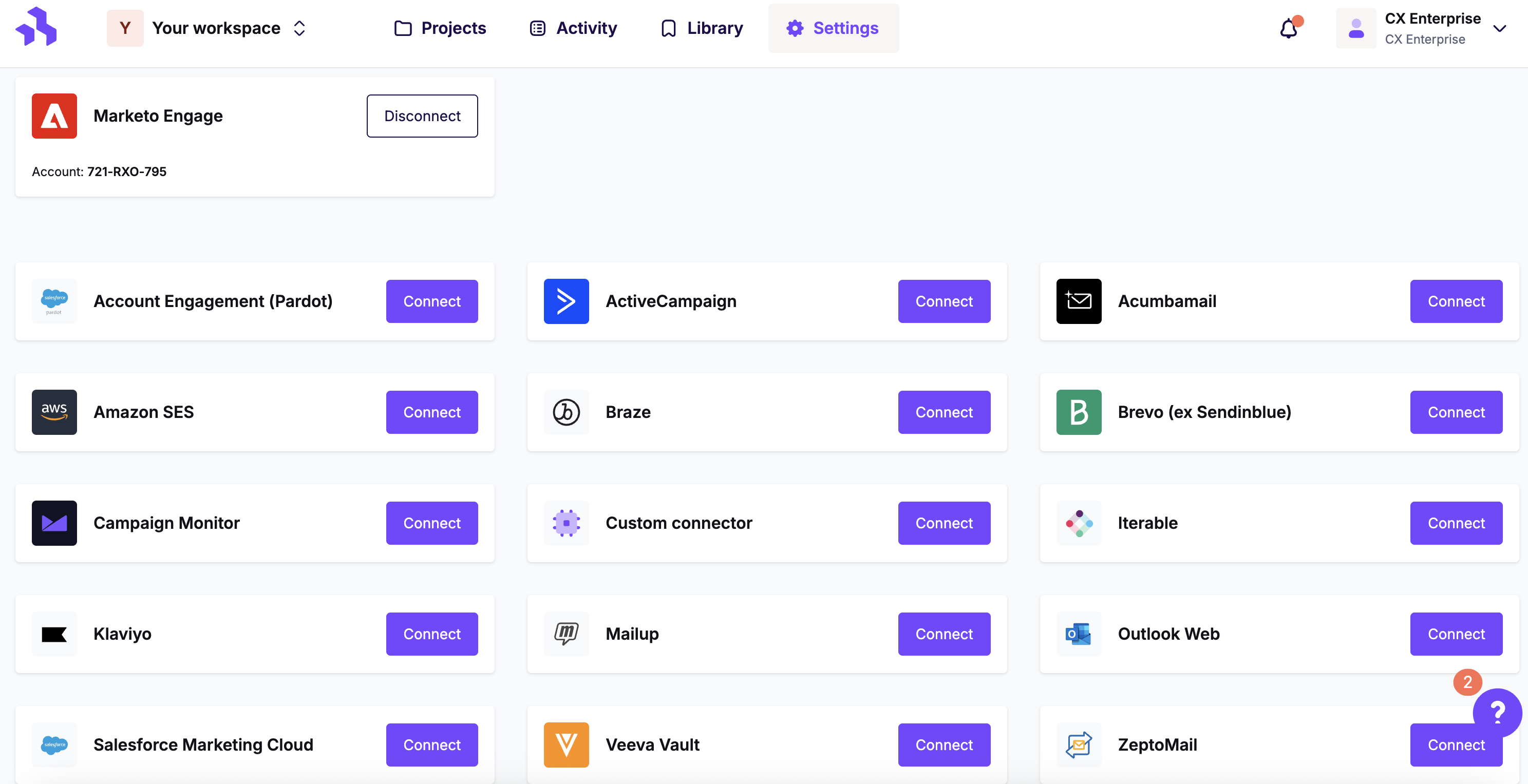
Click the Connect button for Gmail.
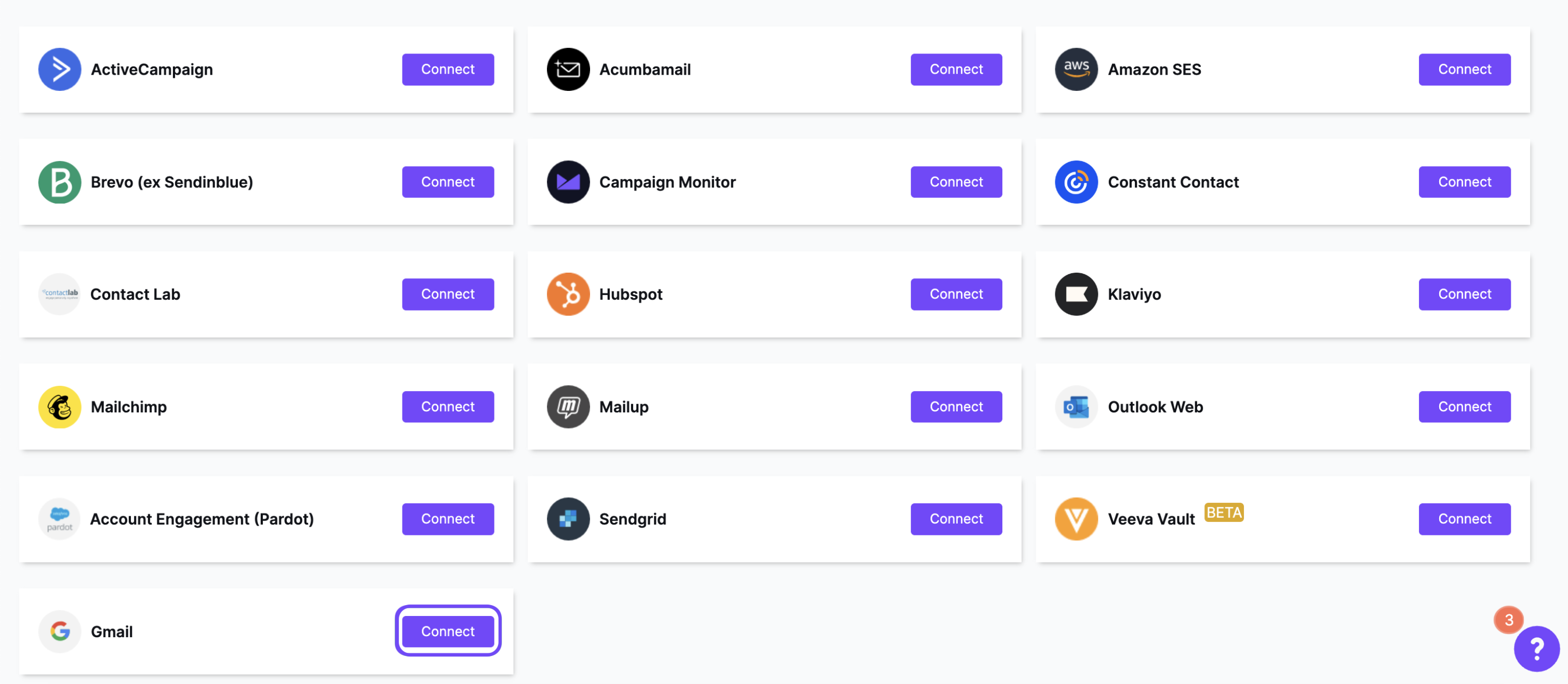
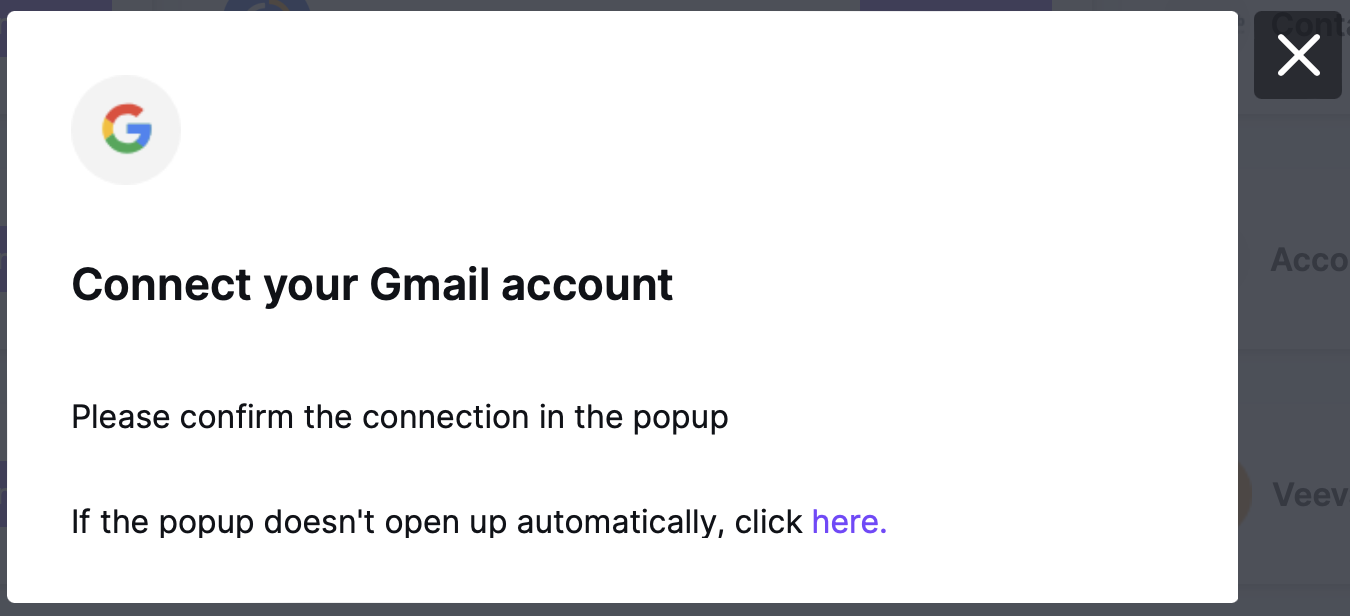
Follow the steps to log in. Your credentials are not stored in RGE Studio. They are only used to connect your accounts.
From Export
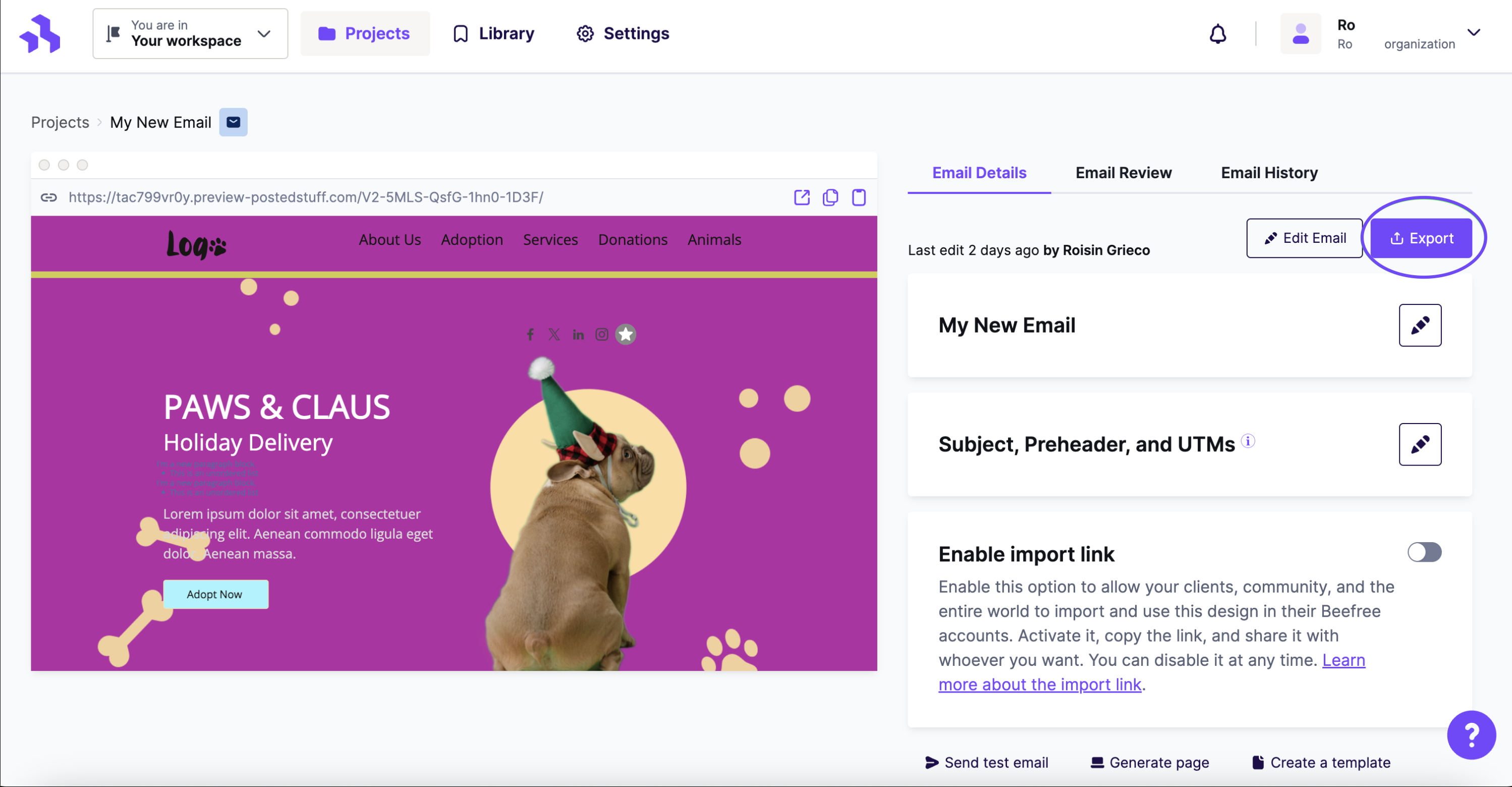
When your email is ready, click the Export button on the Email Details page.
Find Gmail under Integrations on the export panel. If you don't see it, click More to see all connectors.
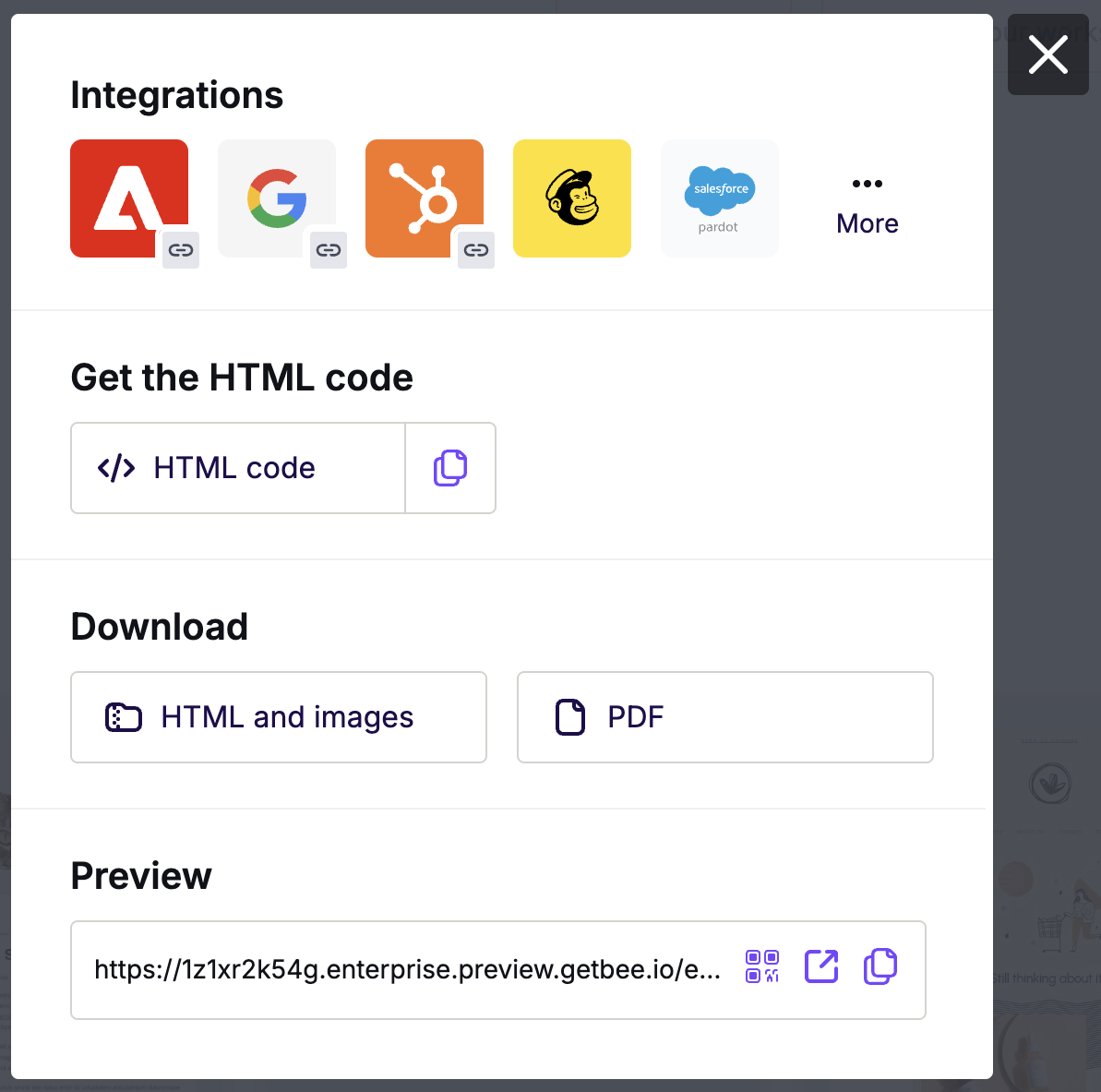
In the Integrations screen, scroll or search for Gmail. Click the Gmail icon.
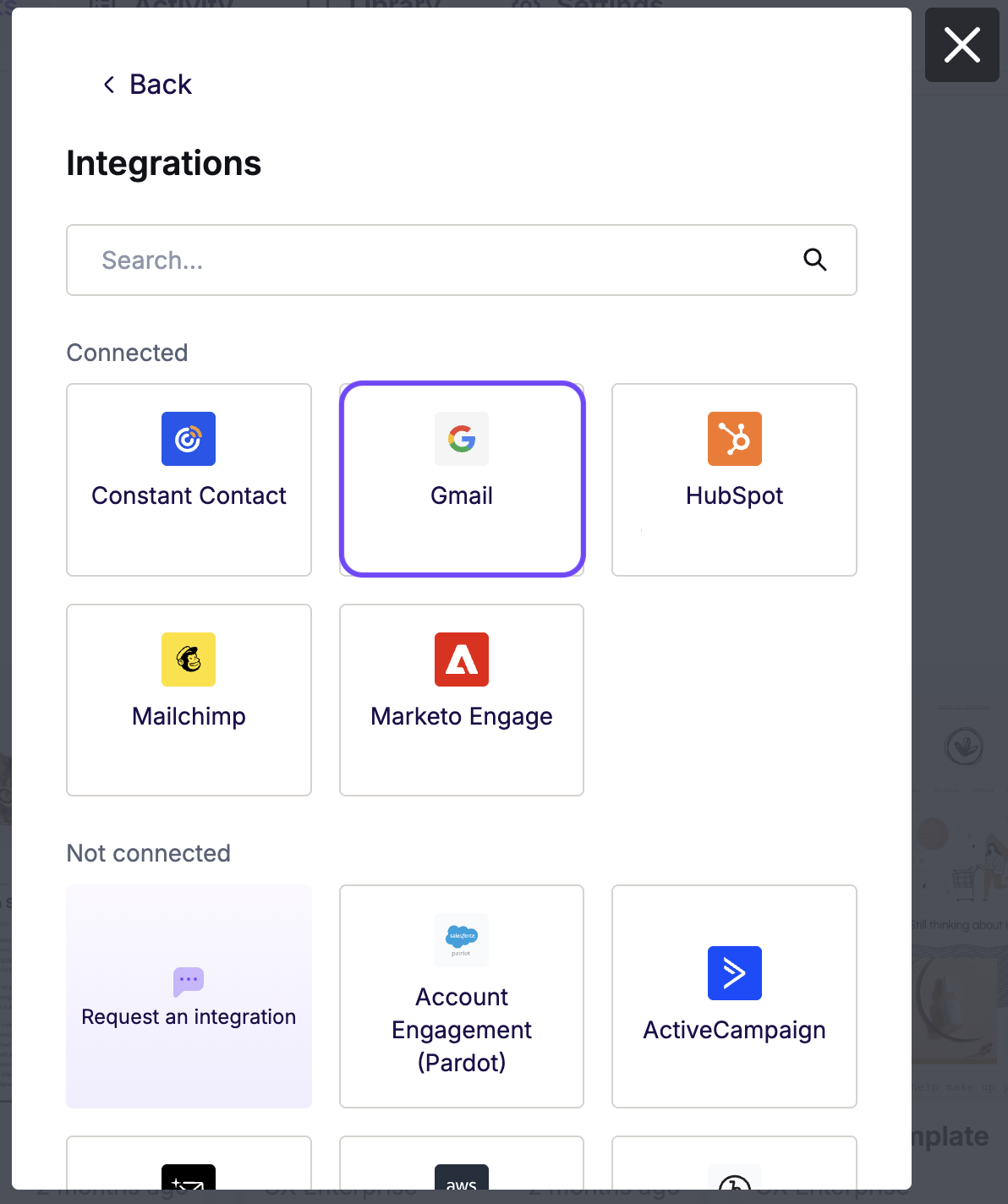
Follow the steps to log in. Your credentials are not stored in RGE Studio. They are only used to connect your accounts.
To find your email, log in to Gmail. Your email is in your Drafts folder.
Exporting Existing Designs
The Gmail connector can also update an existing draft. If you edit an email and export it to Gmail again, a modal will appear.
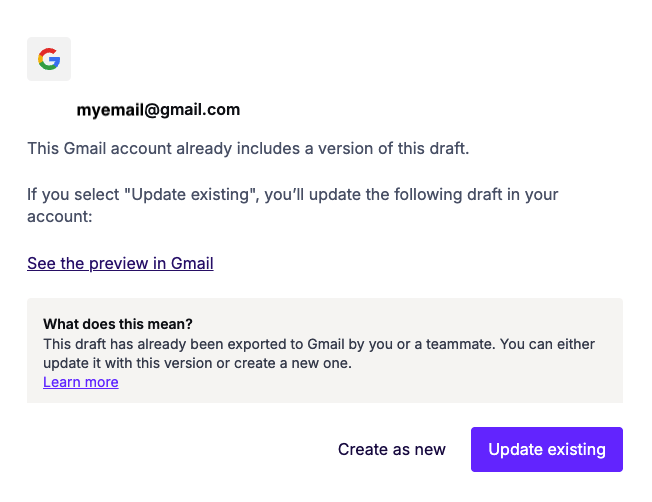
Choose to create a new draft in Gmail or update the existing one. Your changes appear in Gmail right away.
Additional Considerations
RGE Studio emails follow best practices for modern HTML. The Gmail composer removes some of the code used for mobile versions. As a result, emails sent with Gmail always display the desktop version. For best results, keep your design simple and use a single column.
Looking for a different sending platform? You can check our complete list of connectors — or request a new one!
If you have any questions, feel free to contact us.
Comments
13 comments
How would I go about switching gmail email accounts? I have two gmail emails that I need to email from, but I am not given an option to switch accounts once I have chosen an email.
(occasionally I am asked to choose an email account but not with any consistency)
Hi Ian, do you want to push your BEE Pro messages to 2 different Gmail accounts?
Hello Matteo,
Yes, I would like to push BEE Pro messages through two separate gmail accounts. After leaving the comment above, I read somewhere that I would have to upgrade my account to enable this feature? Is this correct?
Yes, you should upgrade to the Business Plan, this version of BEE Pro allows you set up different brands (i.e. clients, business units, brands within your company) so that you can better organize your emails, control user access, and specify different connectors for each brand.
Let me know if you need further information ;)
Hi, so when i click on "Create" button this do not create draft in my gmail.
Hi,
I encountered the same issue as Vrunda Gadesha.
With the Gmail connector, all is Ok but I never received the draft.
Thanks for your help.
Regards.
Benj
Hi Benj,
Thank you for reaching out. Are you not receiving the test emails, or do you mean Gmail is not creating a draft including your design?
Thank you!
Hey, I'm having some trouble over here. I used the connector method to move my design over to my gmail account, BUT it looks like only the text and images made it through, none of the formatting, padding, etc. is intact. What am I missing?
I've attached two screen shots, one is inside bee... looks so nice, a nice gray background, a white border, things are spaced well and sized well. And then the email that was generated in gmail. #sadness
Hi Suzanne,
Sorry to hear you are experiencing this rendering issue with your design in Gmail. It looks like Gmail is modifying our code, removing our conditional code.
Please try using the Gmail add-on method or copy and import the HTML into Gmail.
See the following documentation:
Using BEE Templates Add-on for Gmail
Thanks!
I get this message when trying to export using Gmail connector:
Ask for reassessment
based on our security checks, your account seems unsafe. We've locked some features as a result.
If you want to unlock them, verify the data below and confirm your identity.
What can I do with this?
Hi there,
If certain features in your account were blocked in a security check, we recommend following the prompts mentioned in the message you received about this to confirm your identity.
Additionally, please note that we recommend using a business email with Beefree if possible.
Looks like when you try to disconnect and then reconnect a new Gmail profile (switching from my personal email to a corp email address for comms, in my case), it auto-logs you in without prompting for the new Gmail account - so you can't switch. Is this a Chrome Profile issue?
Export > Send to Gmail > Change Account > Disconnect - disconnects then immediately reconnects with the same profile.
Hi Marc, thanks for your comment! We tested the Gmail export within our Beefree App but we couldn't replicate this behavior. Deleting the cache of your browser may help. Can you please try? Let us know if you need further assistance.
Please sign in to leave a comment.