Using the Email Details Section

Beefree App is now RGE Studio!
The email design suite you already know and love just leveled up. We’re working hard to update our help center, but you still may see some references to the old product name.
This article applies to the Email builder in all plans. However, some features may be limited or unavailable on the Starter plan.
Overview
Once you exit the builder, you land on the Email details section.
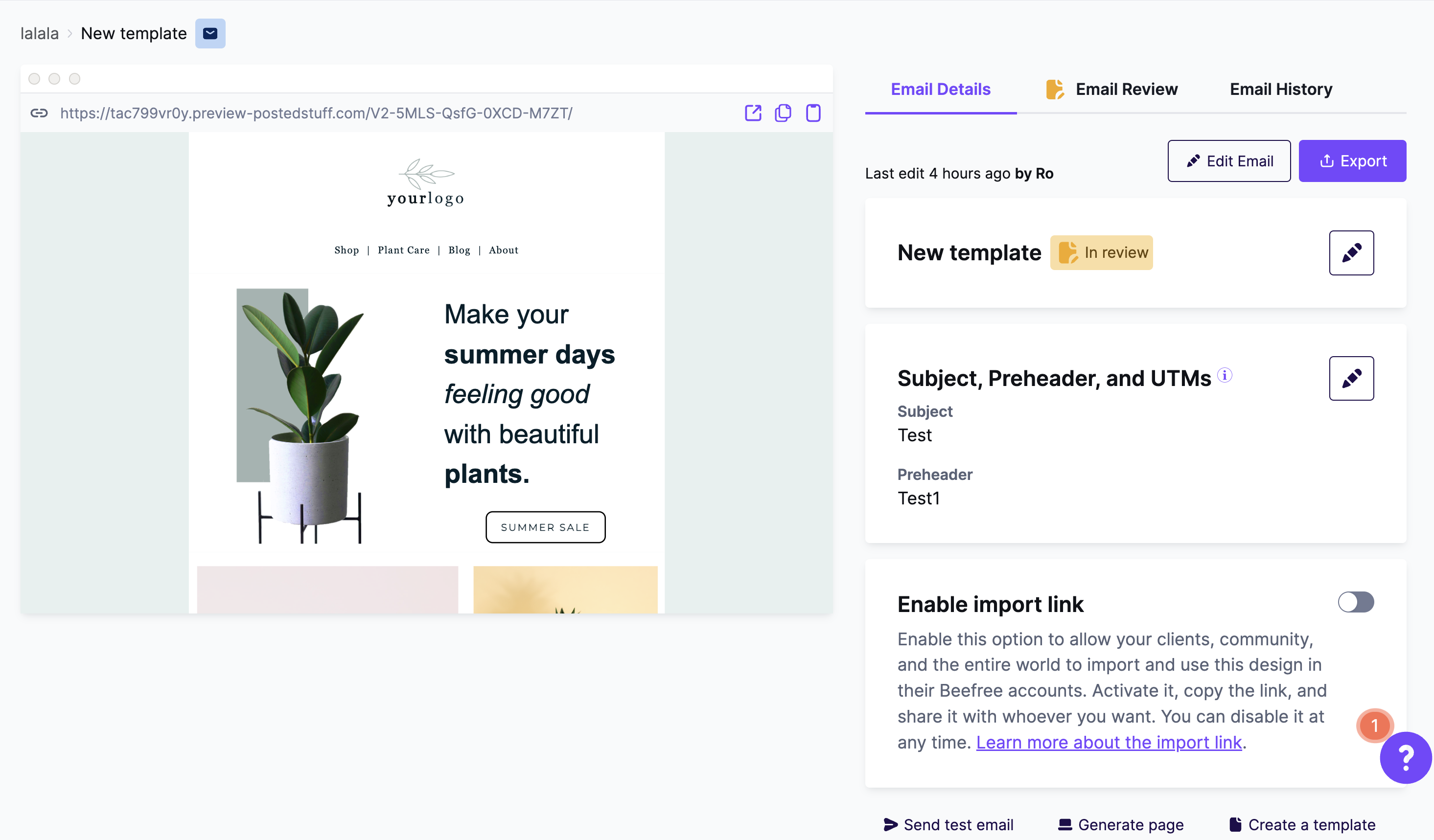
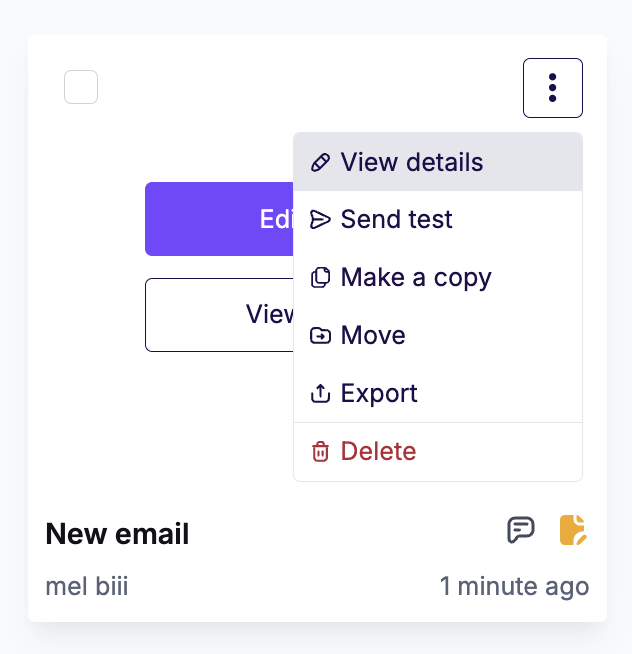
You can also navigate to this page by clicking View details from the options menu.
What you can do
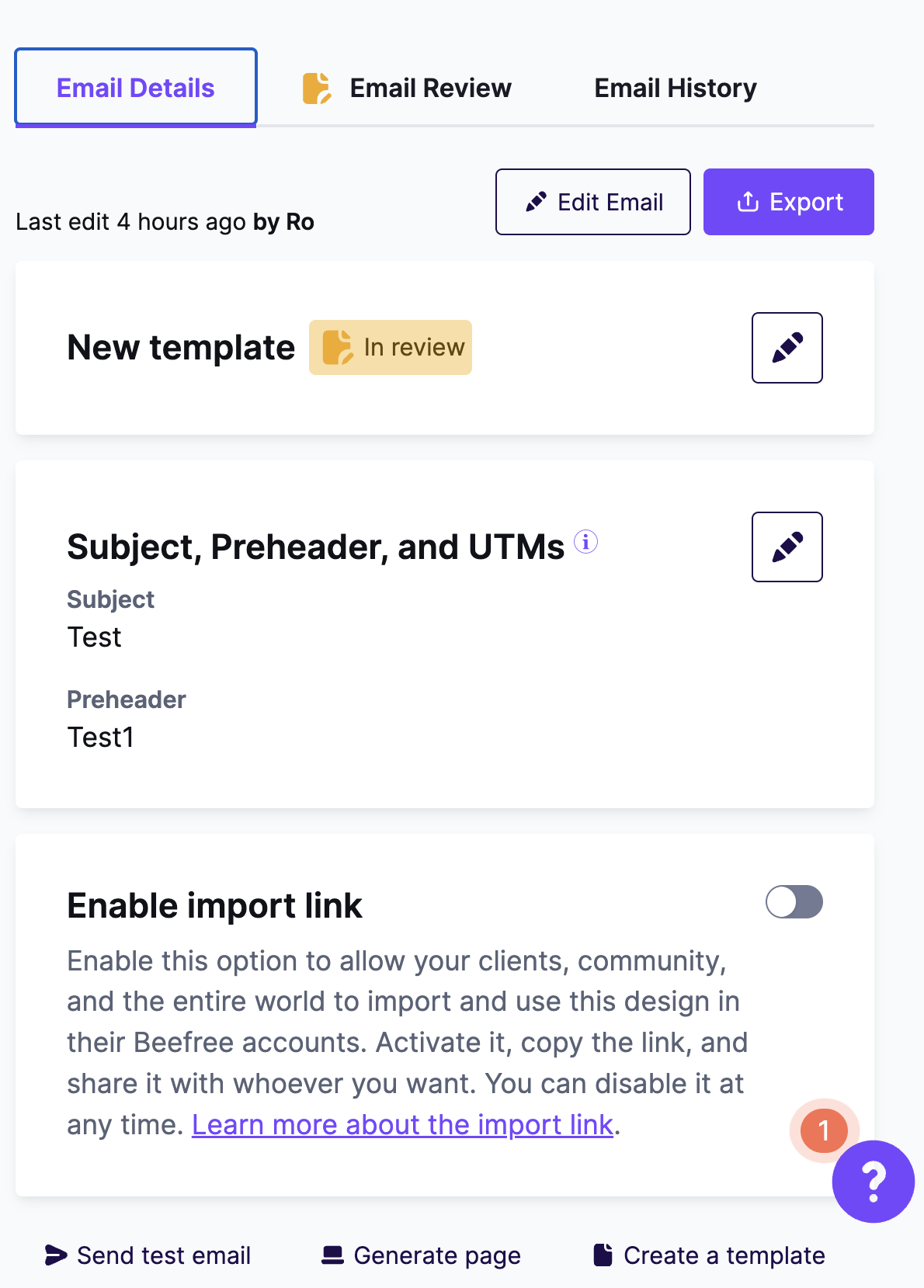
The Email details section allows you to:
- Edit the email name and description
- Add and edit tags to make emails easier to find later
- Set the email status
- Add a Preheader and UTMs for a fully-tracked campaign
- Send a test email for a quick test to view it in your inbox (or send it to another system)
- Generate a page from your email
- Create a template starting from the selected email
- View & restore a previous version of a design
- Enable Import Link
The Export button offers you a variety of ways to export your email:
- Integrations (connectors)
- Get the HTML code
- Download HTML and Images (.zip file)
- Download PDF (available on Professional, Business, and Enterprise plans)
Generate page
The Generate page button creates a landing page from your email. The page keeps the same content and design.
Once you click it, RGE Studio opens the page builder. You can customize and publish your new page there.
Watch the tutorial above to see how it works.
Email preview
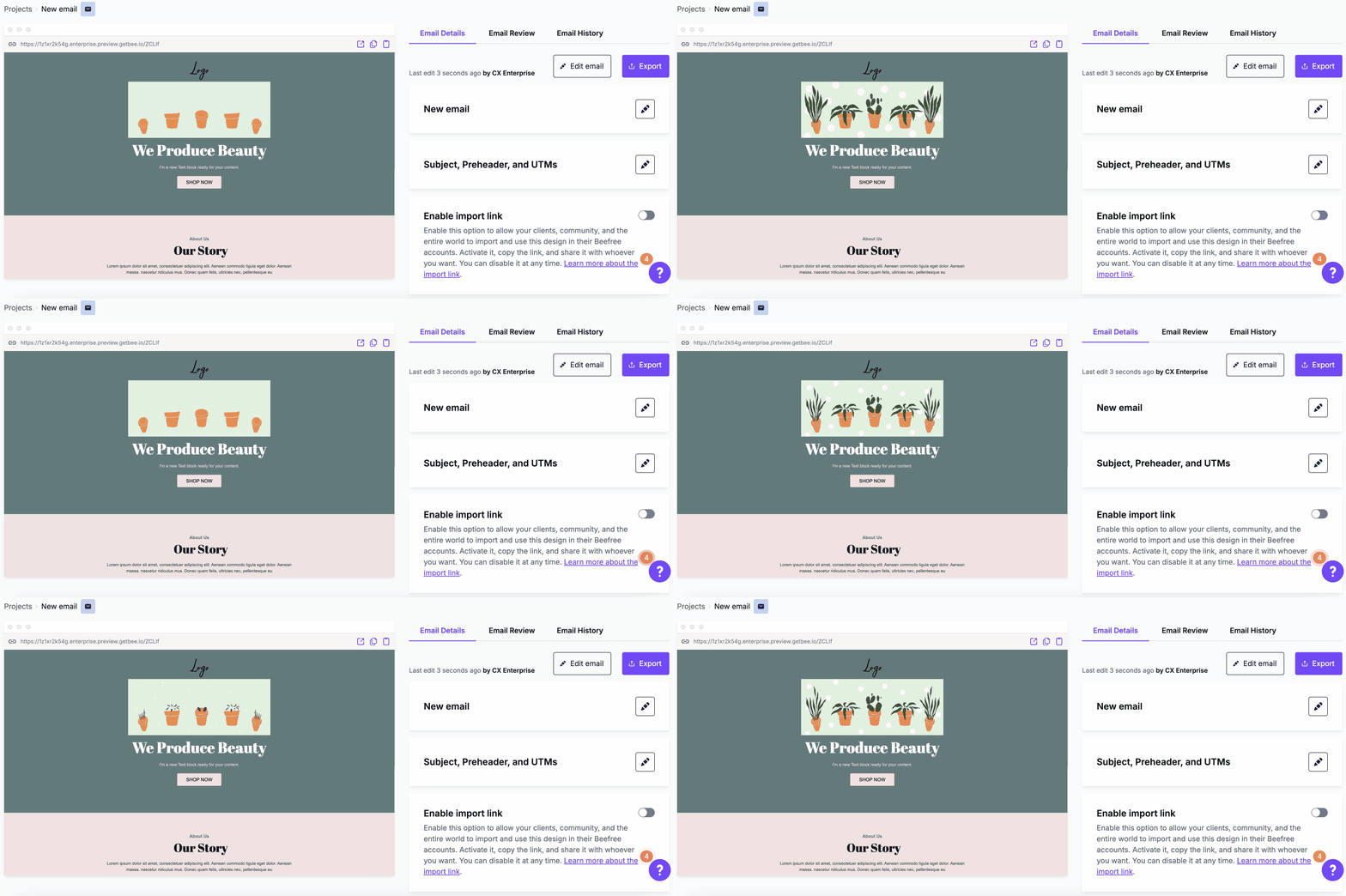
The email preview in the Email details page is an HTML rendering. It scrolls vertically and shows any GIF animations in your email.
Email URL
This feature applies to paid plans.
The URL above the design preview is your email's web address. Use the icons on the right to:
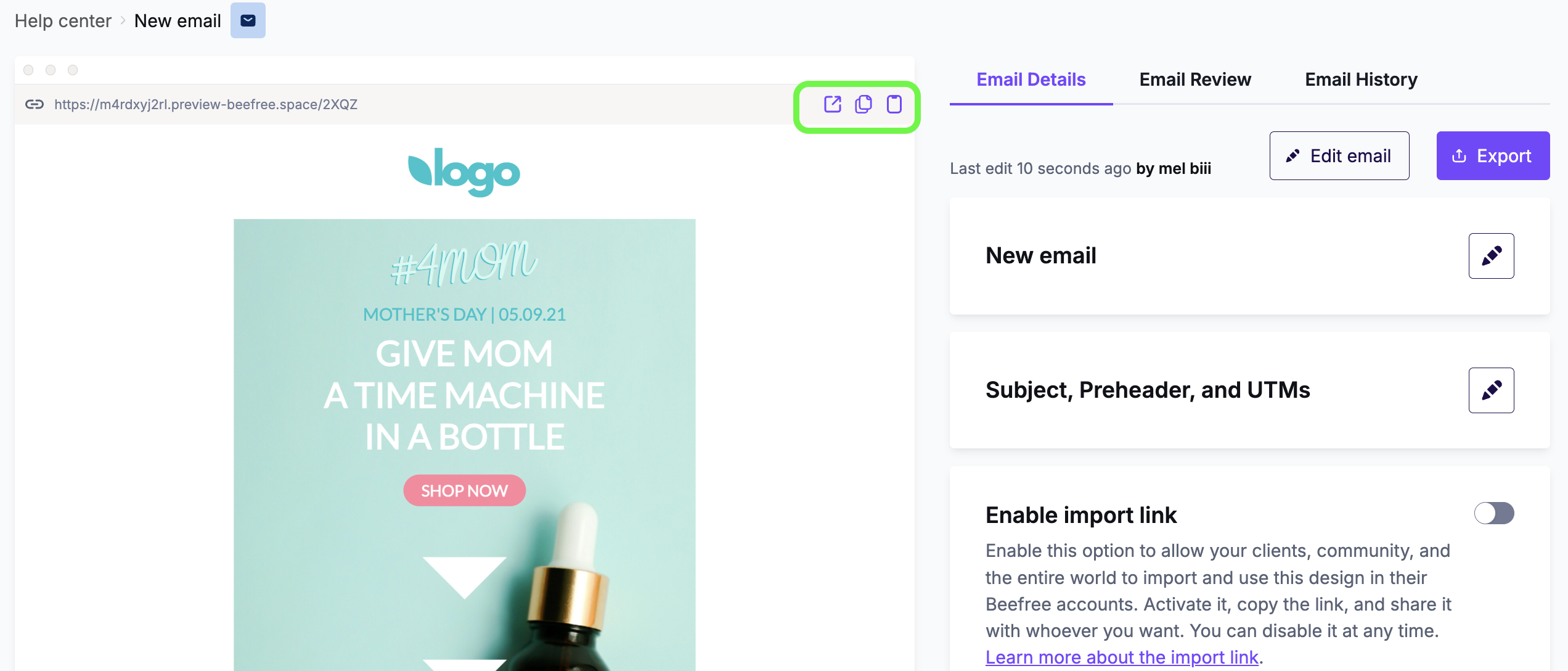
- Open it in a new browser tab
- Copy it to your clipboard to share elsewhere, like a chat message or social post
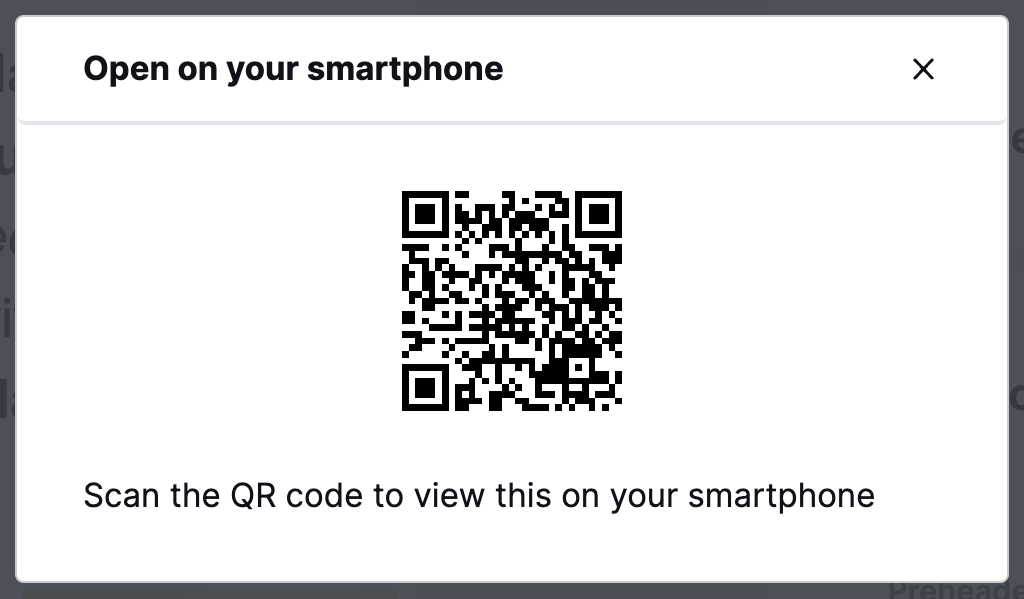
- View a QR code with your phone or tablet. Scan it to see how the email renders on mobile
If you have any questions, feel free to contact us.
Comments
0 comments
Please sign in to leave a comment.