How to add a favicon to pages

Beefree App is now RGE Studio!
The email design suite you already know and love just leveled up. We’re working hard to update our help center, but you still may see some references to the old product name.
This article applies to the Page builder in all plans.
Overview
A favicon is a small icon in a browser tab, next to the page title. Browsers also show it in bookmarks. It helps visitors find your page when they have many tabs open.
Image Requirements
Your favicon must be a PNG or JPEG image. It should be at least 260 x 260 pixels. Use an original image as the source. You can't select a favicon that was already resized.
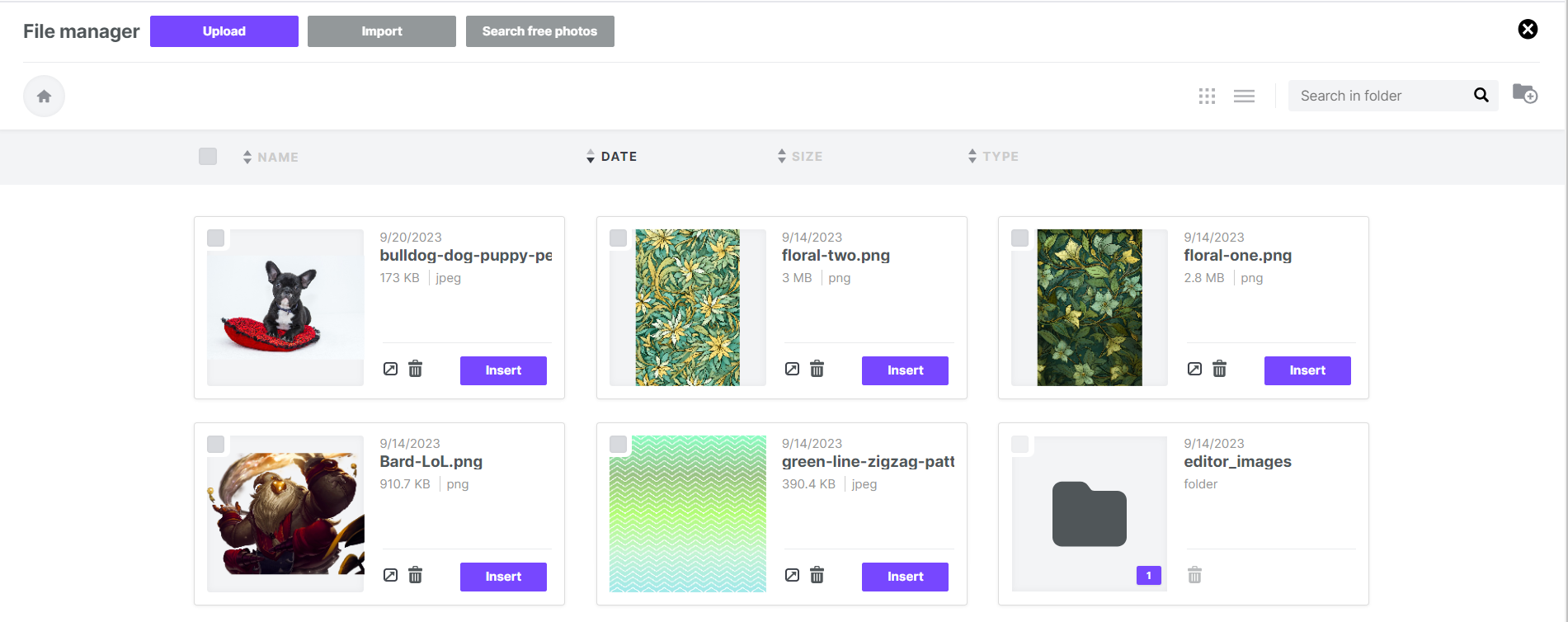
The file manager shows only images you can use as a favicon.
How to Add a Favicon
In the Pages builder, open the Settings tab.
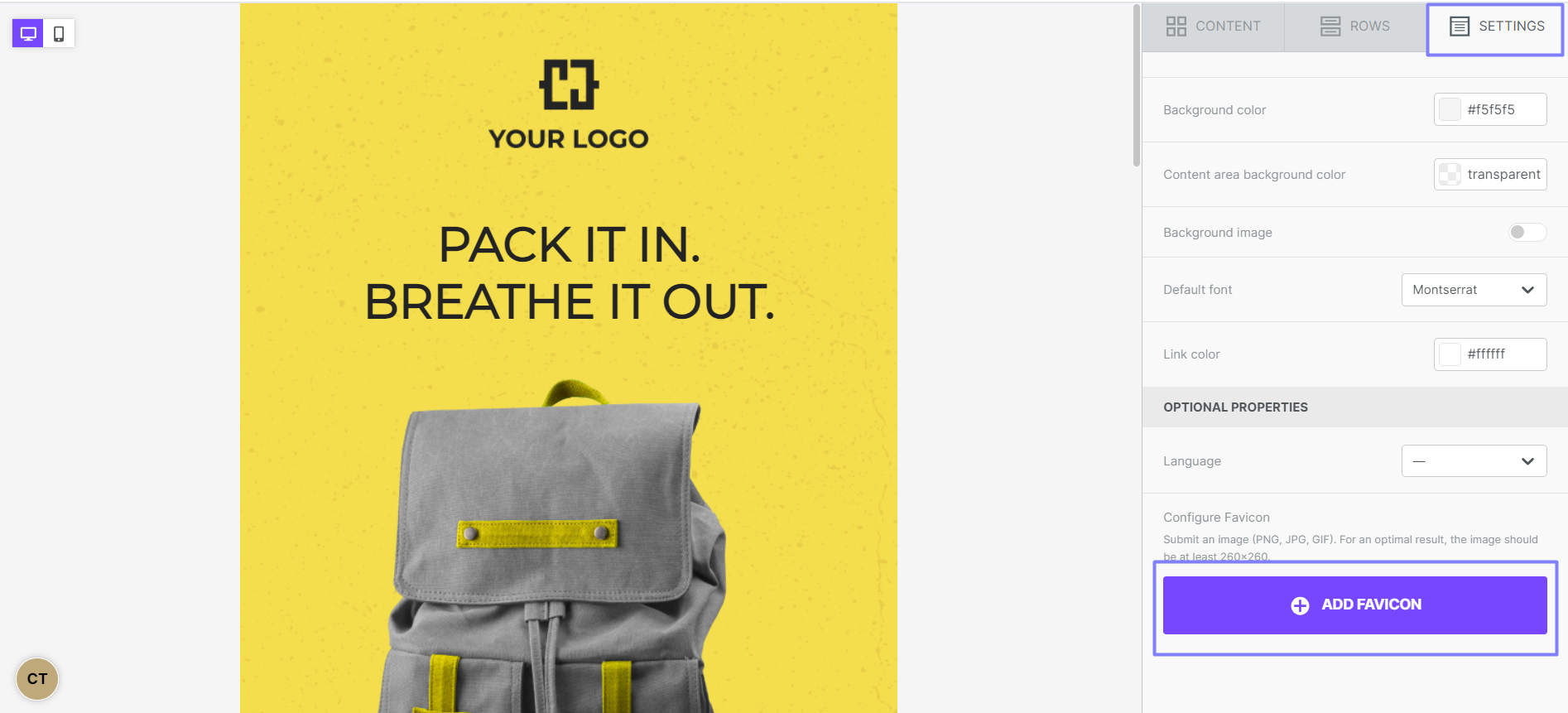
Click Add favicon. The file manager opens. Upload or import your favicon image.
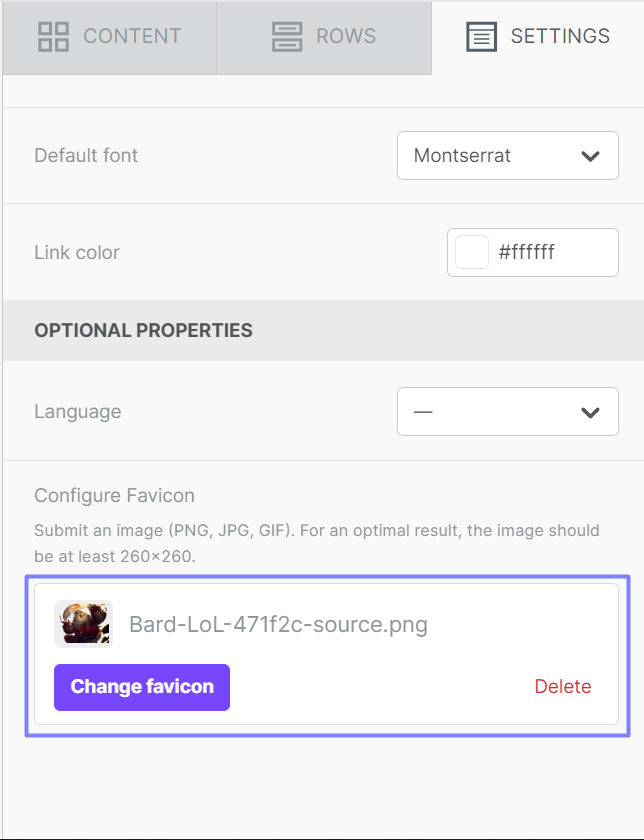
Your favicon now appears in the Settings tab. You can change or delete it from there.
Preview your page to see the favicon in the browser tab.

If you have any questions, feel free to contact us.
Comments
0 comments
Article is closed for comments.