Approval Management

Beefree App is now RGE Studio!
The email design suite you already know and love just leveled up. We’re working hard to update our help center, but you still may see some references to the old product name.
This article applies to the Business and Enterprise plans.
Overview
Approval Management settings let you control how the approval workflow operates in your workspace. These settings are available to owners, admins, and managers in the workspace General Settings.
The following options are available:
- Enable or disable manual design statuses. When disabled, only the Approval Workflow is available for reviews.
-
Restrict editing permissions for approved designs to reviewers only.

Display manual statuses
Design statuses are available on all RGE Studio plans. The Approval Workflow is a premium feature available on Business and Enterprise plans. With the Approval Workflow, a design's status is set automatically based on its review status. Having two ways to initiate a review can lead to confusion.
You can disable manual design statuses to ensure all team members follow the same approval workflow.
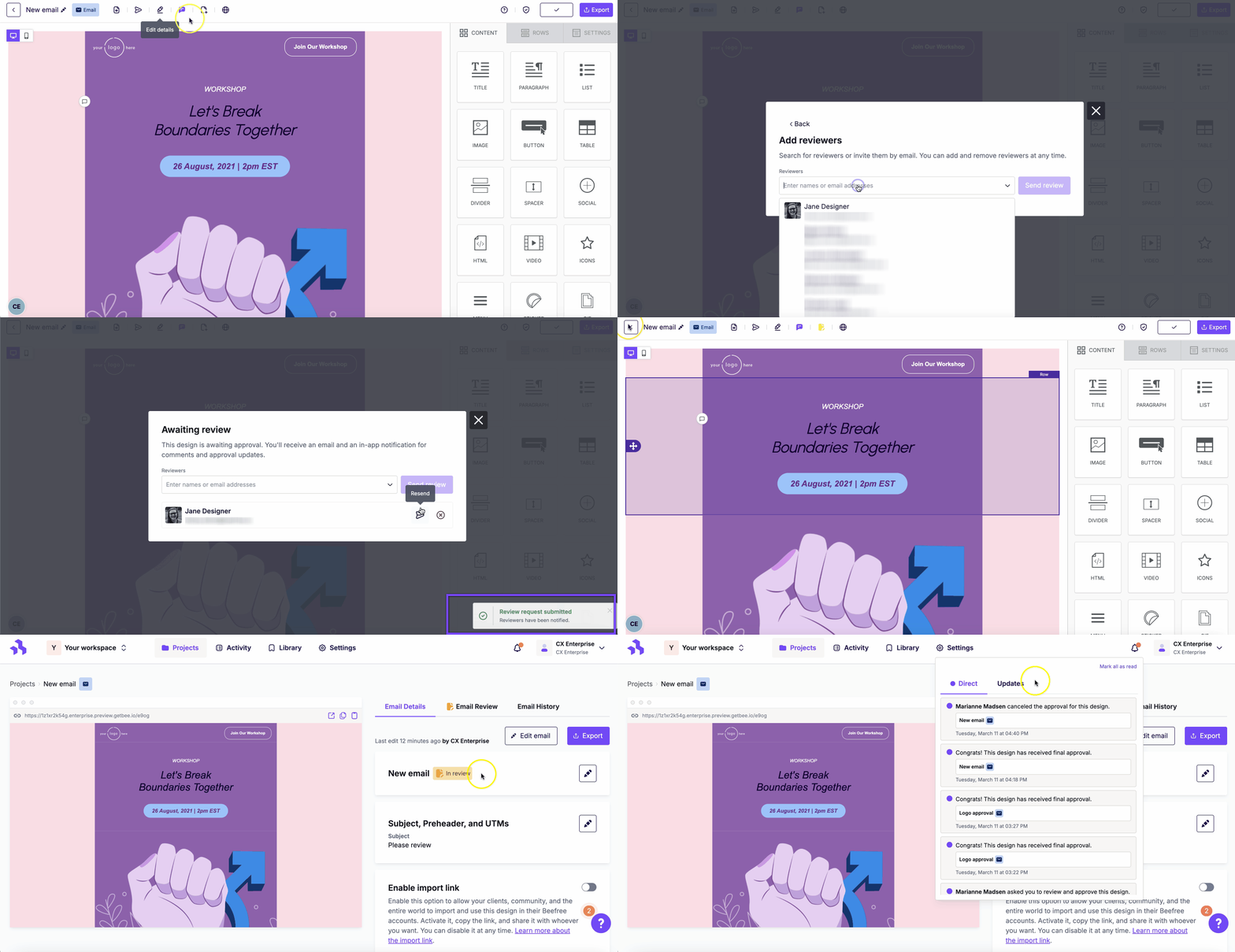
When design statuses are disabled, all manually-applied statuses are saved in the account. They are restored if you re-enable design statuses.
Restrict editing during approval
When this option is enabled, editing is restricted for designs where:
- A review has been requested
- At least one reviewer has approved the design
Once a reviewer approves a design, editing is restricted to reviewers only.
Unauthorized editors
Non-reviewers can still view and comment on approved designs in the builder. A notification at the bottom of the builder informs them of their options.
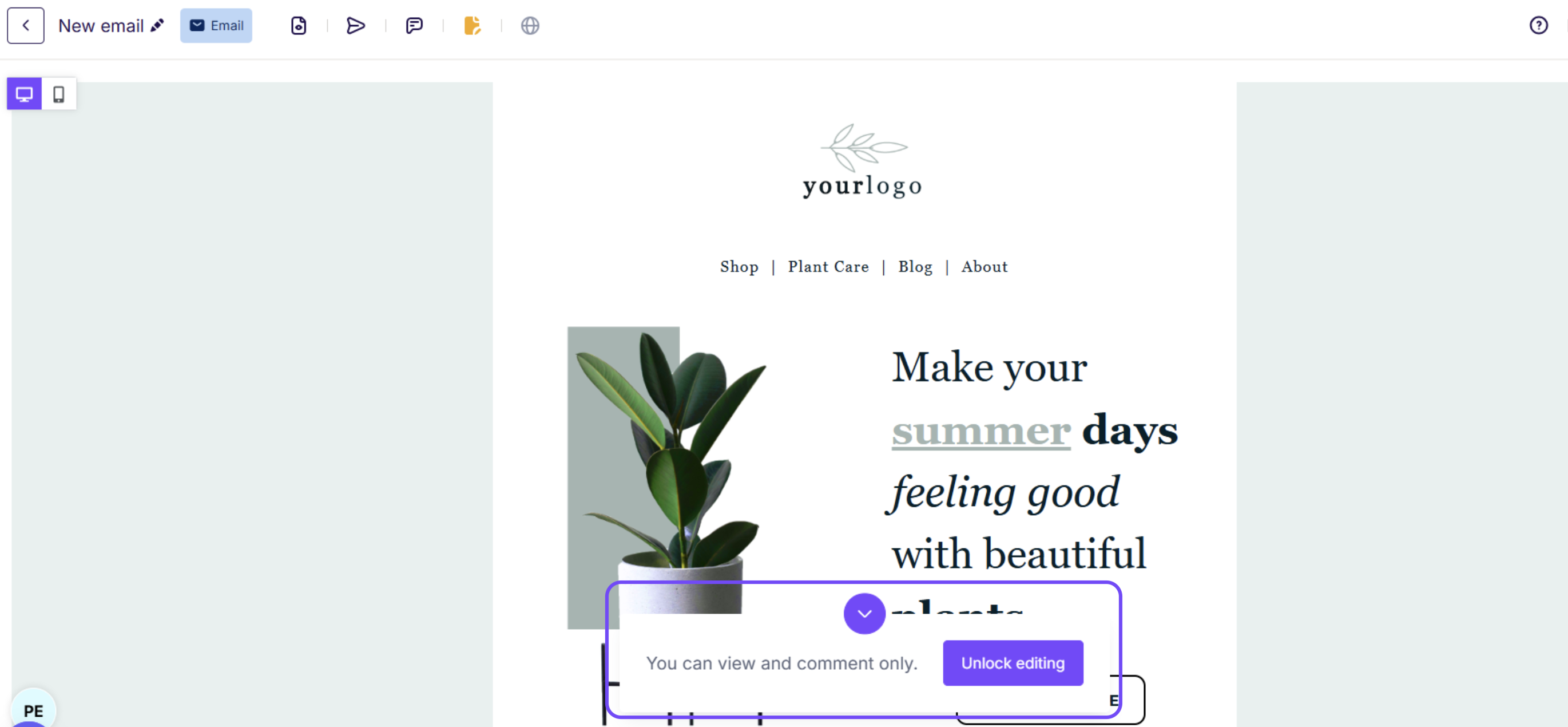
Non-reviewers can also access the builder navbar to use features like the in-builder preview and test emails.
Non-reviewers can click Unlock editing to request editing access. A warning appears that states:
- the approval will be discarded
- all reviewers will be notified of the change
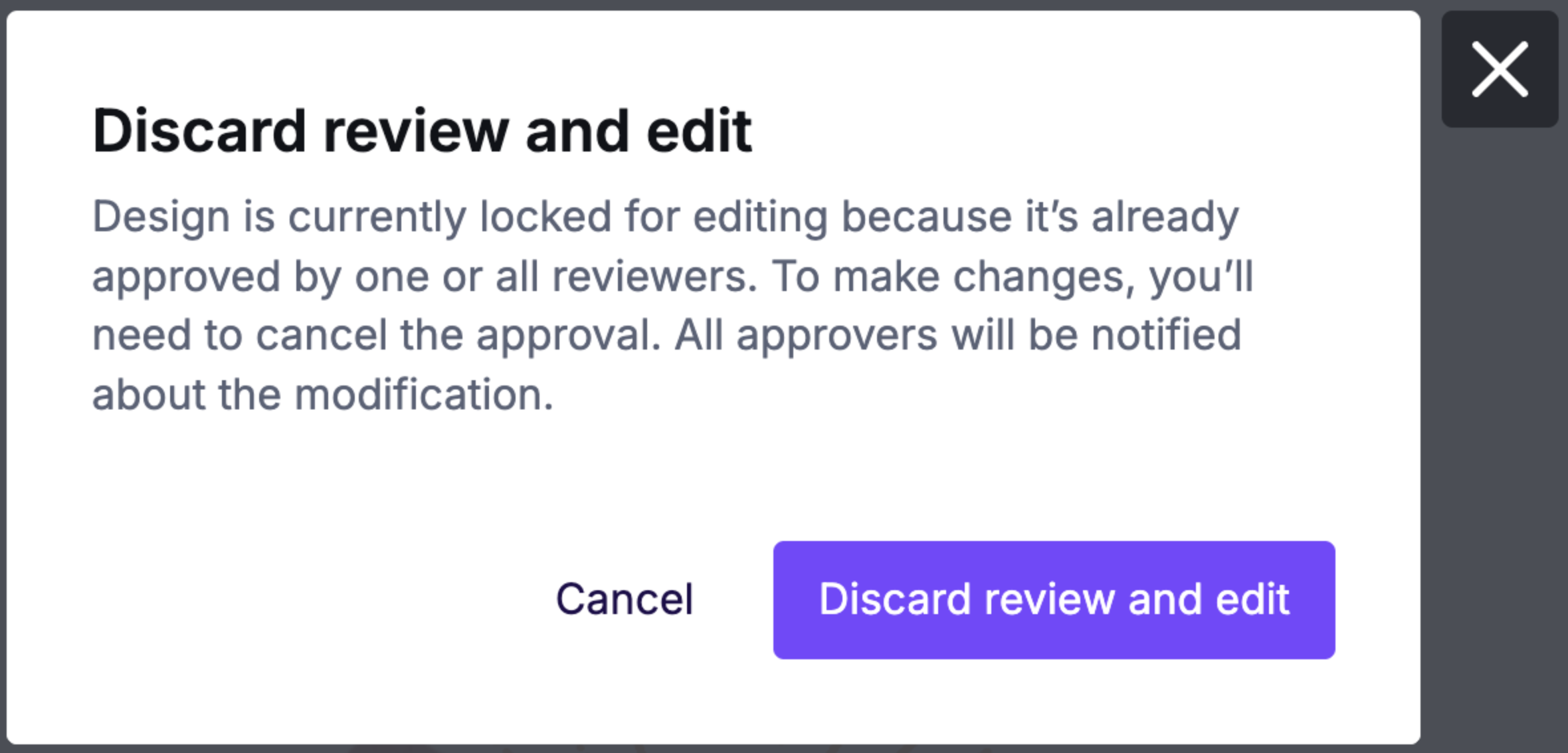
If a non-reviewer clicks Discard review and edit, all reviewers are notified. The design changes and the approval workflow status are also recorded in Design History. You can use Design History to restore the previously approved version if needed.
If you have any questions, feel free to contact us.
Comments
0 comments
Please sign in to leave a comment.