Font links are counted as clicks in Pardot.

Beefree App is now RGE Studio!
The email design suite you already know and love just leveled up. We’re working hard to update our help center, but you still may see some references to the old product name.
Overview
Some customers have reported that Pardot and similar applications count custom font links as clicks. This can skew your email campaign statistics. This article explains why this happens and how to work around it.
Why This Happens
RGE Studio can add custom fonts to your HTML in two ways. One method uses a <link> tag. The other uses an @import CSS directive.
RGE Studio uses the <link> method. This method supports more email clients.
Some applications, including Pardot, track the loading of a custom font as a click. This can alter your email campaign statistics.
We contacted Pardot about this behavior. They have not been available to discuss it with us.
We are evaluating whether changing the font import method affects rendering in other email clients.
Workaround
Until then, you can use a manual workaround. It applies to emails you send through Pardot and similar applications.
Follow these steps:
- Download the HTML or ZIP file from your RGE Studio account.
- Open index.html. Find the line with the
<link>tag for your font. This line is usually near line 14. Here's an example for the "Montserrat" font:
<link href="https://fonts.googleapis.com/css?family=Montserrat" rel="stylesheet" type="text/css" />- Delete that line. Insert this code block in its place:
<style type="text/css">
@import url('https://fonts.googleapis.com/css?family=Montserrat:400,700')
</style>- Save your HTML file. Import it into Pardot.
This should resolve the click-tracking issue.
We also encourage you to notify Pardot's support team about this issue. Pardot could resolve it on their end. Many companies design emails in RGE Studio and send them through Pardot.
If you have any questions, feel free to contact us.
Comments
13 comments
If I have more than one font, should I add <style type>, then close it </style> to each font, or should I add just one <style type...> and </style> to the whole set?
Hi Mayla,
If you have multiple fonts, you can go within the same <style> tag.
Thanks!
Should I do the same with the <link href="https://use.typekit.net/pkx5djy.css" rel="stylesheet" type="text/css">, or only the fonts?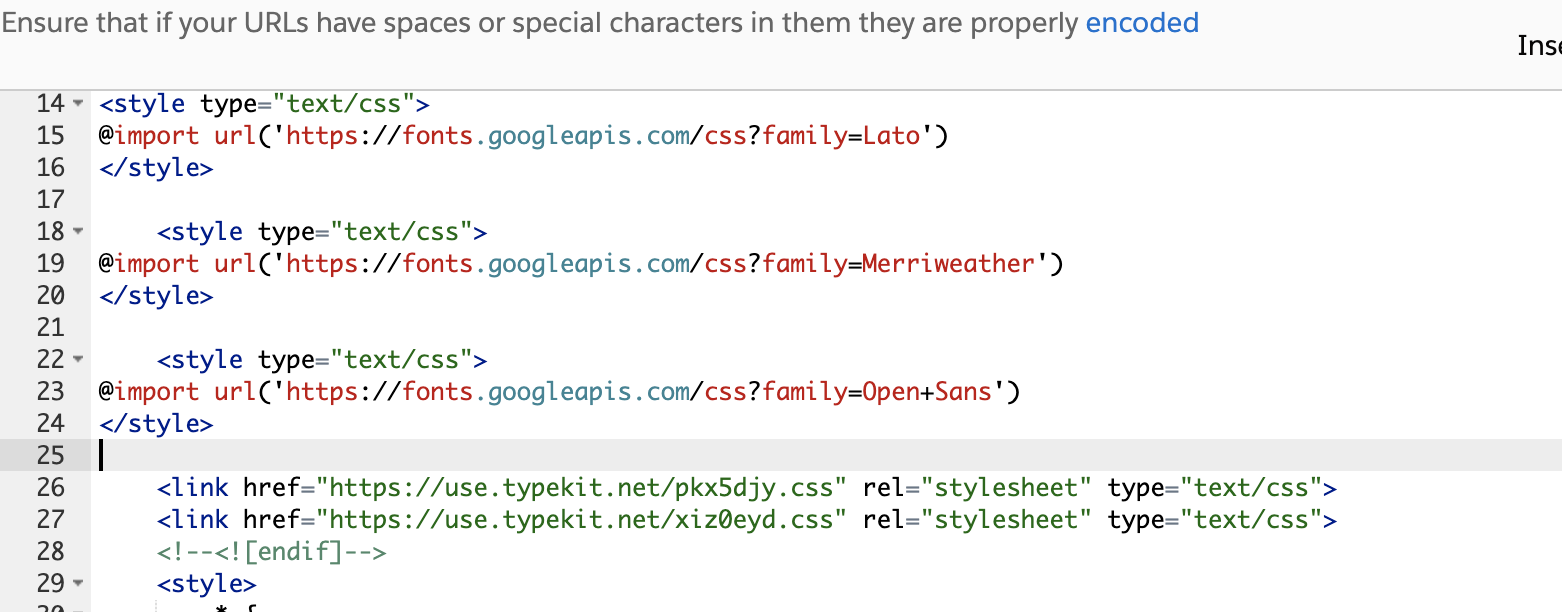
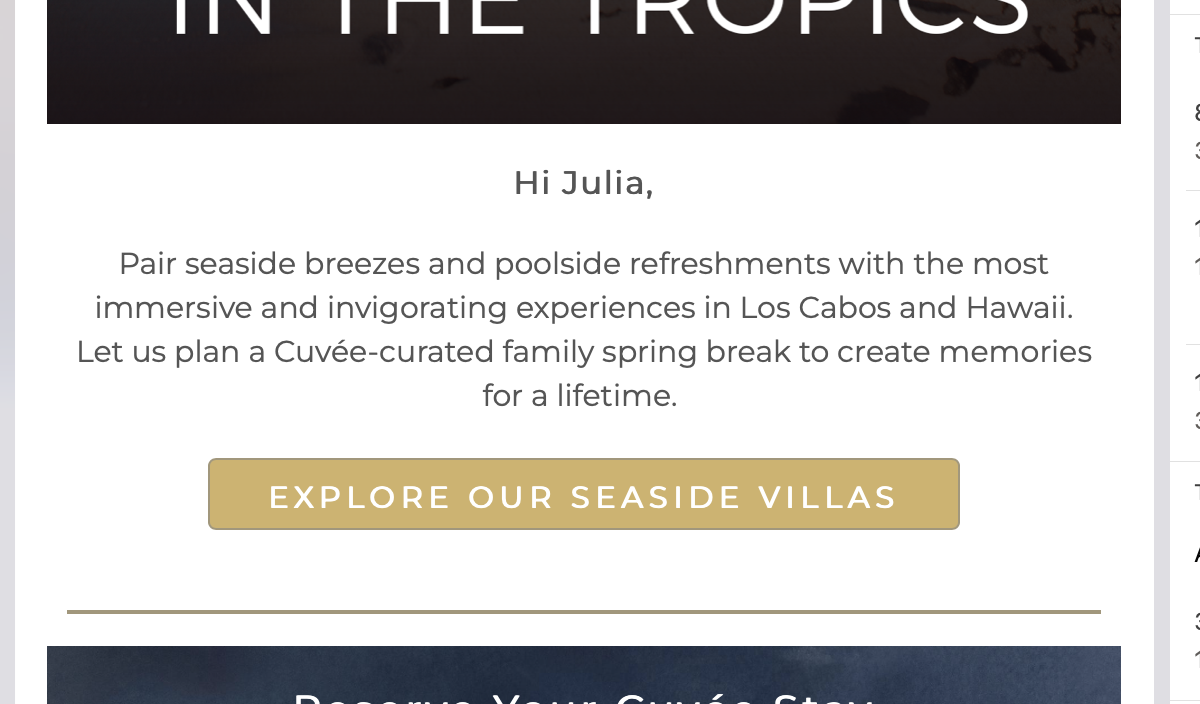
Do you know why the fonts pull through on a desktop but not mobile (both in Outlook)? This is the same email on different devices. Sent with Pardot. Screenshots of both below.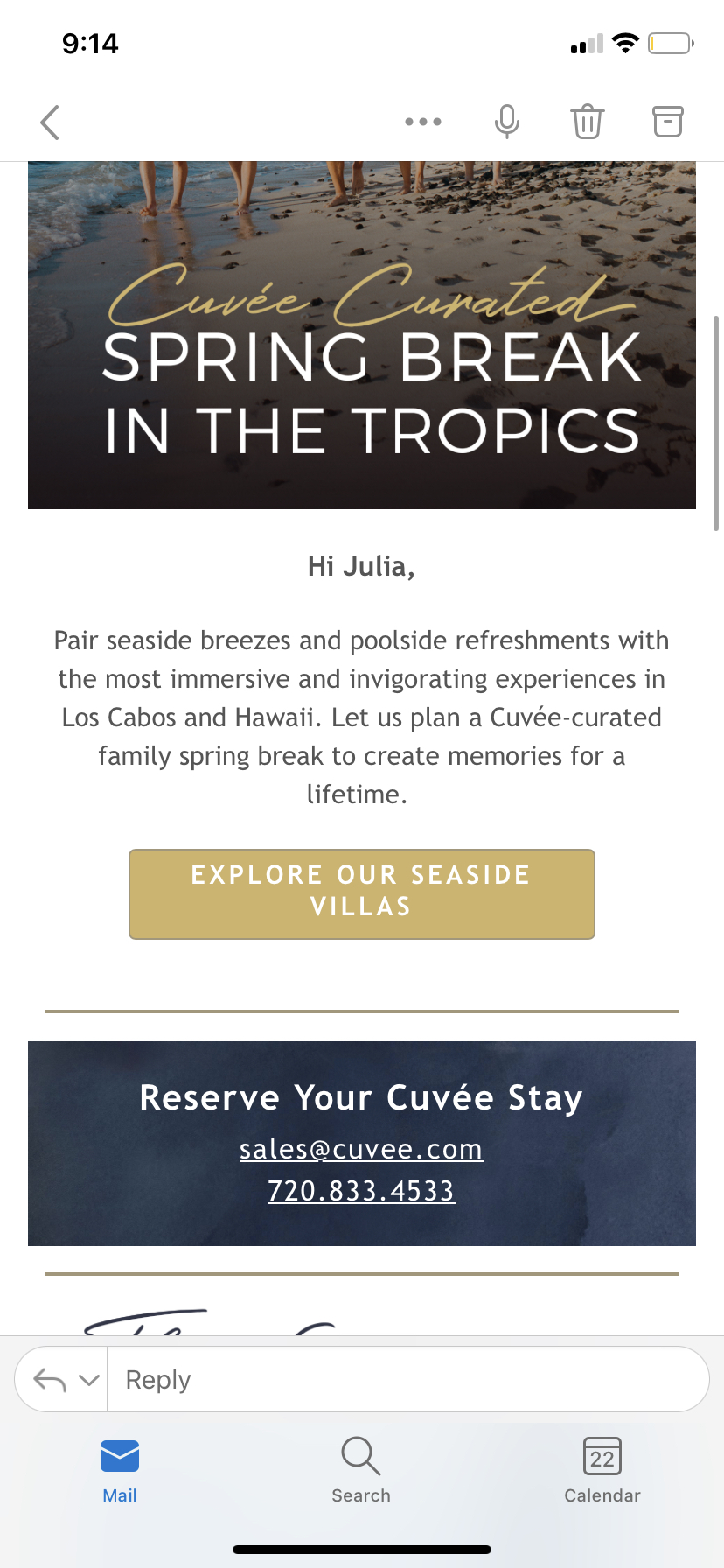
Hi Julia,
Yes, to answer your first question, follow the above instructions. Here is some additional documentation using custom fonts.
As for the font not rendering in the mentioned email client, you are using a web font; there are various email clients that do not support web fonts.
The font links are staying in the HTML even after the offending fonts are removed from the email in BEE!
This is grossly throwing off the click counts of our emails (with 5-6 different font links in the email) and I have to manually remove them every time I copy the HTML into Pardot. This extra step is getting tiresome.
The only remedy I have discovered is to completely recreate the email without the fonts.
What's the recommended course of action here? Can BEE insert a line of code that removes the unused fonts' links before exporting the code?
Hi there! This is a current limitation of the BEE builder. Once a web font is used in a design created in BEE, it will always populate in the export file, even if it's been removed.
With that said, we know this behavior can be frustrating in certain use cases - particularly if you're using Pardot. We're currently working with our developers to resolve this. I'll be sure to pass your feedback along as well!
What is the update here? This seems like a really simple fix to an issue that is destroying our email click metrics.
Hi! We are currently working on this issue. I will set a reminder to reach out to you when we have a fix released for this. We appreciate your patience.
Hi is there any update on this fix? I tried the code and it doesn't work (as in the email doesn't load at all) for the Outlook desktop app. This makes sense since it's importing a font from online, but just wanted to see if there's another workaround for this issue.
Hi there, thanks for sharing your comment with the Beefree community. Please know that the fix that my colleagues mentioned in the previous comments has been released.
I am sorry for any confusion, but the suggested steps in this help center article are meant for designs sent with the email-sending platform Pardot. Web fonts will not load in Outlook - you can find more information about this in our help center article here: Using Web Fonts.
I am a new user, within the last two months since the message above was posted. these are happening in my emails sent through pardot. what is the "release" and where can I find it? my manager is getting frustrated with this bug.
Hi Ashley, thanks for commenting!
The release that was referenced in the comments is not available anywhere on the Beefree website, regrettably. To clarify, what was fixed then was the following issue:
This issue temporarily prevented Beefree users from using the workaround suggested in our help center article on the Pardot connector for the known issue of Pardot counting the links to web font stylesheets as clicks.
To assist you further, I'm going to create a support ticket on your behalf. Please look out for an email from our Support team in your inbox, thanks!
Please sign in to leave a comment.