How do I switch to an annual subscription?

Beefree App is now RGE Studio!
The email design suite you already know and love just leveled up. We’re working hard to update our help center, but you still may see some references to the old product name.
This article applies to the Professional and Business plans.
This article applies to the Professional and Business plans.
Overview
You can switch from monthly to annual billing on your RGE Studio subscription. Switching to annual billing can lower your overall cost.
You must be the account owner to change your RGE Studio subscription.
Switch to annual billing
- Log in to your RGE Studio account.
- Select Subscription from the account menu in the top-right corner.
- Click Try another plan.
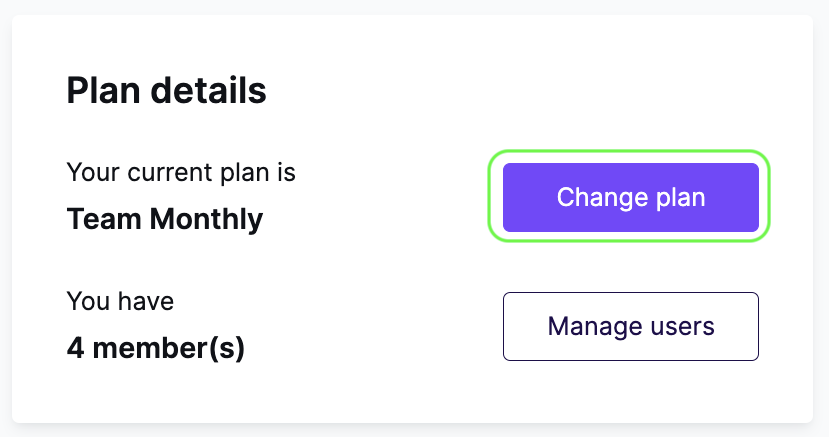
- At the top of the page, find the Monthly billing / Yearly billing selector. Toggle it to Yearly billing.

- Scroll to the lower section of the page. Click See details next to the Professional or Business plan. This shows a preview of how your subscription amount will change.
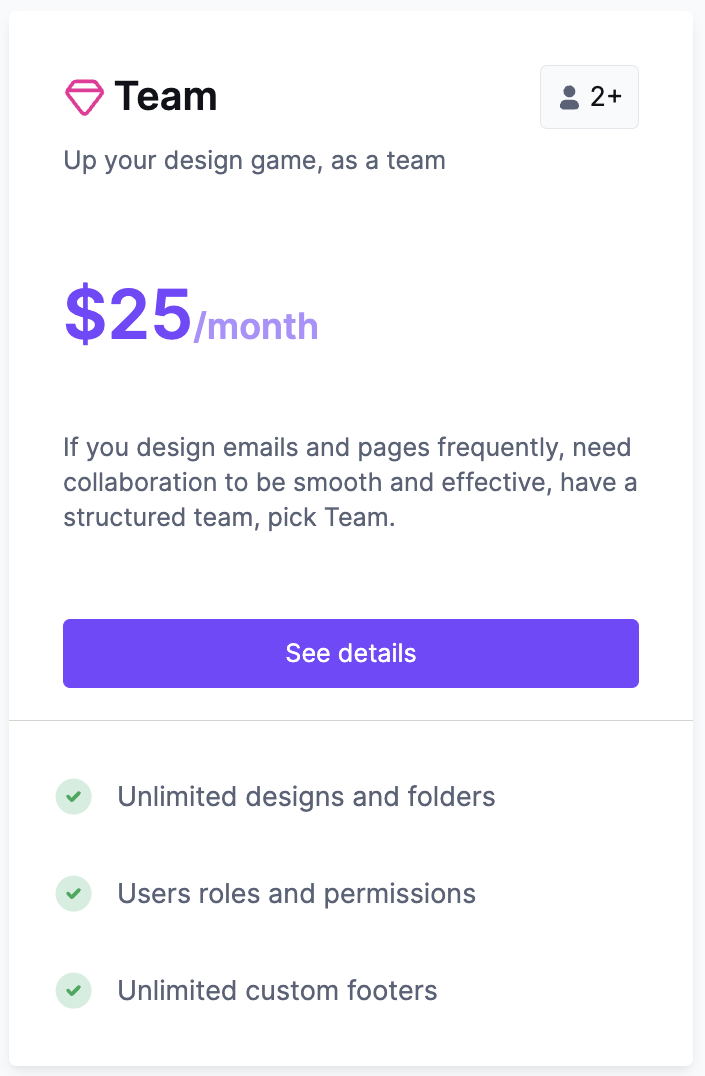
- RGE Studio shows you a summary of the changes to your subscription. This customer saves $60 a year by switching to |their Professional plan.
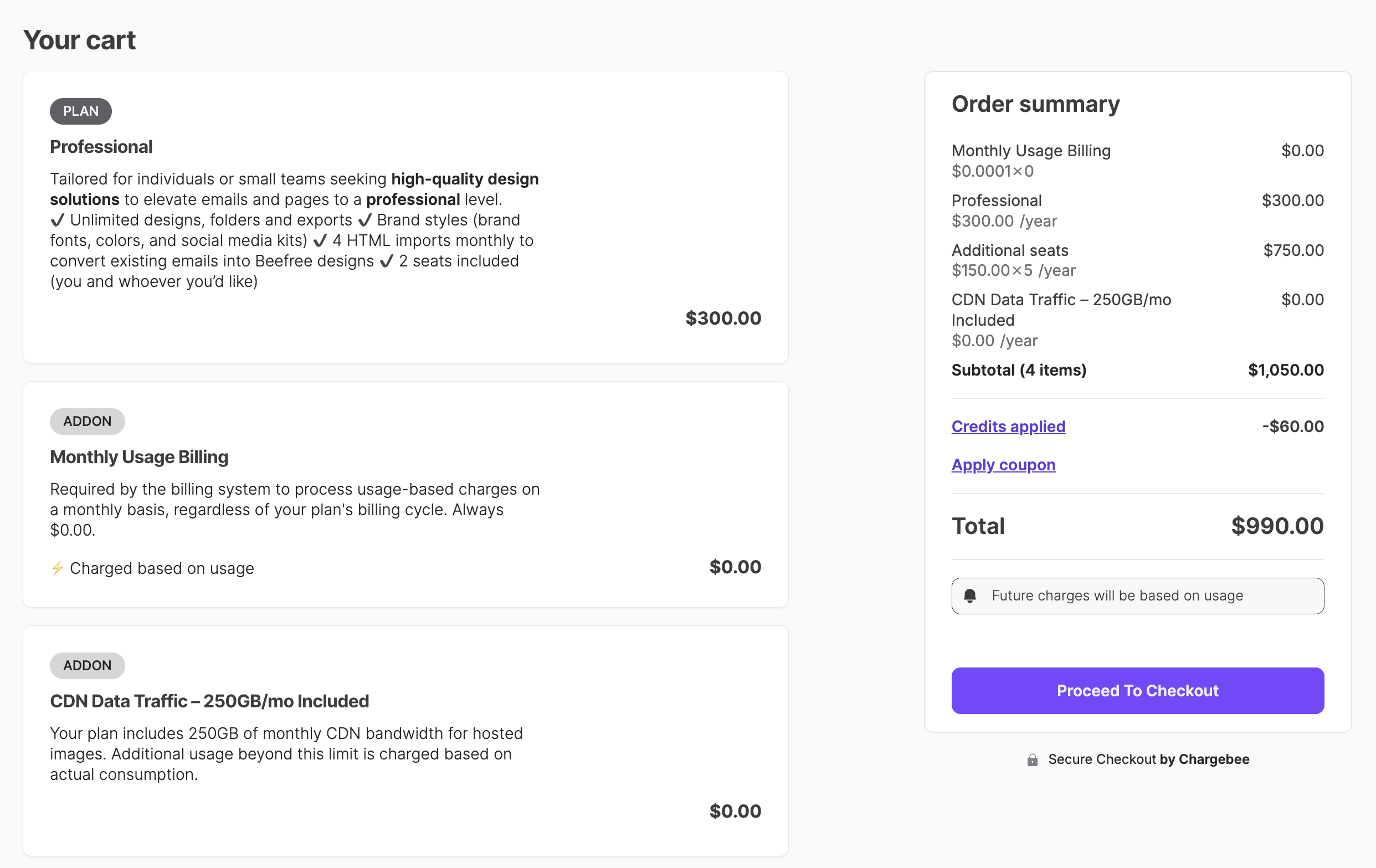
- Click Proceed to checkout to open the payment modal. Complete the payment to switch to annual billing.
If you have any questions, feel free to contact us.
Comments
0 comments
Please sign in to leave a comment.