Co-editing

Beefree App is now RGE Studio!
The email design suite you already know and love just leveled up. We’re working hard to update our help center, but you still may see some references to the old product name.
This article applies to the Business and Enterprise plans.
Overview
Co-editing lets you work on the same design at the same time as your teammates. You can see other people's edits in real time. You can also collaborate using comments.
A co-editing session starts whenever you open a design in the builder. RGE Studio saves your changes automatically, whether you're working alone or with teammates. Learn more in Saving your designs in RGE Studio.
Avatars in the lower-left corner of the builder show who's in the session. Your own avatar always appears, even when you're editing alone. Each person's avatar has its own color and shows their initials.
Up to 5 users can join a co-editing session at a time. If a sixth person tries to join, they see the message "Maximum number of users reached." They can join once someone else leaves the session.
Locked Content
When a teammate selects content in the design, that content is locked for everyone else. This keeps two people from editing the same thing at once. You can edit it once your teammate selects something else.
How Commenting Works
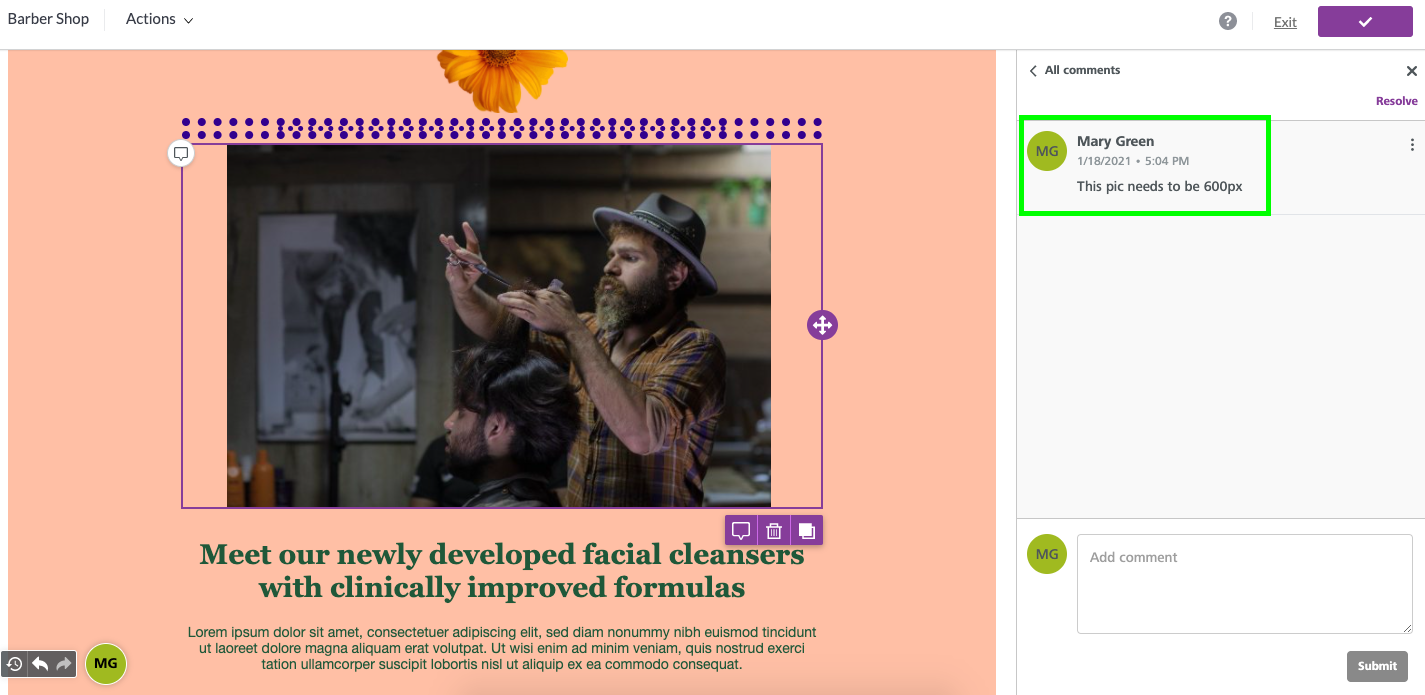
The Commenting feature uses the same avatar colors as co-editing. You can see an example in the screenshot below.
Undo and Redo
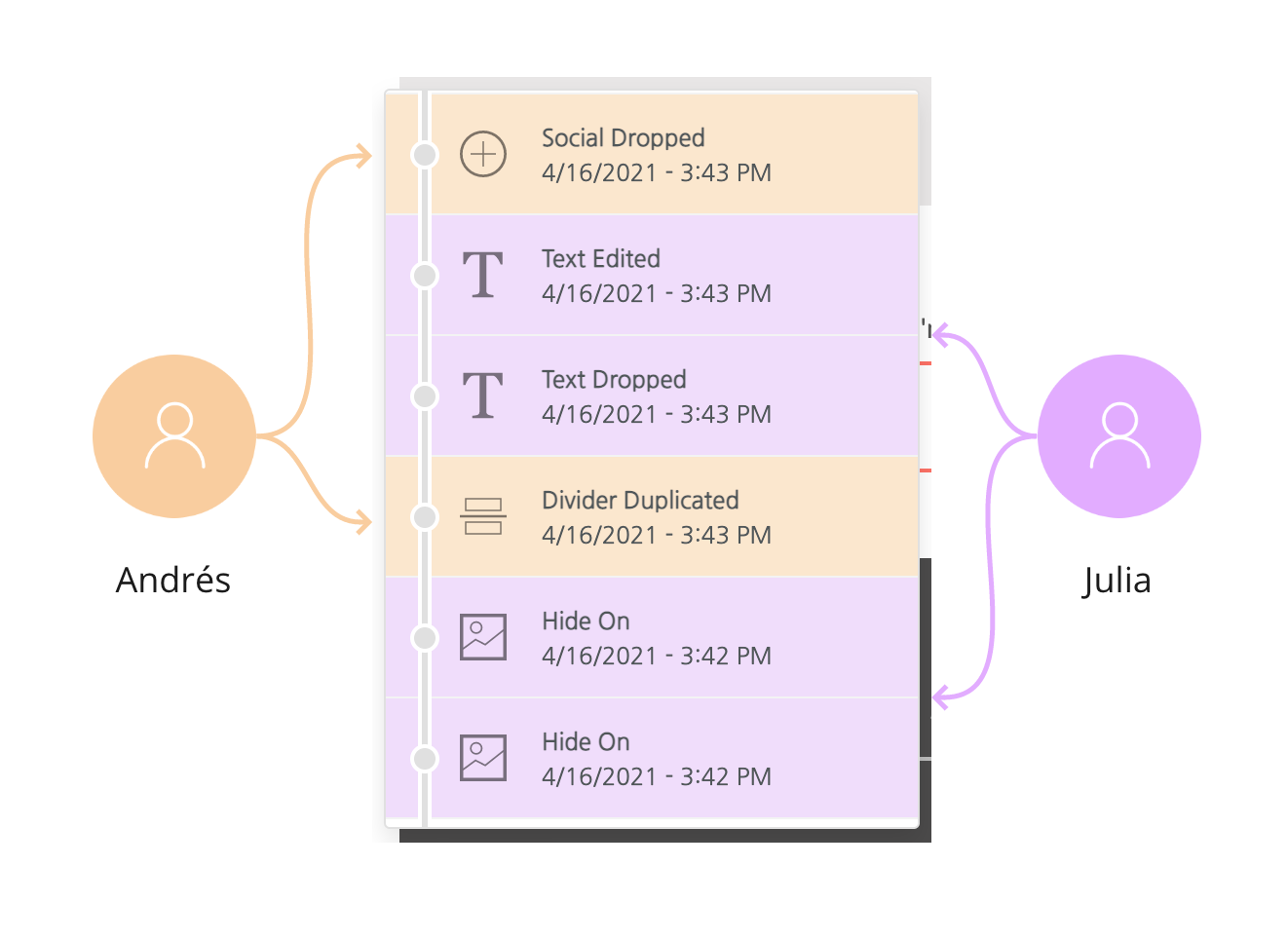
Undo and redo are turned off while more than one person is in the builder. This keeps you from accidentally undoing a teammate's changes. For example, Julia and Andrés are working in different parts of a design. If Julia clicked Undo, she could remove Andrés's latest change without noticing.
The change history still shows who made the most recent edits.
Undo and redo turn back on once you're the only person in the builder. When you're working alone, undo, redo, and history work as usual. Learn more in Undo, redo, and history.
If you have any questions, feel free to contact us.
Comments
0 comments
Please sign in to leave a comment.