Row Properties

Beefree App is now RGE Studio!
The email design suite you already know and love just leveled up. We’re working hard to update our help center, but you still may see some references to the old product name.
This article applies to the Email and Pages builder in all plans.
Overview
Every design created in RGE Studio includes at least one row. Rows are the primary structural element of any email or page. Any content block you drag and drop onto the stage goes inside a row.
Rows make your design mobile-responsive. They adjust their width automatically for any screen size. You can see this in both the builder stage and exported output.
Row Properties
Selecting a row applies design changes to every content block it contains. To select a row:
-
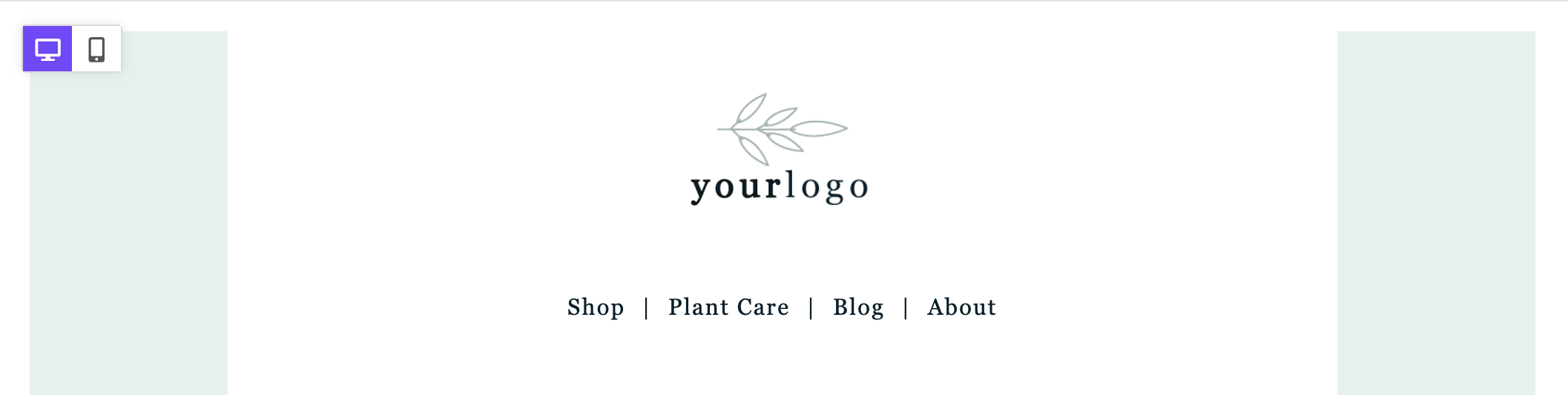
Hover over the stage, to the left or right of the content area.
-
Click outside the content area to select the entire row.
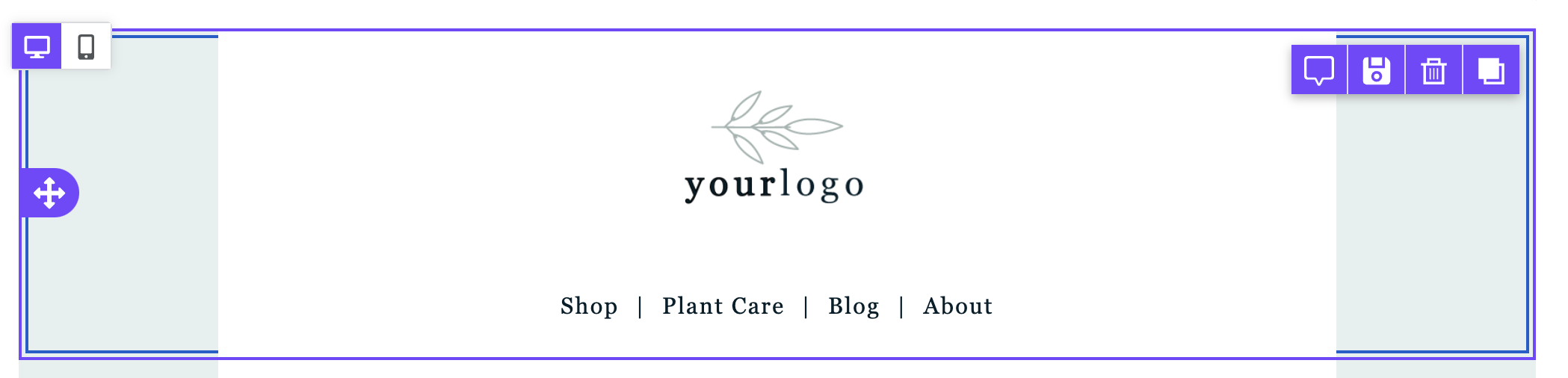
Once selected, the sidebar shows the row properties. You can use these options to customize the entire row. The options are grouped into the following sections:
Backgrounds
The Backgrounds section includes the following options:
- Row background color
- Content area background color
- Row background image
Borders
The Borders section includes the following options:
- Content area border
- Content area rounded corners
Layout
The Layout section includes the following options:
Dynamic Content
The Dynamic Content section includes the following options:
Cards Style
The Cards Style section includes the following options:
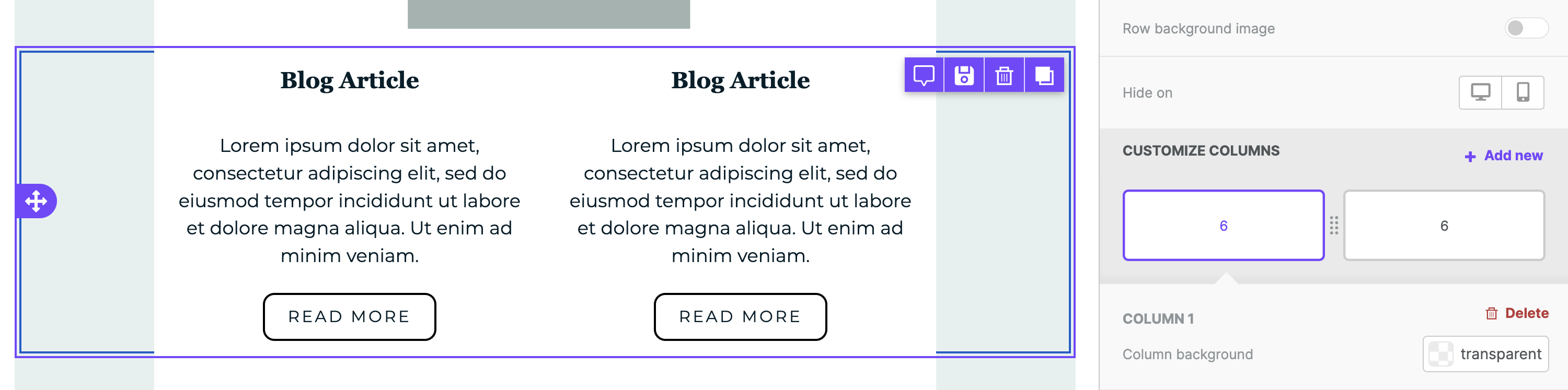
Columns Structure
The Columns Structure section includes the following options:
- Column background
- Column padding
- Column border
*Only available in paid accounts. This section appears only when you enable Display Conditions in your account settings.
Each column within a row has its own Columns Structure option. To learn more about columns, see Column management.
If you have any questions, feel free to contact us.
Comments
6 comments
Can I have a row with 5 columns?
Hi Nick, not yet, but this is a limit we would like to overcome soon. In the meantime, we recommend using custom HTML for special layout needs, we know that it's not ideal, but may be of help in some cases.
Hi there, I have a one column eDM, but am trying to change the background colour of one row to yellow so I can have the text in charcoal, but its changing the background colour of the whole edm...
Is there a way to set the height of a row? And set it depending on the screen size?
Hi Christoph,
Thanks for sharing your question with the Beefree community!
The height of your row depends on the content you have in it. To increase the height, you can use the Spacer content block in the Beefree builder. For more details, please see our help center article: Using dividers and spacers.
What you create with Beefree will automatically be a responsive design that adapts to the screen size of the device that is used for viewing the design, but you can create separate versions of your design for a mobile or desktop by using the mobile design mode as well as the hide on desktop/mobile feature.
I hope this helps!
Is there a way to hide a row everywhere? On computers AND mobiles?
Please sign in to leave a comment.