Pages

Beefree App is now RGE Studio!
The email design suite you already know and love just leveled up. We’re working hard to update our help center, but you still may see some references to the old product name.
This article applies to the Page builder in all plans. However, some features may be limited or unavailable on the Starter plan.
Overview
This article covers the basics of the Page builder. For more information on Pages features, see these articles:
- Creating forms
- Saving form data to a spreadsheet, a database, an email list, or other apps
- Using Internal Links in Pages
- Using the Page Details Section
- Using Metadata and Analytics in Pages
- Page Slug Customization
- Using custom domains
- How to add a favicon to pages
How it works
You can create a page almost anywhere you can create an email. To learn how, see Creating a new design.
Templates are specific to either emails or pages. This applies to your custom templates and to our template catalog. When you create a page, you can also convert an email template from the catalog into a page.
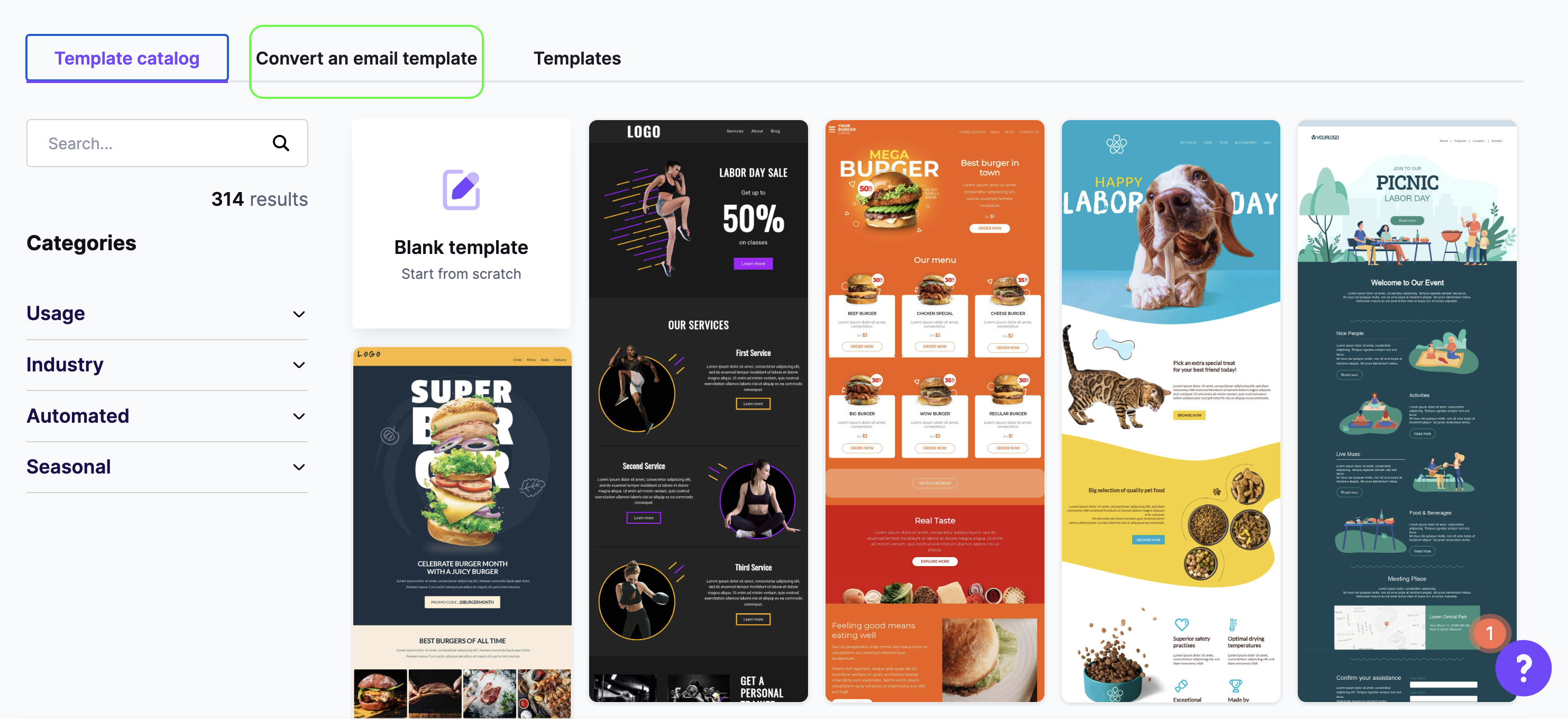
After you select a template, the Page builder opens with that design. You can then start designing your page.
Hosted image delivery
You can host your landing page images in RGE Studio. Hosted images count toward your monthly CDN data traffic allowance. RGE Studio calculates CDN data traffic for pages with this formula:
Total size of images included in a page (KB) * Total page views
To learn more, see Hosted image delivery (CDN) in RGE Studio. For tips on optimizing images for the web, see this Kinsta blog post.
Email vs. Pages
The email builder and the Page builder have a few key differences. They affect content, rows, settings, and export options.
Content
Landing pages open in web browsers instead of email clients. Web browsers support more design features. As a result, the Page builder includes design elements that are only available for pages.
One main difference is the form content block. Use it to create any form you need on your landing page. To learn more, see these articles:
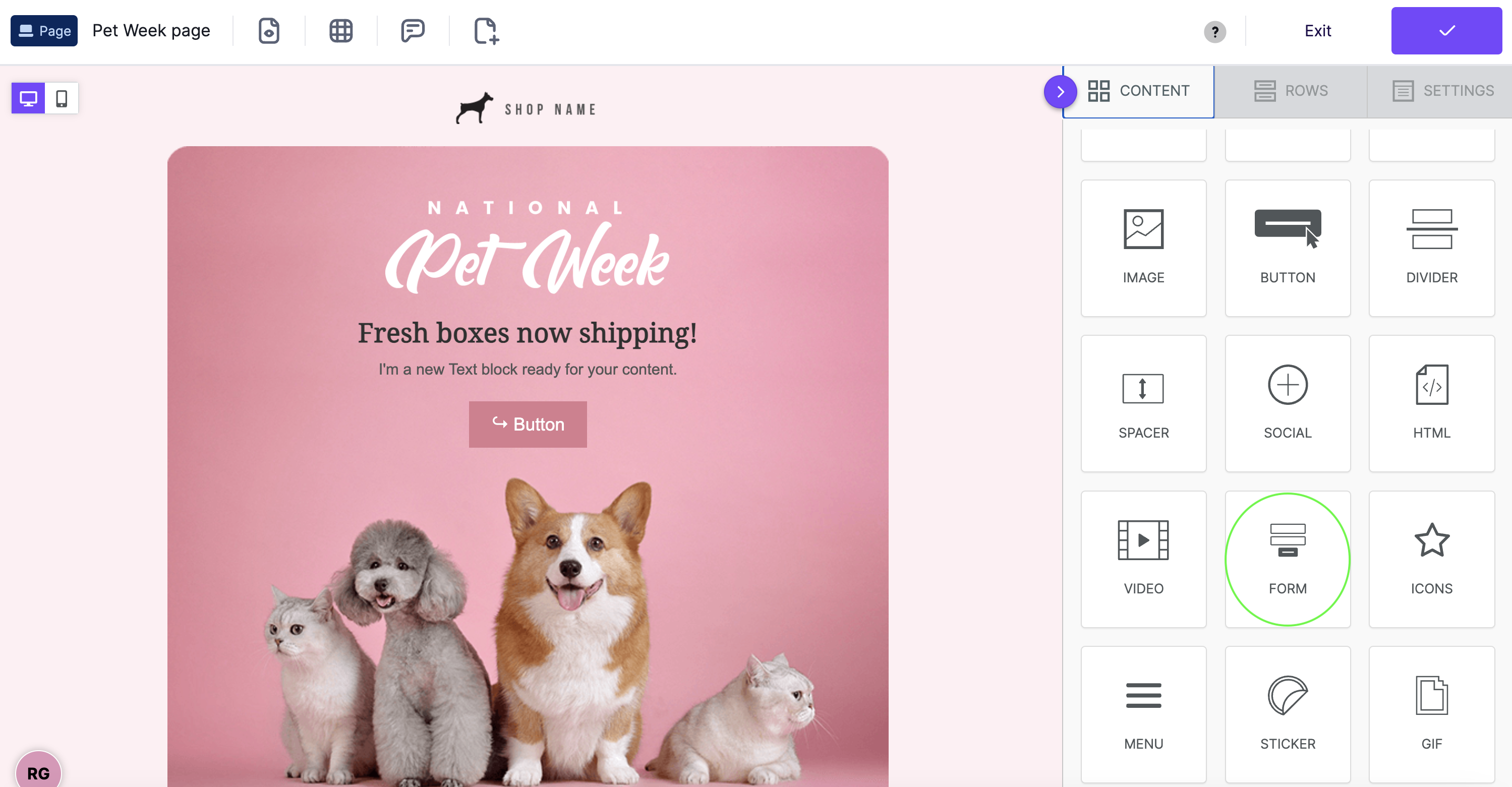
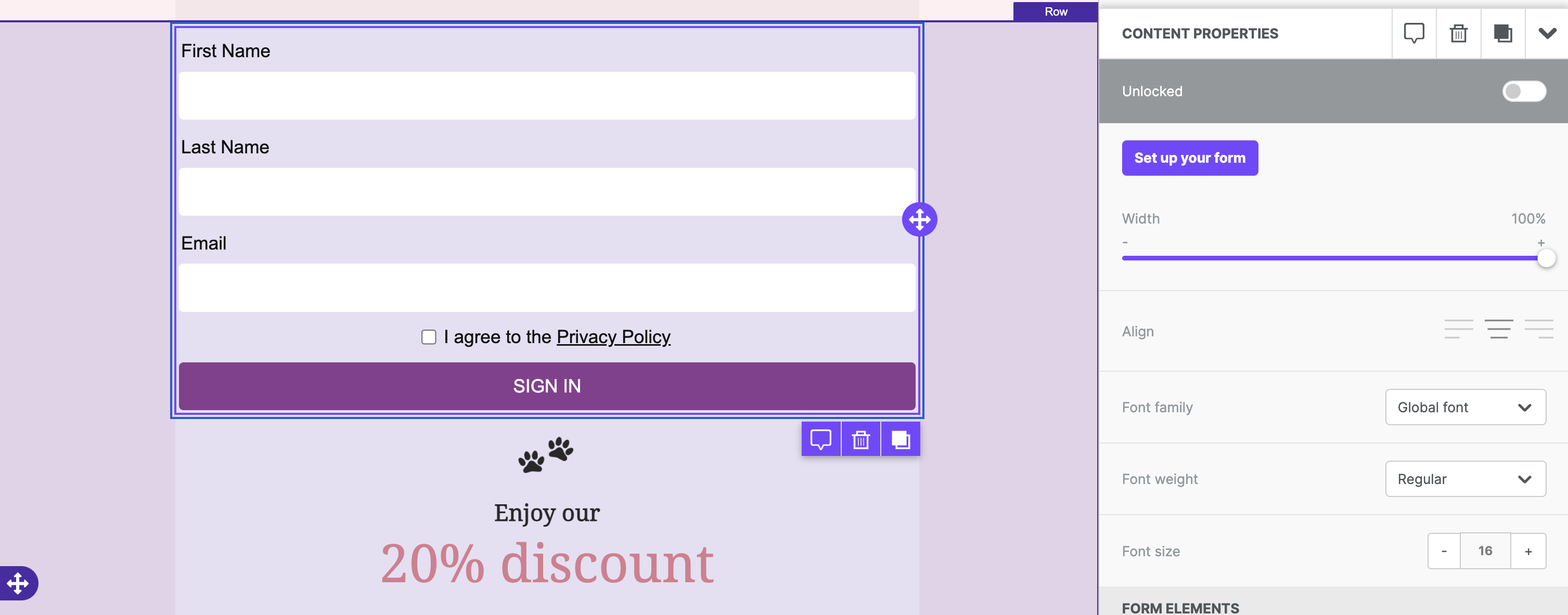
Every content block in the Page builder can have a block identifier. Turn on this toggle to use internal (anchor) links. The internal link option appears on any content block with a URL action.
Other differences include:
- More options for video content blocks.
- The custom HTML block keeps all of your custom code as you wrote it.
Rows
When you design pages, you can add video backgrounds to rows.
Settings
People often view web pages on larger screens than emails. As a result, the Page builder supports a wider range of content area widths. Your page designs can be up to 1440px wide.
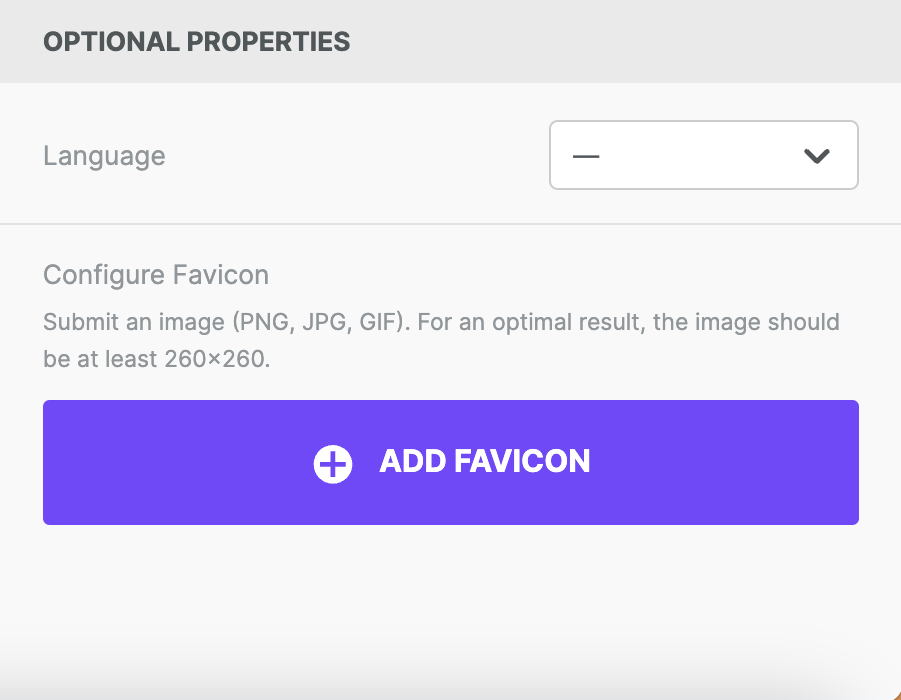
The Page builder also has a favicon option in the Settings tab. A favicon helps visitors find your page when they have many tabs open.

Export output and Publishing Pages
This feature is limited in the Starter plan. See below for further details.
Pages export with different HTML than emails. Page HTML skips the conditional comments used to target email clients. It usually includes more internal CSS instead. This is because web browsers support more CSS than email clients.
When you export a page, you'll see the same export options modal as for emails.
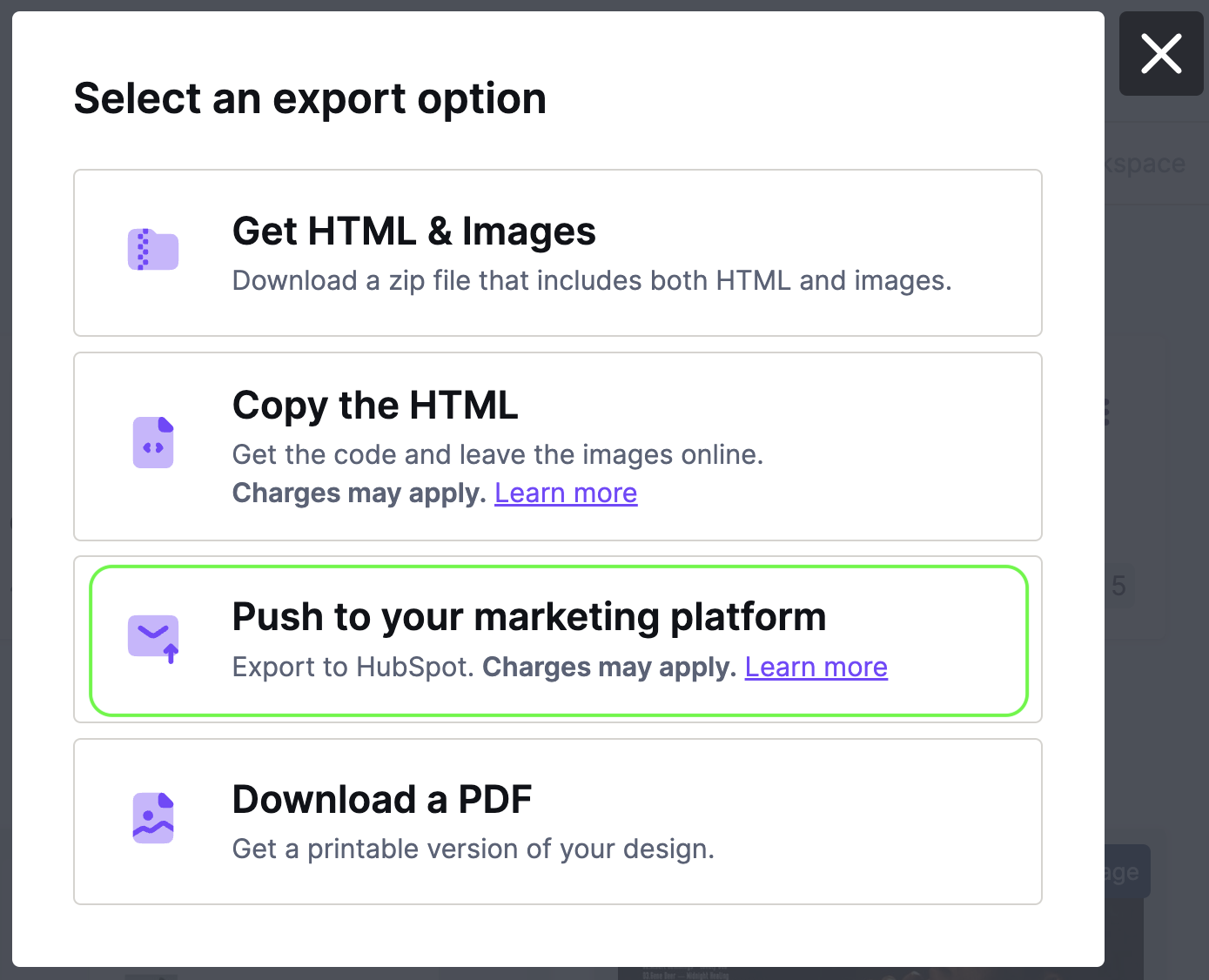
PDF exports and preview URLs are available on paid plans. When you export a page as a PDF, you can include extra details, like the title and meta description. To learn more about PDF exports, see Testing and exporting your emails with RGE Studio.
On a paid plan, you can publish your page from the Page details section. To learn how, see Using the Page Details Section. You can also customize the page slug or use a custom domain for published pages.
If you have any questions, feel free to contact us.
Comments
6 comments
I am loving Pages so far - it's truly helped my workflow so much. And I understand that, as with the original email product, designing it must be a tension between simplicity / ease of use and depth of the feature set.
Still, I must say that I'm already butting up against the need to more carefully tweak my Pages, especially the styles. Similar to how we're able to insert code, it would be amazing if there was a CSS editor of some sort to edit the "global" (internal) CSS for the page, or the ability to edit individual elements' styles. Right now, I'm trying to design a page in Pages that will have another page embedded in it, and matching the style of the embedded page in my BeeFree page is nigh impossible with the style options available to us now.
With that being said, again, thanks for this great beta product, and keep up the great work, please!
Hello! Thank you for your feedback. We really appreciate it! We are still working on the Pages feature so we are forwarding your feedback to our Product Team. Best.
The article says, "
You will find the new Publish feature with a corresponding toggle switch and instantly publish or unpublish your page when you are ready.
We provide you with a specific link for your page like this one- e.g. https://46y5k5e0v9.postedstuff.com/V2-SGFl-f9Cn-FSwW-bwR2/well-timed-calls/, which is composed of:
46y5k5e0v9.postedstuff.com, the main domain;
V2-SGFl-f9Cn-FSwW-bwR2, a random ID"
I don't see any of that at all when I toggle "Publish". How do I hook this to a GoDaddy account? Or is there a better way to get this seen online? What is the best /easiest way to do that?
Hello! You should see those elements in the Page Details area. If you need further assistance, please open a ticket using the widget in your BEE Pro account. Thanks!
hi there, I cannot using the "BUTTON" for open a new page anymore in preview, may I know why?
Hello Seno. Thank you for your comment. This is a recent change we implemented. We recommend testing the button after you've published your page and using the Open in a new tab link. Hope this will help.
Please sign in to leave a comment.