SVG Files

Beefree App is now RGE Studio!
The email design suite you already know and love just leveled up. We’re working hard to update our help center, but you still may see some references to the old product name.
Overview
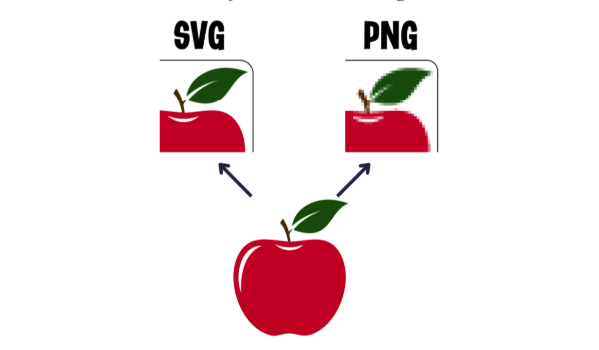
SVG (Scalable Vector Graphics) files are used for logos, icons, illustrations, and charts. They scale without losing quality. Their XML structure also helps with accessibility and SEO. Search engines and screen readers can access the text inside SVG files.
SVGs are not ideal for photographs. For photos, use JPEG or PNG instead. To learn more about SVGs, see the MDN Web Docs SVG guide.
Designing with SVGs
You can add SVG files using the file manager. SVG support varies across email clients. Here is a quick summary:
- Apple Mail on iOS: supported
- Apple Mail on macOS: partial support
- Gmail, Outlook, and Yahoo! Mail: not supported
For a full compatibility list, see the Can I Email SVG report.
Most modern web browsers support SVGs. This makes them a good option for landing pages in RGE Studio.
For emails, JPEG and PNG are the recommended formats. You can convert SVG files using free tools online. Here are two options:
If you have any questions, feel free to contact us.
Comments
0 comments
Please sign in to leave a comment.