Blue Links in Gmail

Beefree App is now RGE Studio!
The email design suite you already know and love just leveled up. We’re working hard to update our help center, but you still may see some references to the old product name.
This article applies to the Email builder in all plans.
Overview
Gmail automatically turns phone numbers, addresses, and email addresses into clickable blue links. You cannot stop Gmail from creating them, but you can control how they look.
Why Gmail creates blue links
When Gmail opens an email, it scans for contact information. This includes phone numbers, physical addresses, and email addresses. Gmail turns these into clickable links. Users can tap to call, open maps, or send an email.
The default blue link style can clash with your brand colors or design.
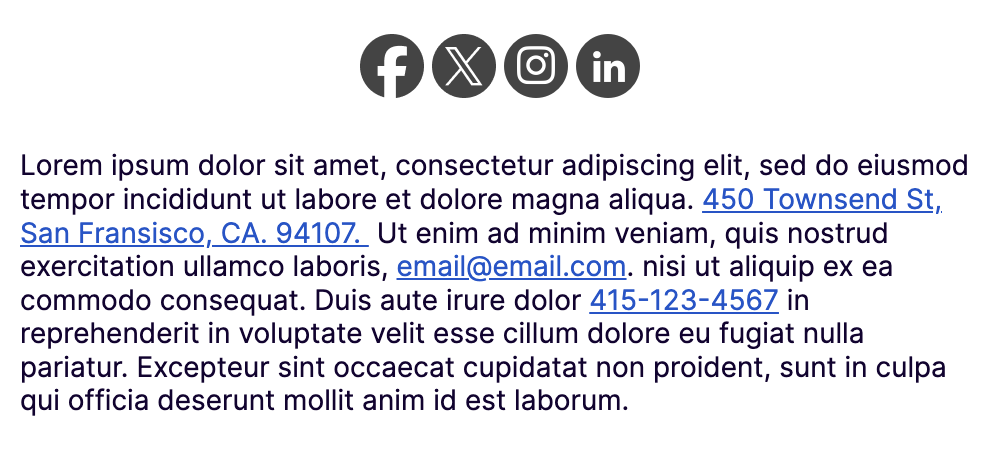
Controlling Gmail link colors
First, update your link color in RGE Studio:
- Open your design in RGE Studio.
- Click the Settings tab.
- Update the Link color.
- Confirm the change applies across your design.
Next, format your content as a hyperlink before exporting. See Building Content in RGE Studio for more details.
For phone numbers and email addresses, use tel: or mailto: links. These are the same links Gmail applies automatically.
For physical addresses, link to an address in Google Maps. Search for the address, then click Share to get your link.
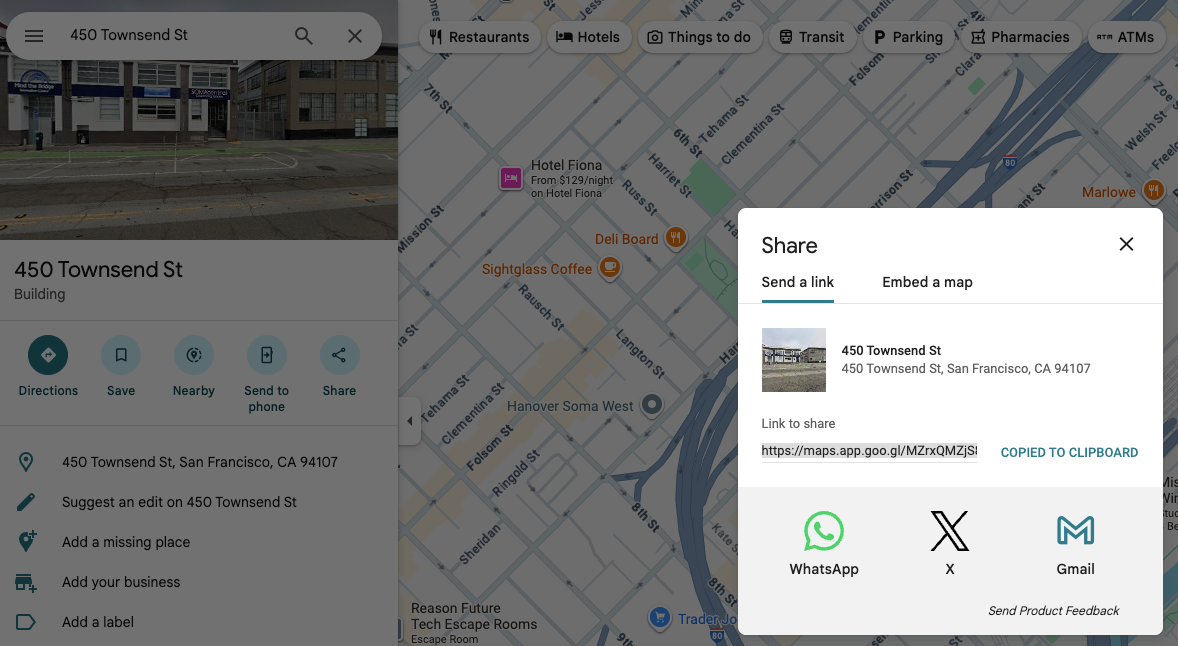
You can also link to your website or any other relevant URL.
If you have any questions, feel free to contact us.
Comments
0 comments
Please sign in to leave a comment.