RGE Studio: create, edit, organize, & export beautiful designs

Beefree App is now RGE Studio!
The email design suite you already know and love just leveled up. We’re working hard to update our help center, but you still may see some references to the old product name.
Overview
RGE Studio is an email and page design suite. You can save and organize your designs. If you work with a team, you can also use the collaboration features.
Save Your Designs in the Cloud
With your RGE Studio account, you can save designs from the builder in the cloud. On a paid plan, you can store your designs in Project folders. You can review, edit, share, and export your designs at any time.


Templates
Choose a template from the catalog or start from scratch. The catalog has email templates and page templates. You can also create your own custom templates.

Test and Export Designs
RGE Studio saves your designs on our servers and includes image hosting. These export options are available for emails and pages:
- Integrations (connectors)
- Get the HTML code
- Download HTML and Images (.zip file)
- Download PDF (paid plans)
See Testing and exporting your emails with RGE Studio for export options. See Hosted image delivery (CDN) in RGE Studio for image hosting.
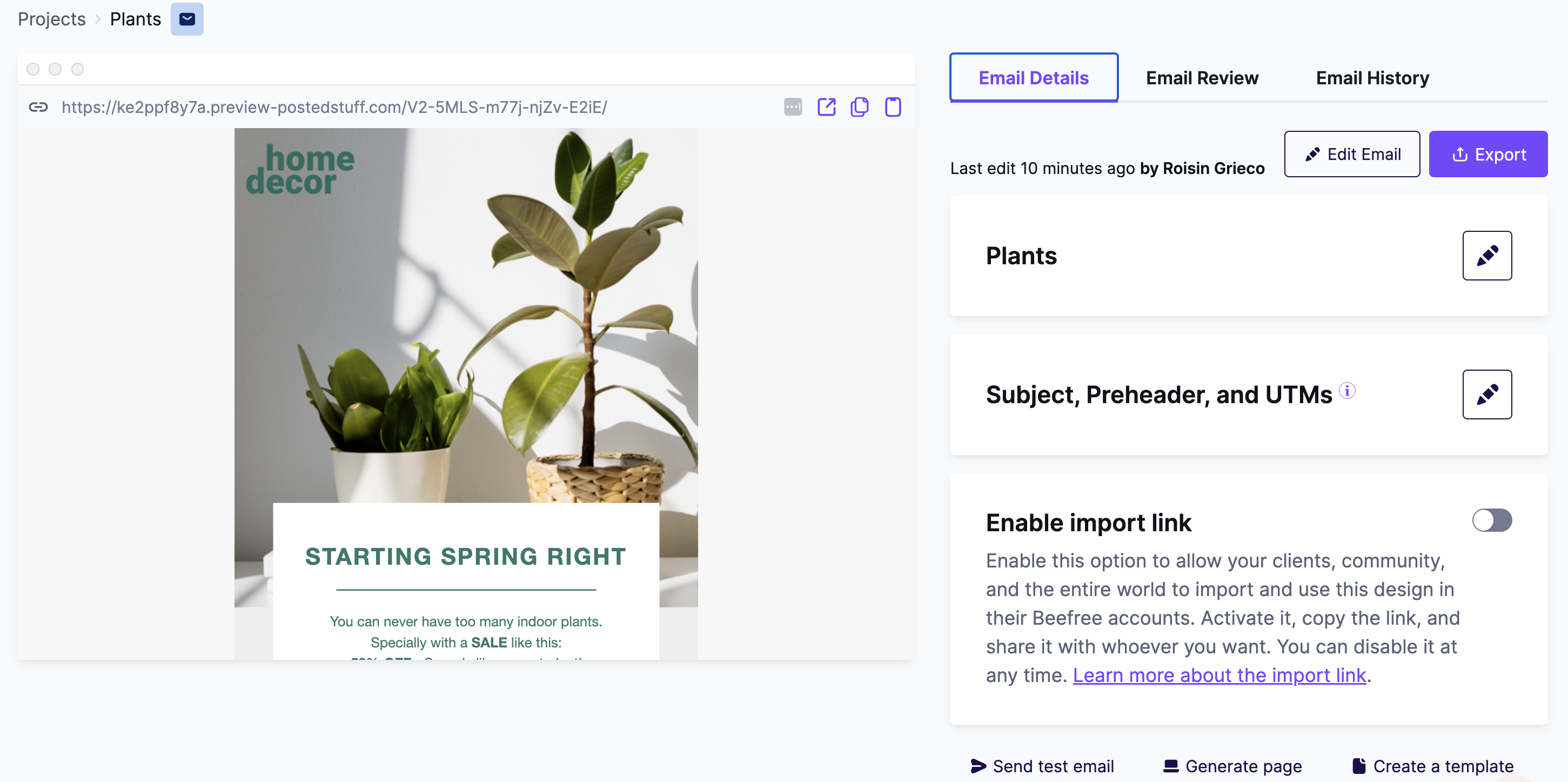
You can also publish and host pages in your RGE Studio account. Learn more in the Pages documentation.
Starter, Professional, Business, and Enterprise
RGE Studio has four plans. Select a plan to see what it includes:
- Starter (free)
- Professional
- Business
- Enterprise
For pricing, see How much is RGE Studio?
If you have any questions, feel free to contact us.
Comments
4 comments
Great, but I wish it would've let me carry over the message I built before creating an account =( Now I have to start over...Yes?
Hi Tom, yes, it's an issue that we are very aware of and will fix soon. We apologize for the waste of time that it created for you.
In the new Team version would we have the ability to create customer content components/parses that could be dragged and dropped in? For example if we have a footer formatted that would be used across multiple email templates -- could that be created as a draggable content source which the team could use so they don't have to recreate each time?
Can anyone help me? Actually, I tried to embed an iframe of youtube video in custom HTML code.In the preview, it's displaying, but while sending through email that whole section(video) is missing in the mail. Thank You.
Please sign in to leave a comment.