RGE Studio Footer

Beefree App is now RGE Studio!
The email design suite you already know and love just leveled up. We’re working hard to update our help center, but you still may see some references to the old product name.
This article applies to the Starter plan.
Overview
If you use the Starter plan, every design includes a RGE Studio Footer. It appears at the bottom of your email or landing page.

If someone clicks the footer, they go to the Really Good Emails homepage. This works the same in emails and landing pages.
On Starter plans, this footer cannot be removed. You can change the footer's font to match your branding. Update this in the Default font setting on the settings tab.
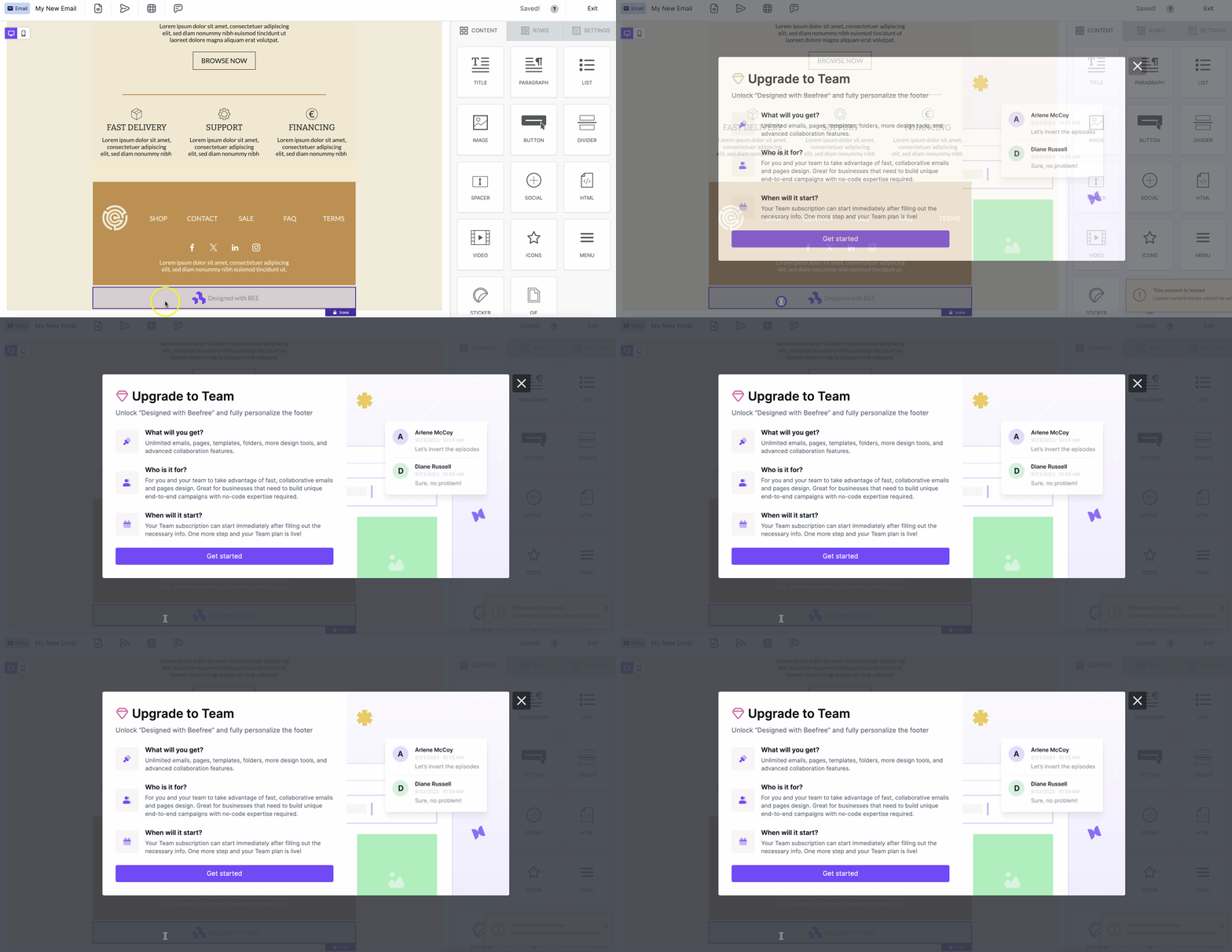
The row containing the RGE Studio Footer is locked. Clicking this content opens a pop-up that prompts you to upgrade. To move the footer within your design, drag new or existing rows below it.
Removing the RGE Studio Footer
The RGE Studio Footer stays in place due to the lock content/row feature. This is a feature available only on paid plans.
The RGE Studio Footer unlocks automatically when you upgrade. This happens on Professional, Business, and Enterprise plans. New designs on paid plans start without the RGE Studio Footer.
If you have any questions, feel free to contact us.
Comments
0 comments
Please sign in to leave a comment.